
Account and subscription
My account: what you'll find there
"My account" gathers your identity, your subscription, your invoices, your preferences, your password and account deletion. Each block has its own detailed article.
Before you start
- The page exists for every account, with or without a subscription.
Open My account
Click "Settings", then the "My account" card, which shows your plan. Other way: at the very bottom of the menu, click your name, then "My account".
Identity
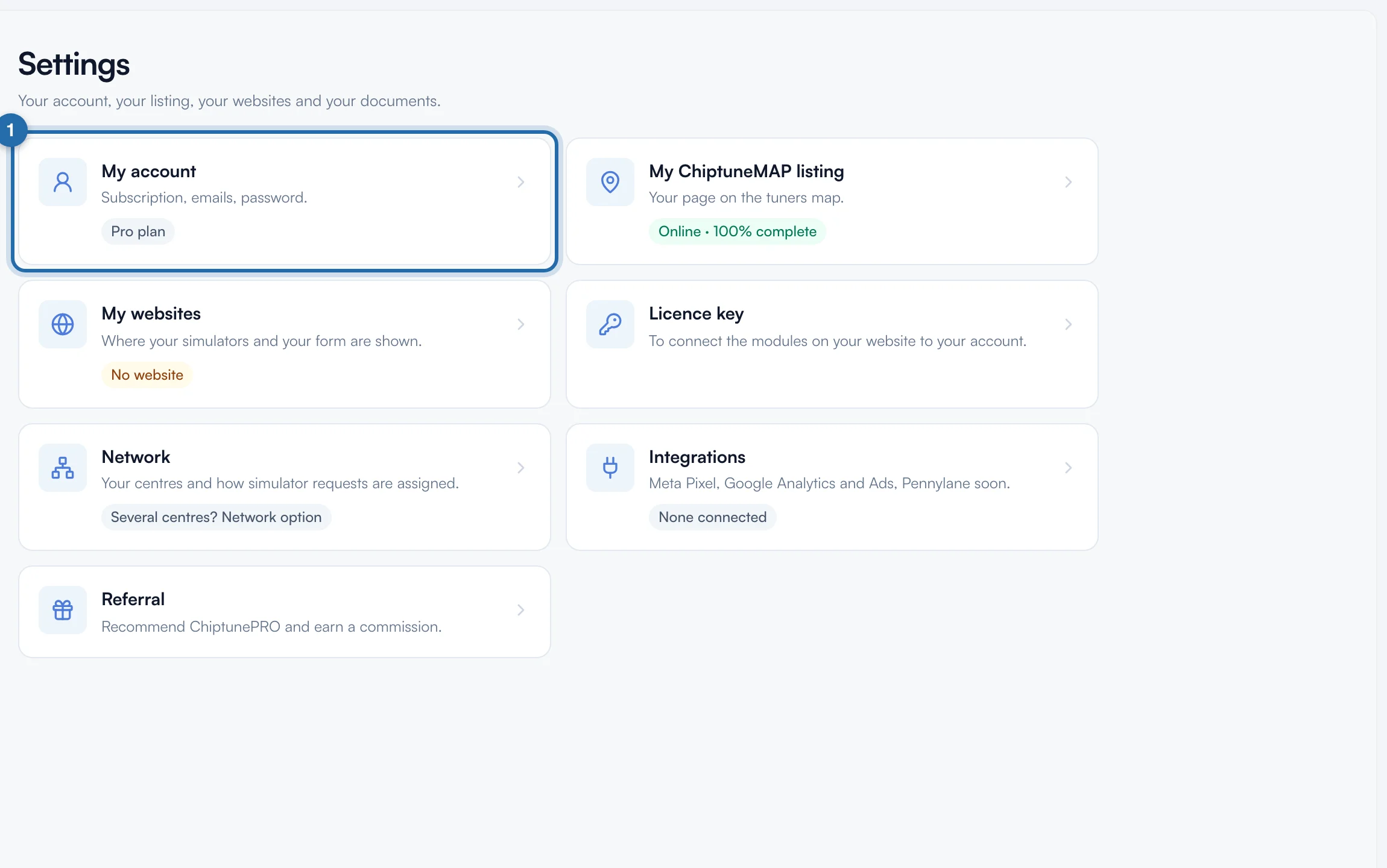
The "Identity" card shows your "Email", your "Name", the "Garage name" and the "Website". "Edit" next to the garage name opens "My ChiptuneMAP listing"; next to the website, "My websites". The email and the name are changed through the chat, from the "help center" link under the card.
Subscription
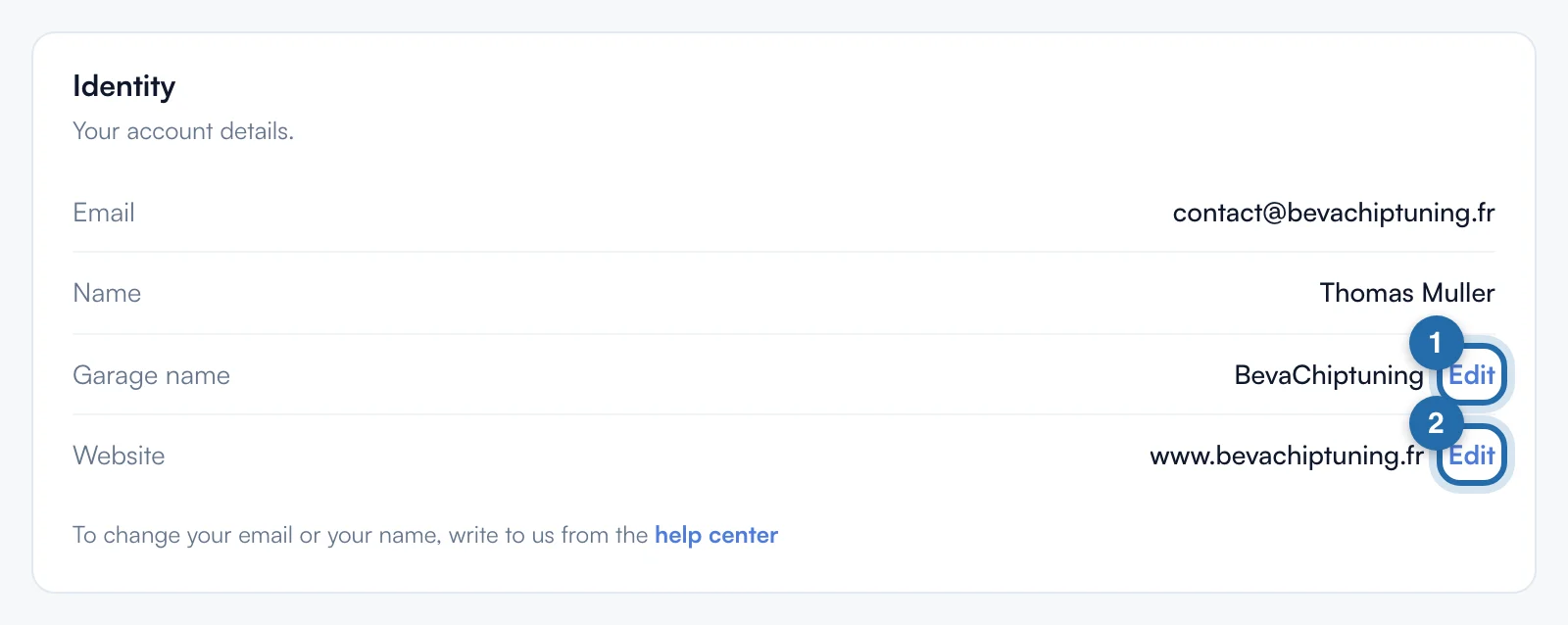
The "Subscription" card gives your plan, its price, its status ("Active", "Free trial", "Cancelled" or "Payment pending") and the next date. "Change plan" opens the plans, "Payment method" your Stripe space, "Cancel" stops the renewal. The "No-commission deposit" and "Network option" options are below. Without a subscription, the card shows "No subscription" and "See plans".
My invoices
"My invoices" lists each payment of your subscription with its "PDF" button. The "Billed to" block sets the company name, address and VAT number printed on the invoices.

Language, country and emails
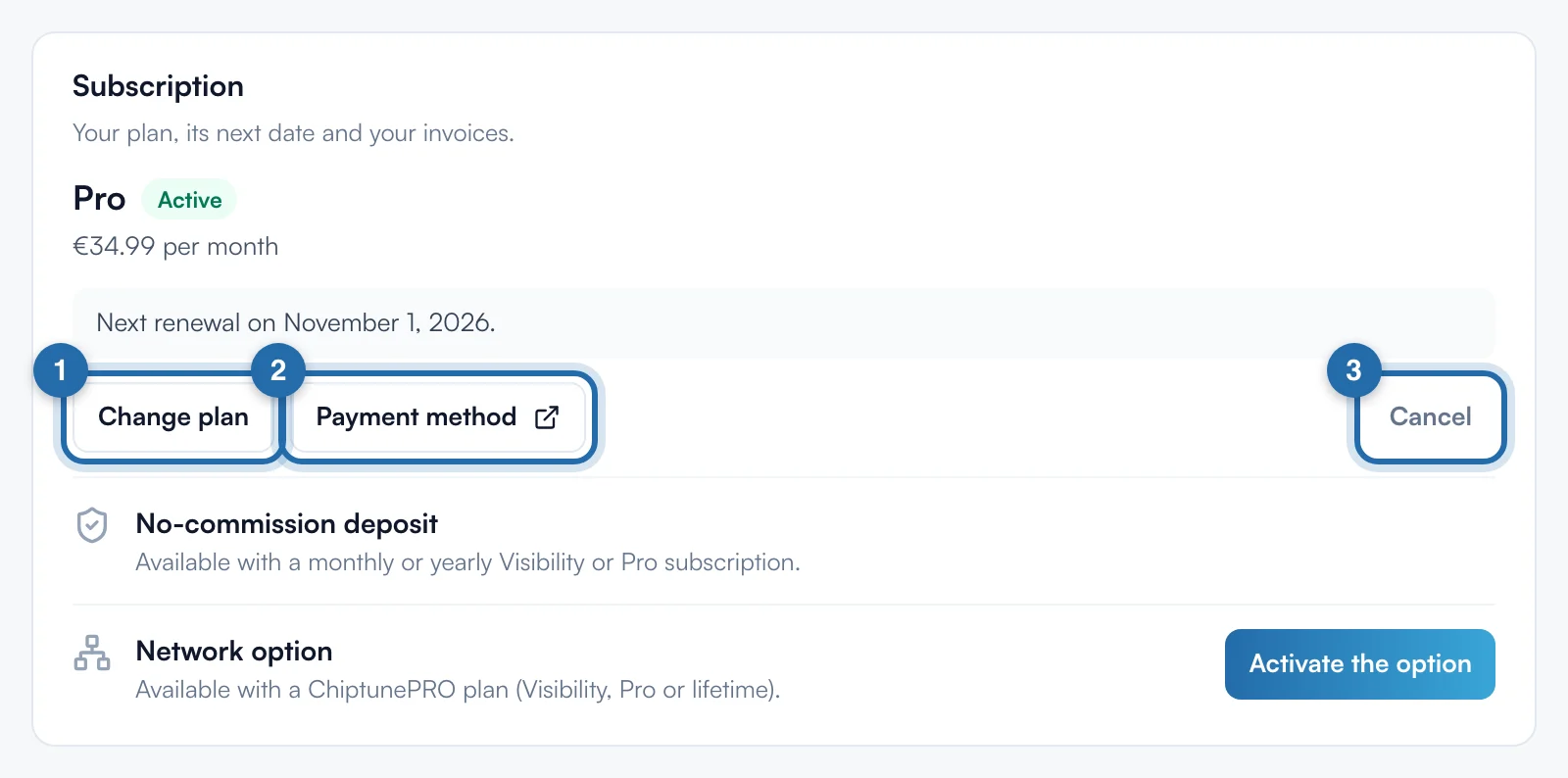
"Language and country" sets the app "Language", the "Country", the "Time zone" and the "Price currency". "Emails" turns on or off "Requests", "Appointment reminders" and "Chiptune news and offers": each choice is saved on click.
Password
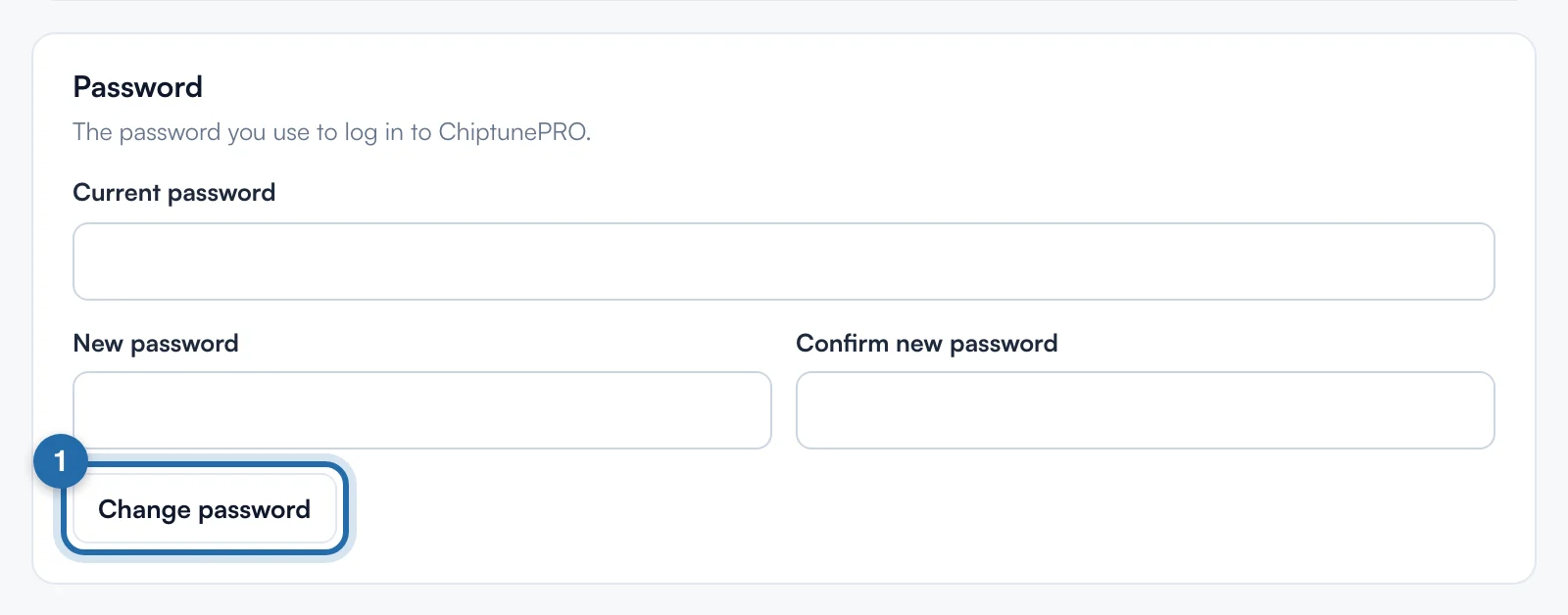
In "Password", fill in "Current password", "New password" and "Confirm new password", then click "Change password".
Delete my account
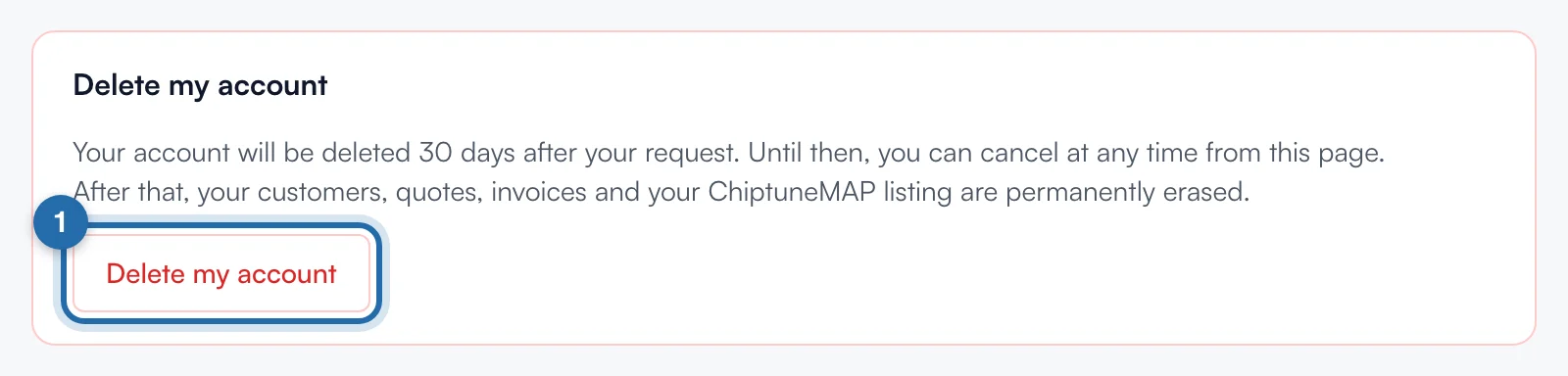
At the very bottom, "Delete my account" schedules the deletion 30 days later, and it can be cancelled until then. With an active subscription, you must cancel it first.
If it doesn't work
- I can't find where to change my email.
- It cannot be changed online. Click "help center" under the "Identity" card, then "Chat with us", and give the old and new email.
- The "Cancel" button does not appear.
- It only exists for a subscription paid by card with Stripe. A lifetime plan or a subscription paid another way is not cancelled from this page: write to us in the chat.
- The card shows "Payment pending".
- The last payment did not go through. Your tools stay open during new attempts: click "Payment method" to check or change your card.
- I want to change my garage name.
- Click "Edit" next to "Garage name": "My ChiptuneMAP listing" opens. Change the "Garage name" in "Identity" and click "Save".