
Help center
Account and subscription
Changing my email or my name
The account email and name are changed on request, through the chat.
See what you can change yourself
In "Settings" > "My account", "Identity" card, the "Garage name" and "Website" each have an "Edit" link. The email and the name do not: for your security, they cannot be changed online.

Write to us
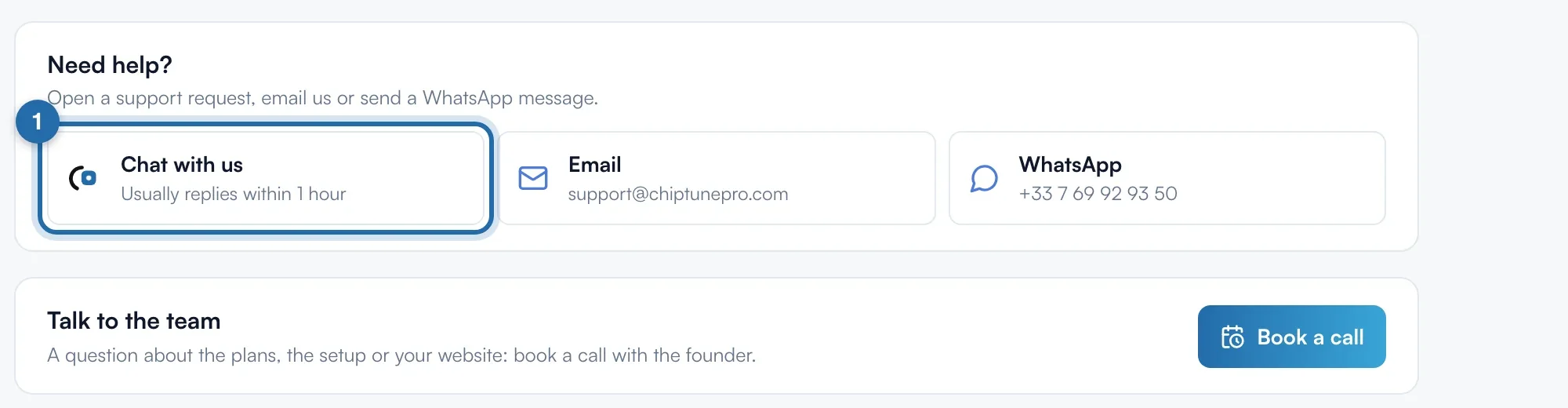
Click "help center" under the card, or "Help" in the menu. At the bottom of the page, in "Need help?", click "Chat with us" and give the old and new email, or the new name. Reply usually within 1 h.
Change the password
This one you change yourself: in "My account", "Password" card, fill in "Current password", "New password" and "Confirm new password", then click "Change password".
If it doesn't work
- I want to change the name shown to my customers.
- That is the "Garage name": click "Edit" next to it, in the "Identity" card.
- The name on my ChiptunePRO invoices is wrong.
- You change it in "My invoices", "Billed to" block, "Edit" button.
- "Fill in the three fields."
- All three password fields are required, and the two new ones must match.