
Account and subscription
Changing plan
Switch from Visibility to Pro, or the other way round, and choose monthly or yearly.
Open the plans page
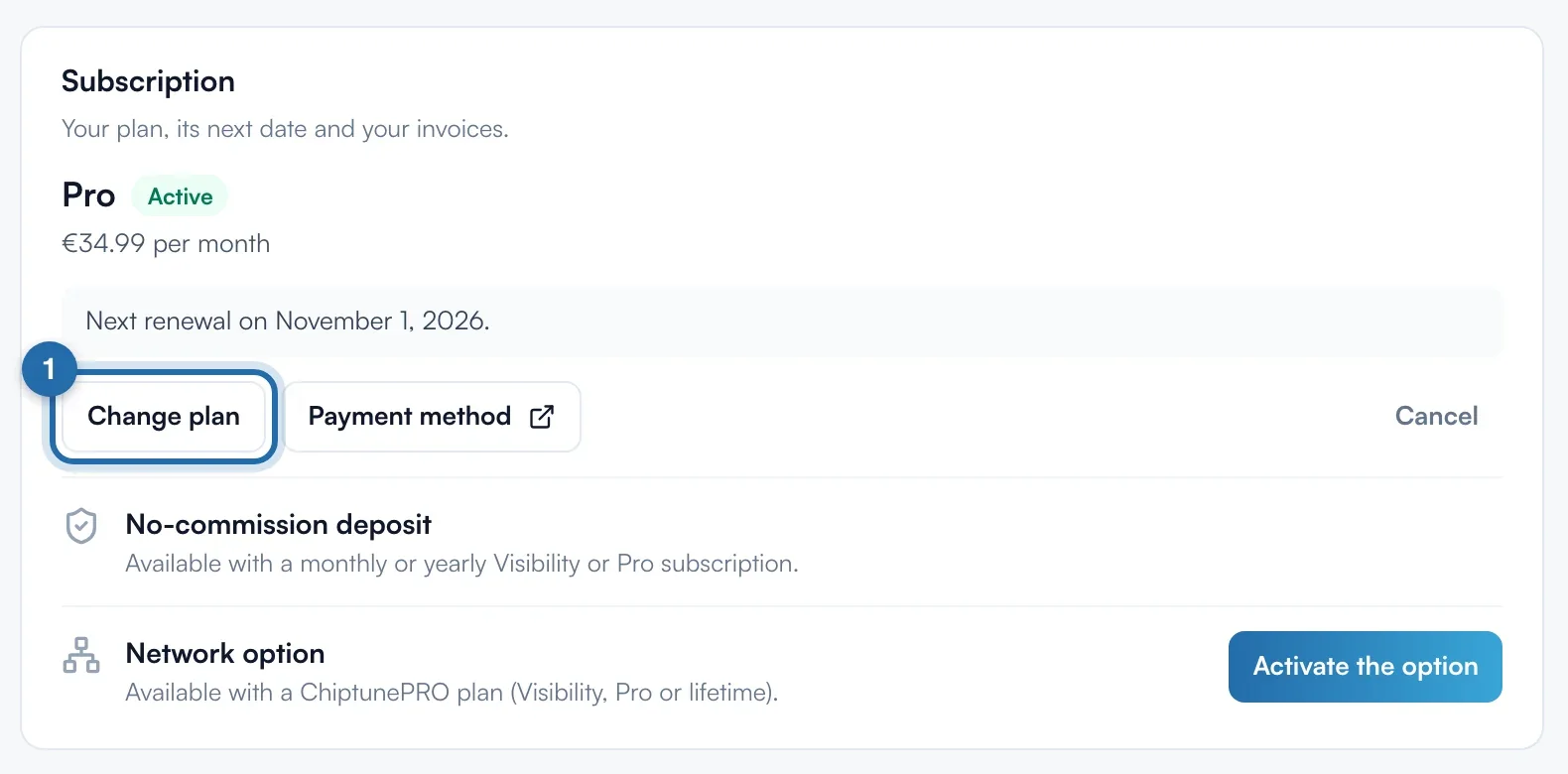
In "Settings" > "My account", "Subscription" card, click "Change plan". Without a subscription, the button is called "See plans".
Choose monthly or yearly
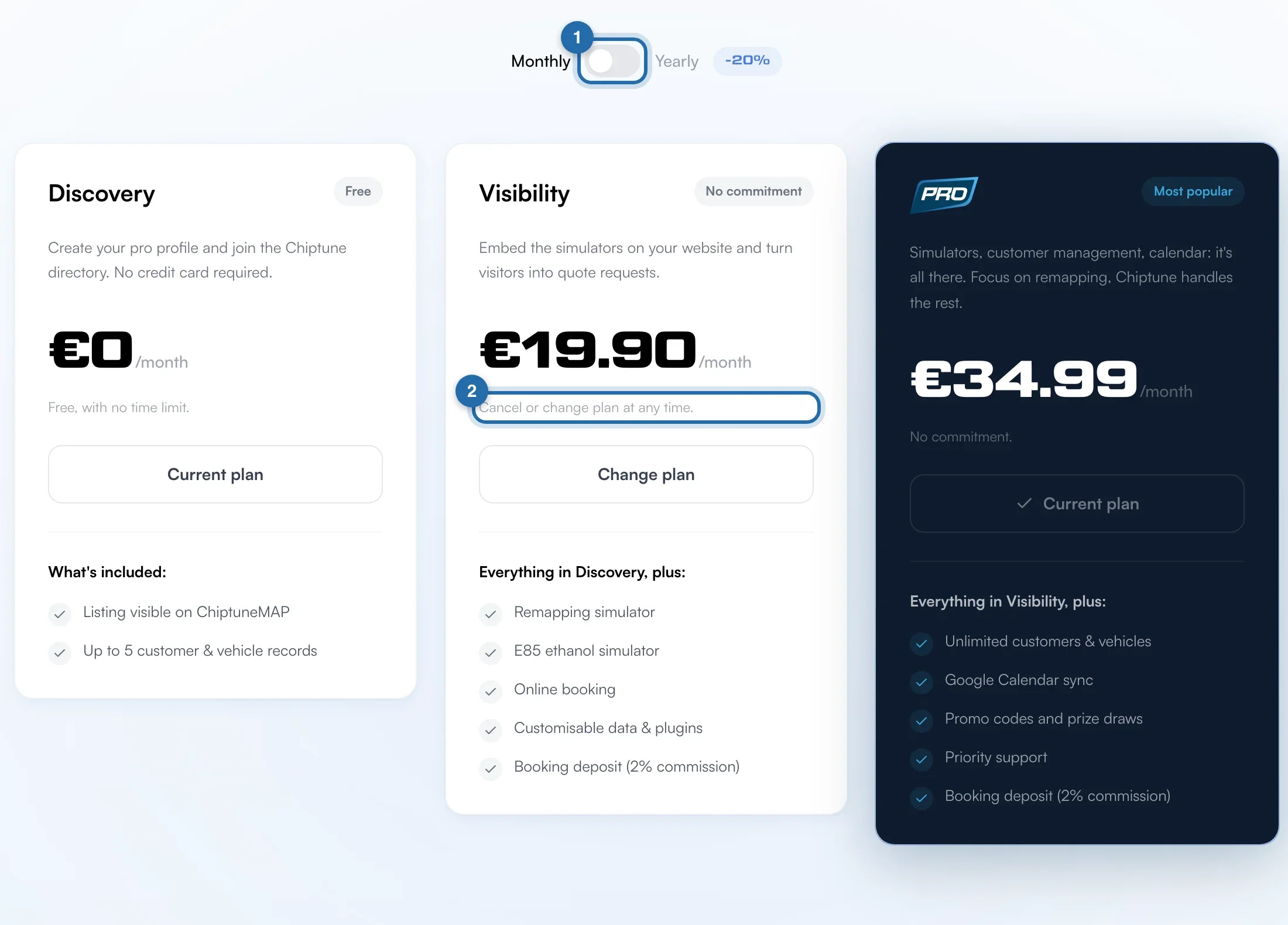
At the top of the plans, the switch goes from "Monthly" to "Yearly" (-20%). Monthly prices: Visibility €19.90, Pro €34.99. On yearly, the total price billed for the year shows under the price.
Change plan
Under the plan you want, click "Change plan". Your current plan shows "Current plan". Depending on the case, the change applies straight away with a confirmation message, or a Stripe payment page opens.
Check
At the top of the page, the "Your subscription" card shows the new plan, its price and the next renewal date. "Manage my subscription" takes you back to "My account".

If it doesn't work
- What happens to my options?
- The "Deposit without commission" and Network options can be added to any plan. They show in the "Your subscription" card, with "Add" or "Manage".
- The button shows "Lifetime active".
- You have a lifetime subscription: it cannot be changed from this page. Write to us from the chat.
- I want to switch to the free plan.
- Cancel your subscription in "My account". You keep your tools until the end of the paid period.