
Attract customers
My link page: the link in bio chiptunepro.com/@your-garage
A page for your Instagram or TikTok bio, with your links, your social accounts and the garage widgets: quote request, simulator, bookings, reviews, builds. It is free for every account, with “Page made with ChiptunePRO” at the bottom.
Before you start
- Every account, Discovery plan included. No website needed.
- A visible ChiptuneMAP listing: the page uses its address. Otherwise the editor shows “Your page uses your listing's address. Make your listing visible to publish the page.”
- The first time, the quick setup opens by itself: see the article “Link page quick setup”.
Open My link page
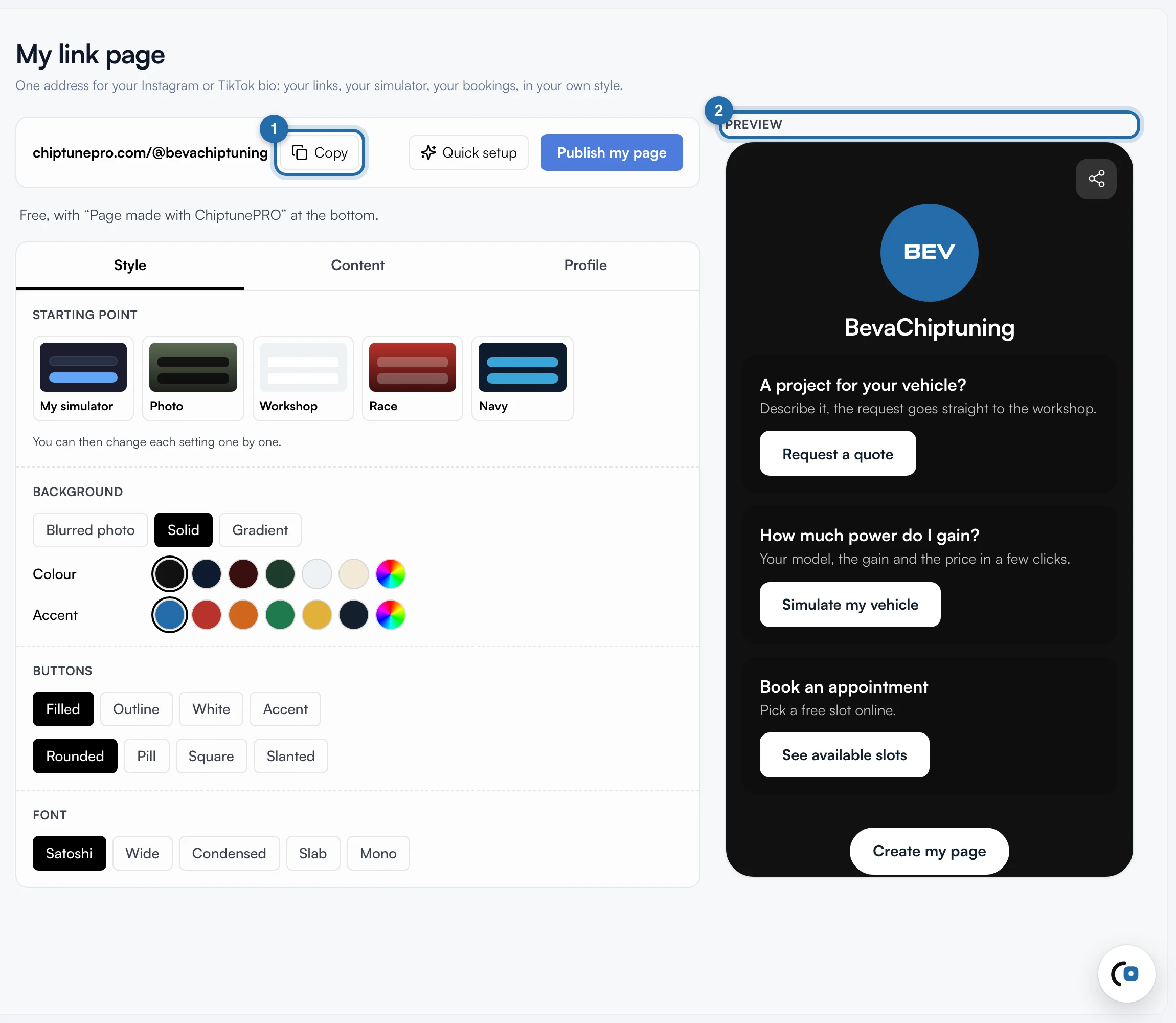
In the menu, under “Attract customers”, click “My link page”. At the top: your address chiptunepro.com/@your-garage with “Copy”, and “Open” once the page is saved. On the right, the phone-sized “Preview” follows every setting before you save.
Choose the style
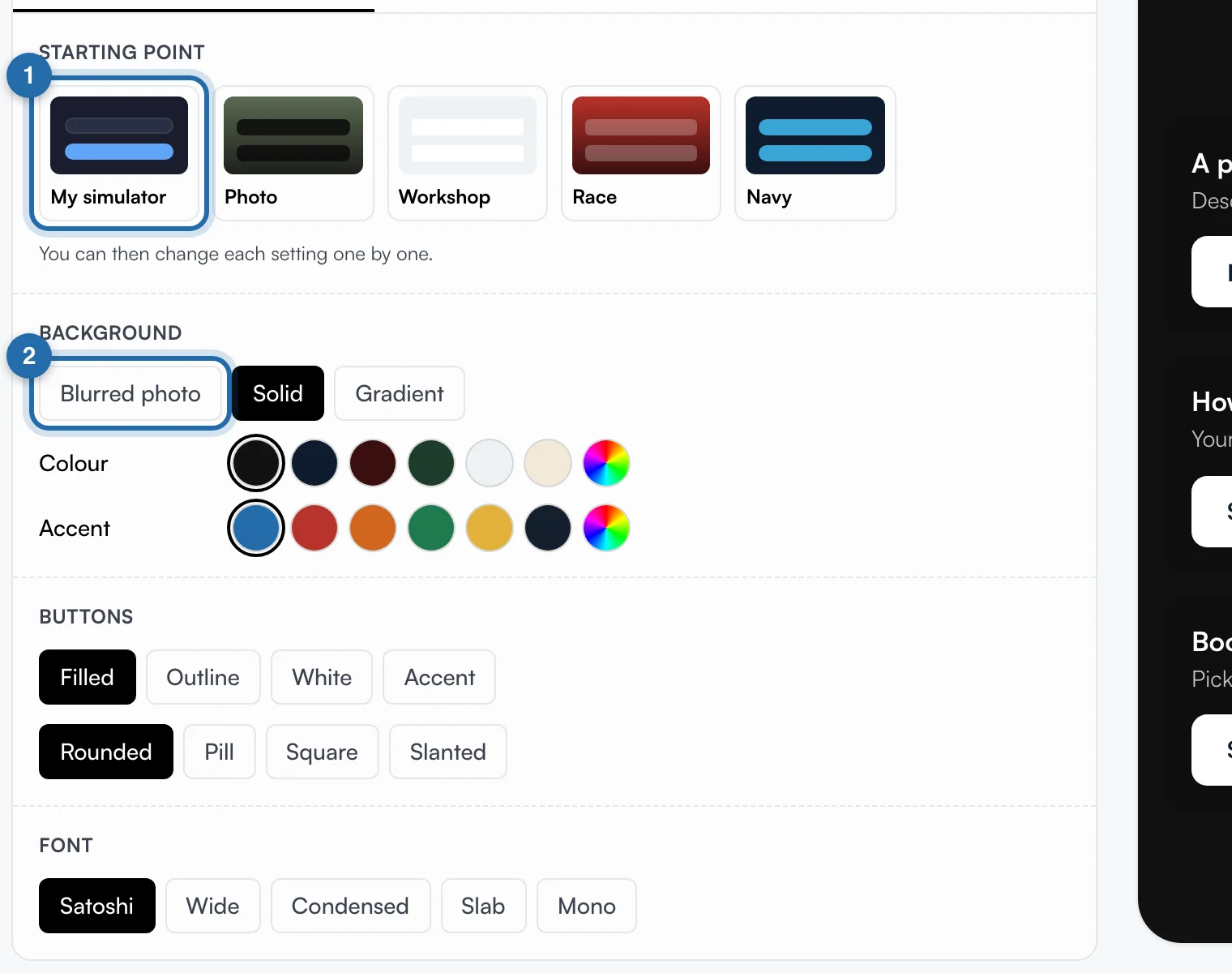
“Style” tab. Under “Starting point”, click “My simulator” (your simulator's colour and corners), “Photo”, “Workshop”, “Race” or “Navy”. Then set the “Background” (“Blurred photo”, “Solid” or “Gradient”) with its “Colour” and the “Accent”, then the “Buttons” (“Filled”, “Outline”, “White”, “Accent”; “Rounded”, “Pill”, “Square”, “Slanted”) and the “Font”.
Fill in the profile
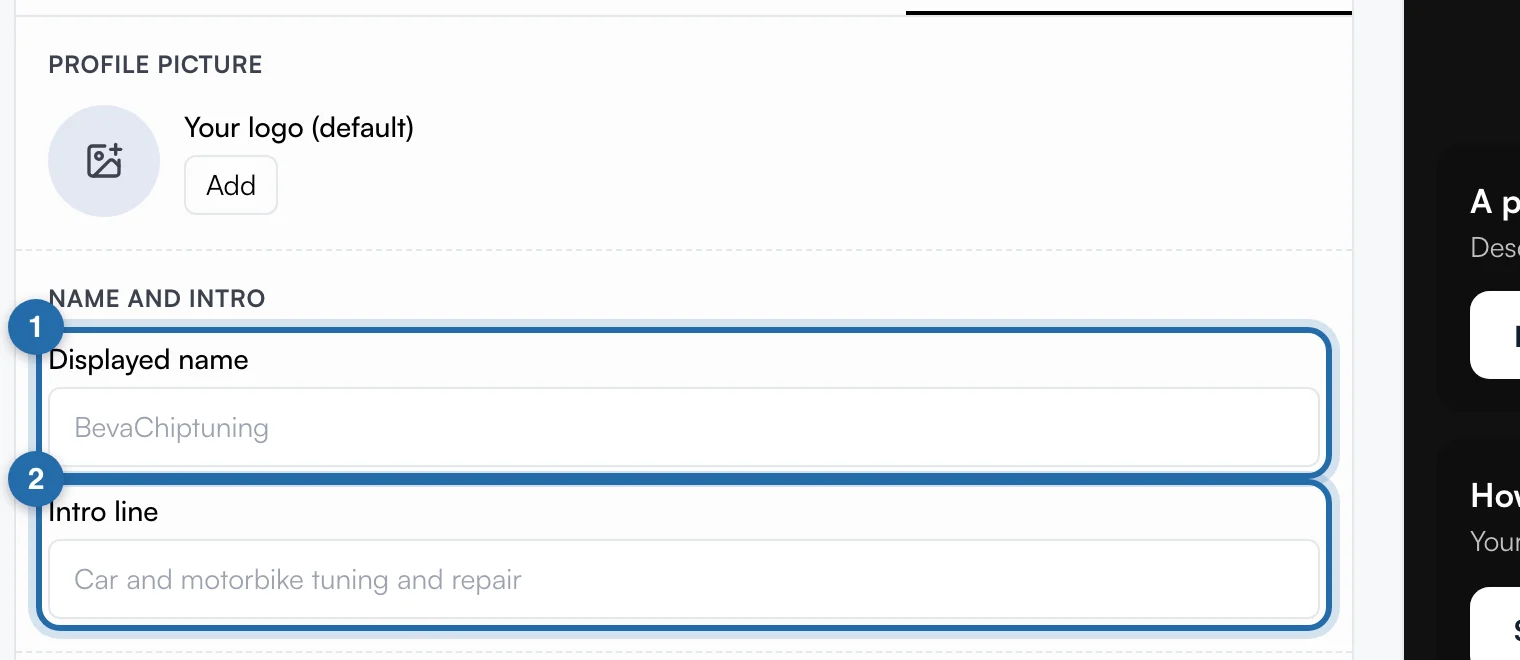
“Profile” tab. The “Profile picture” is your logo by default: “Add” or “Change” puts another one, JPG, PNG or WebP up to 8 MB. The “Displayed name” (60 characters) and the “Intro line” (160 characters) show under the picture.
Add your social accounts
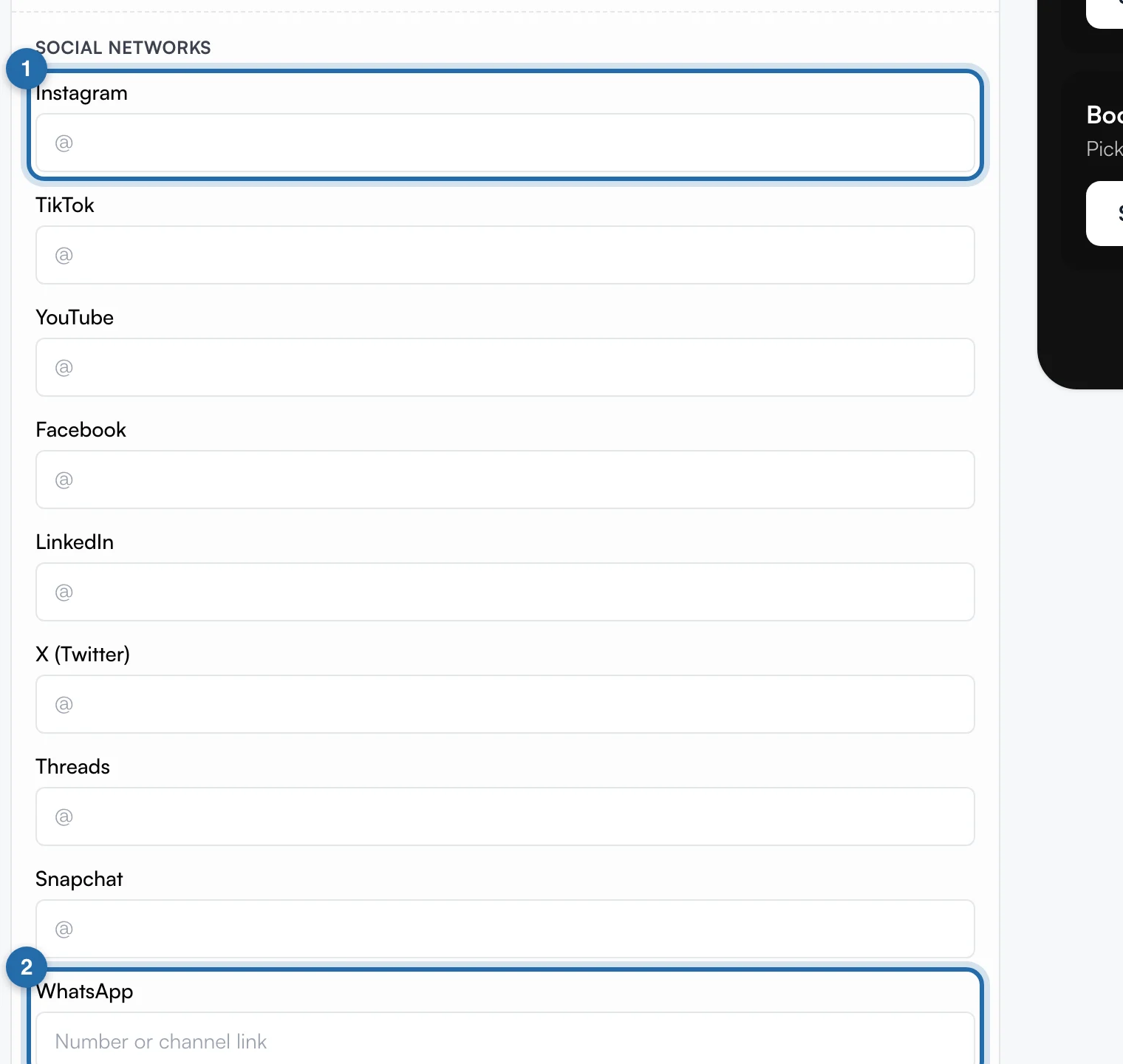
Still in “Profile”, under “Social networks”: Instagram, TikTok, YouTube, Facebook, LinkedIn, X (Twitter), Threads, Snapchat and WhatsApp. Type your account name or paste your profile address. For WhatsApp, your number or a WhatsApp channel link. Each filled account becomes an icon at the top of the page.
Add the ChiptunePRO widgets
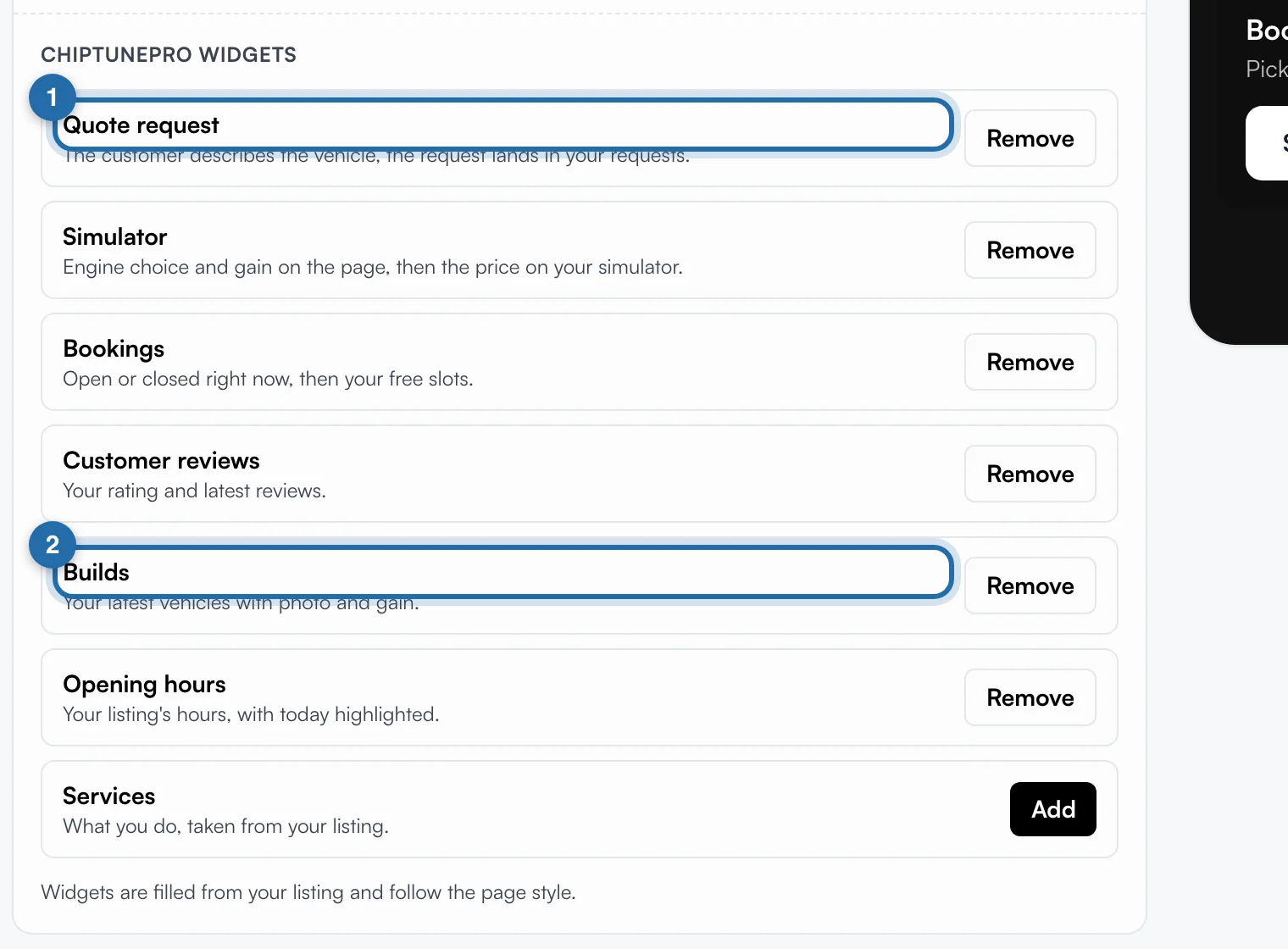
“Content” tab, “ChiptunePRO widgets” section: “Quote request”, “Simulator”, “Bookings”, “Customer reviews”, “Builds”, “Opening hours” and “Services”. Click “Add” or “Remove”. They are filled from your ChiptuneMAP listing. A widget with no data is greyed out with the reason, for example “No published build with a photo.”
Add a link, a heading or a carousel
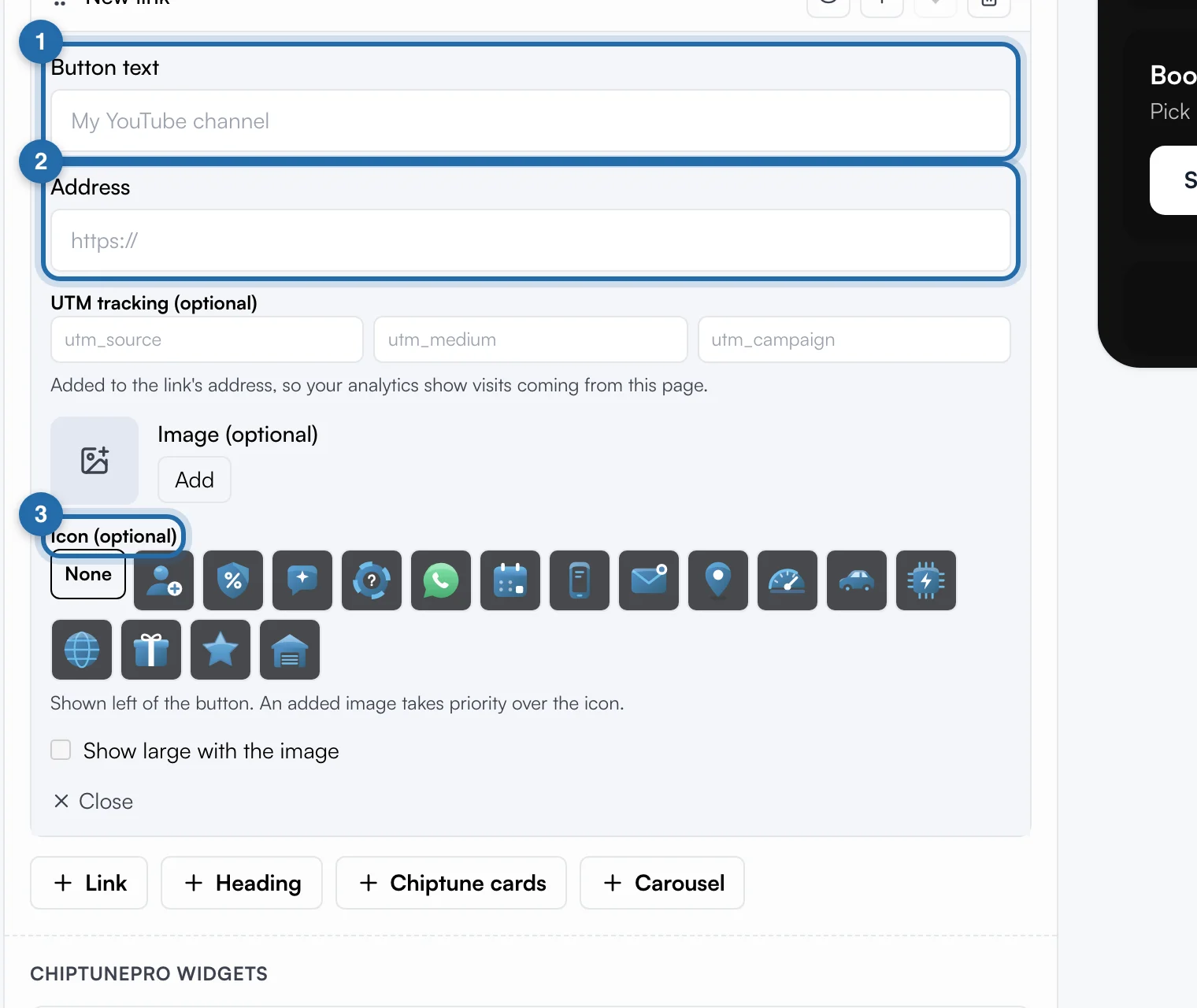
Under “On the page”, the “Link”, “Heading”, “Chiptune cards” and “Carousel” buttons add a block at the bottom of the list. For a link, fill in “Button text” and “Address”. Optional: “Image (optional)”, “Icon (optional)”, “Show large with the image” and “UTM tracking (optional)”. In a carousel, “Card” adds your own card; a Chiptune card left empty keeps its text, link and image, translated for the visitor.
Arrange the blocks
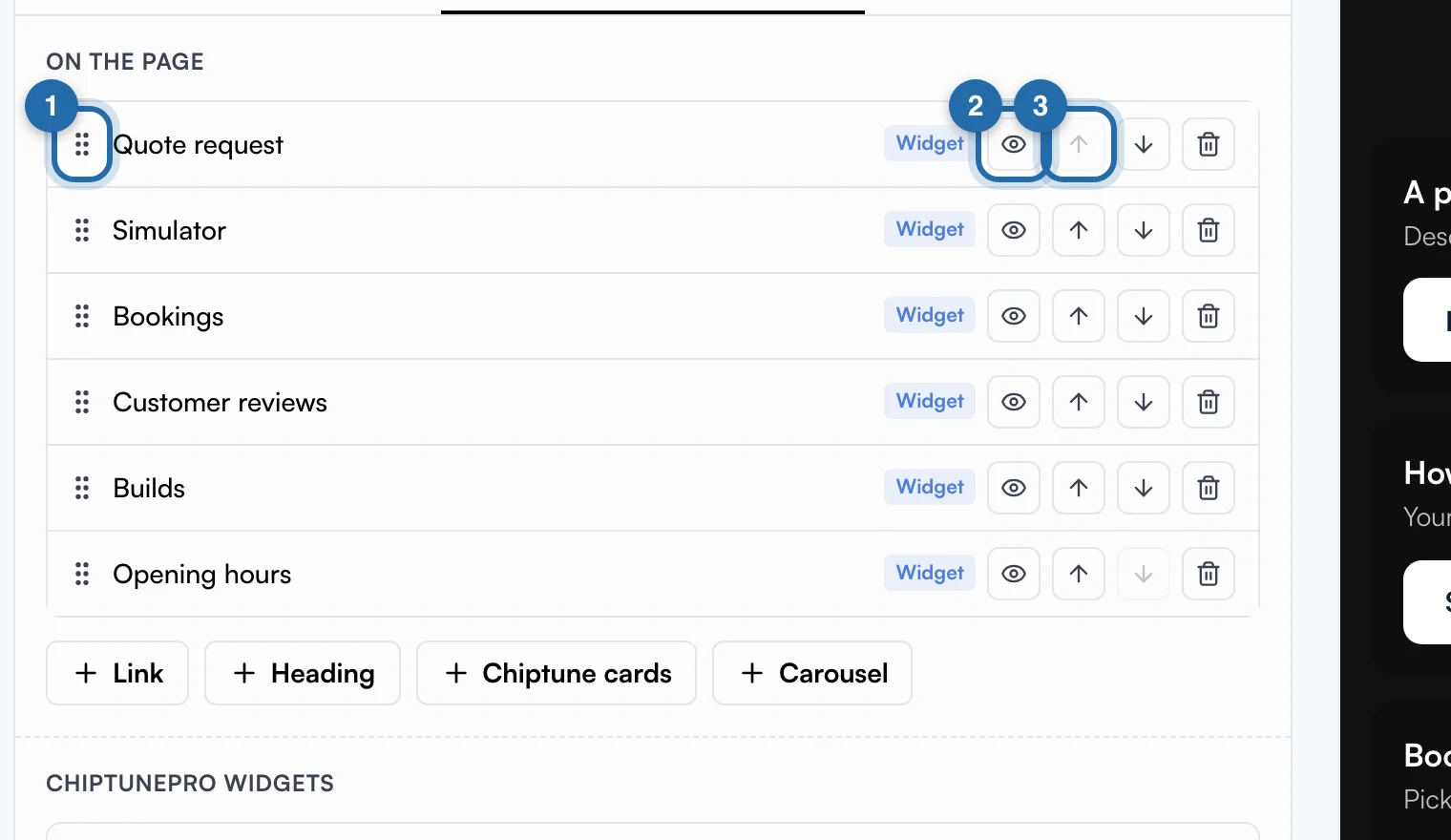
On each line: the handle to drag the block, the eye to “Hide” or “Show”, the “Move up” and “Move down” arrows, and the “Delete” bin. A hidden block is struck through and stays in the list. Click the name of a link, heading or carousel to open and edit it.
Save and share
Click “Publish my page” the first time, then “Save” after each change. “Saved” confirms. “Copy” takes the address: paste it in Instagram (Edit profile › Links › Add external link) or TikTok (Edit profile › Website, with a business account).

What your customer sees
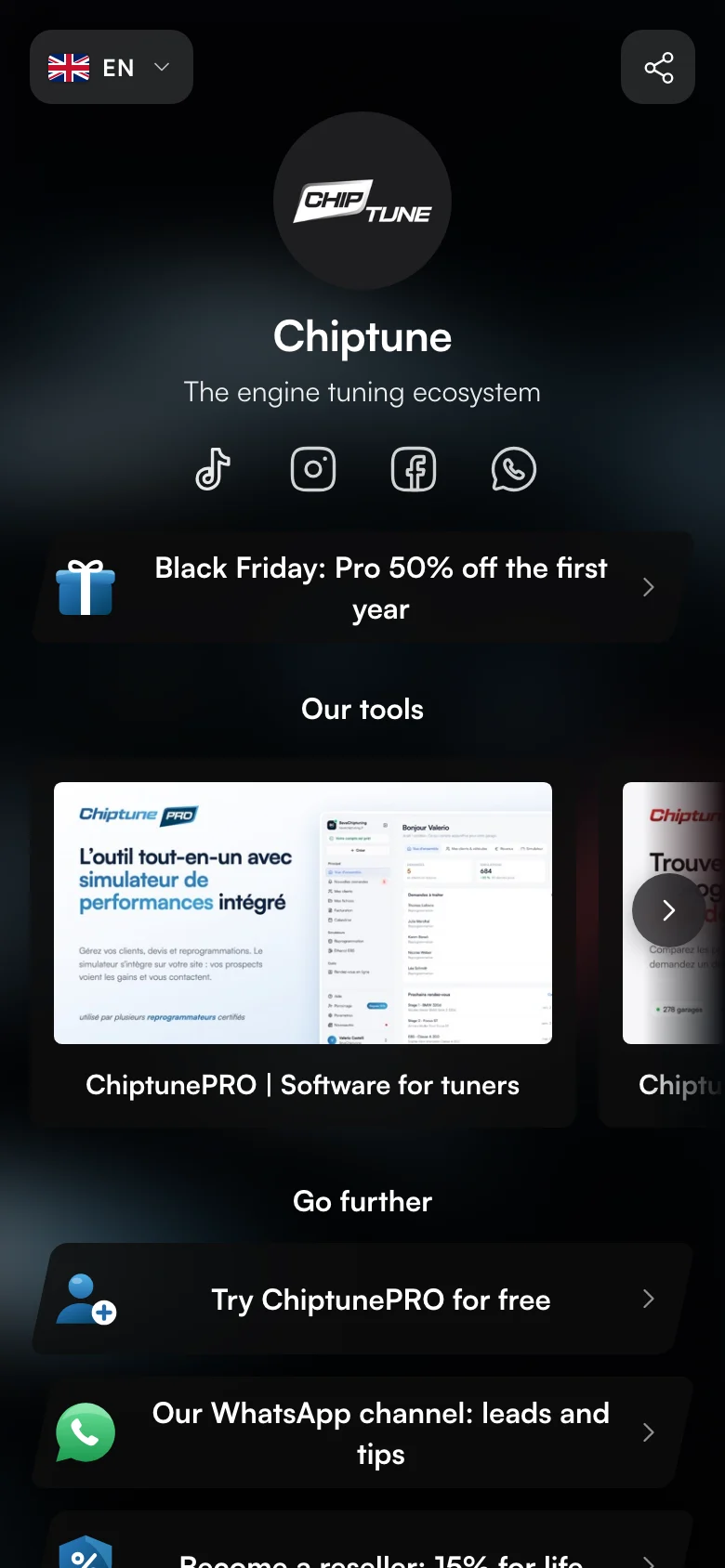
From your bio, the customer lands on chiptunepro.com/@your-garage: your picture, your name, your social accounts, then your blocks in the order you chose. “Simulate my vehicle” opens your simulator full screen without leaving the page, “See available slots” leads to your booking page and “Request a quote” to your ChiptuneMAP listing. The page shows in the language of their phone; they can pick French, English, Spanish or German with the flag at the top. “Page made with ChiptunePRO” is at the bottom.
If it doesn't work
- I see no address, only “My listing”.
- Your ChiptuneMAP listing is not visible, so the page has no address. Click “My listing” and publish it.
- How do I change @your-garage?
- It is your ChiptuneMAP listing's address: change it in “Settings” › “My ChiptuneMAP listing”. The old address redirects to the new one, but update your bio anyway.
- My link disappeared after “Save”.
- A link without “Button text” or “Address” is not kept. The address must start with http or https; “example.com” becomes https://example.com.
- My intro line stays in French for an English visitor.
- Widget buttons and Chiptune cards are translated. Your own texts (name, intro, headings, links) show as you typed them.
- Can I remove “Page made with ChiptunePRO”?
- No. The mention stays at the bottom of every link page, Pro plan included. The Pro plan removes it from your simulators, your form and your booking page.