
ChiptuneMAP
Add my work
Show the vehicles you have tuned, with their gains and photos, on your ChiptuneMAP listing.
Before you start
- A ChiptuneMAP listing published at least once: the "Work" block only appears after that.
Open the Work block
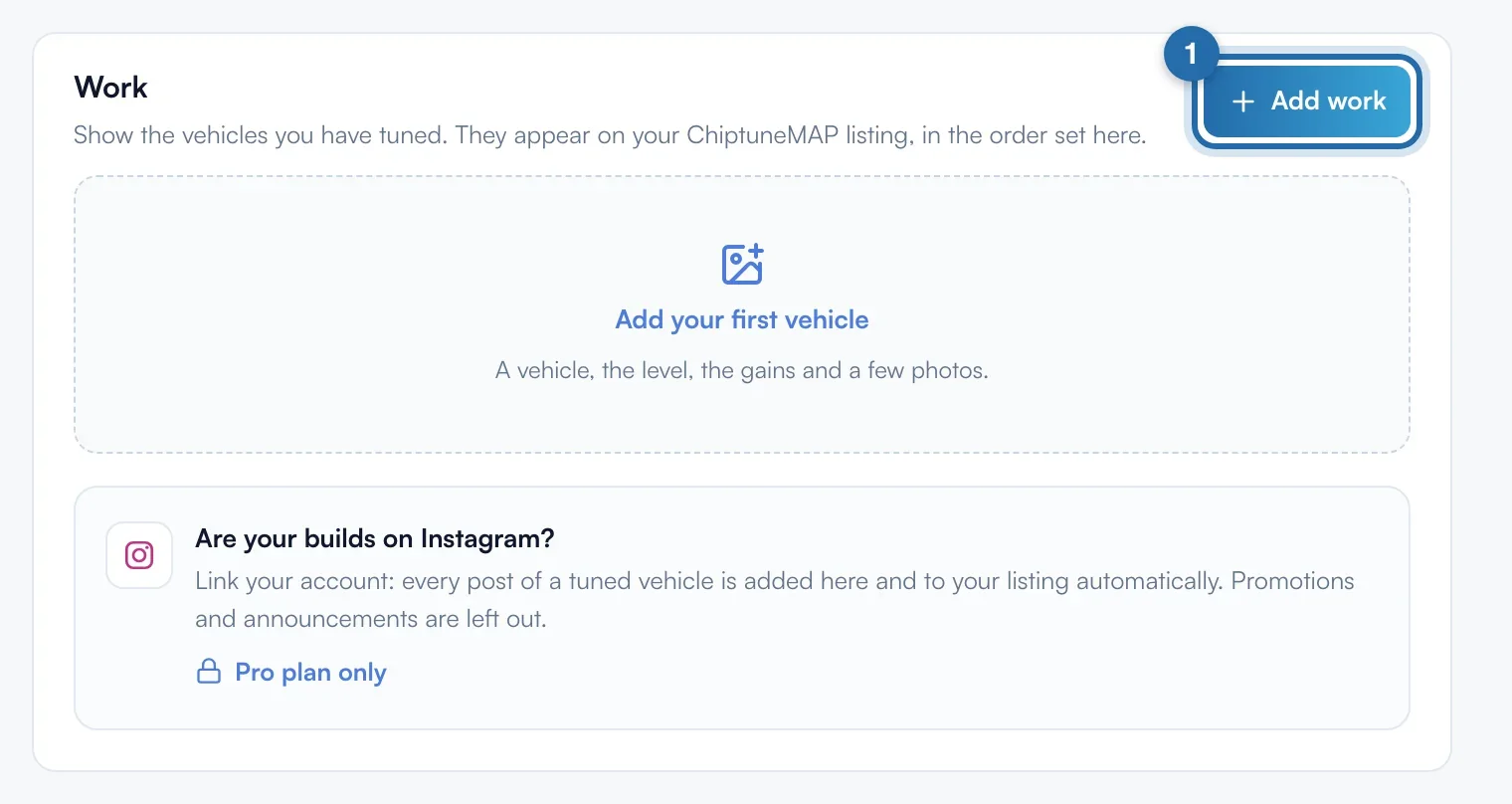
In Settings > My ChiptuneMAP listing, scroll down to "Work". Click "Add work" at the top right, or "Add your first vehicle" if the list is empty.
Choose the vehicle
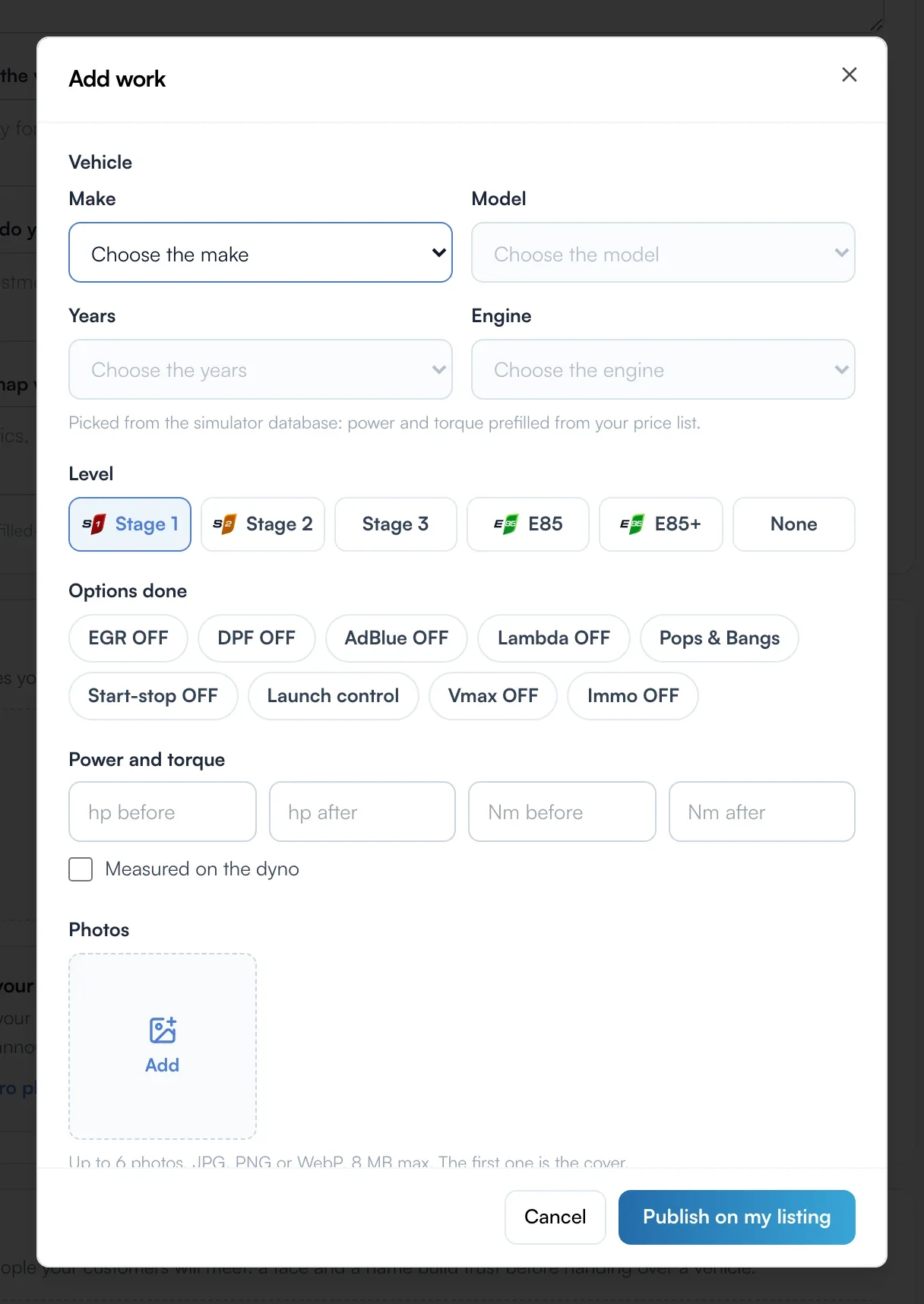
In the "Add work" window, choose "Make", "Model", "Years" and "Engine" from the simulator database, in that order. Make and model are required. Power and torque are prefilled from your price list.
Level and options
Under "Level", choose Stage 1, Stage 2, Stage 3, E85, E85+ or "None". Under "Options done", tick for example "EGR OFF", "DPF OFF" or "Pops & Bangs" (9 options).
Power and torque
Check "hp before", "hp after", "Nm before" and "Nm after", which you can edit. Tick "Measured on the dyno" if the values come from your dyno: the listing then shows "Results measured on the dyno".
Photos and comment
Under "Photos", click "Add": up to 6 JPG, PNG or WebP photos of 8 MB max. The first one is the "Cover". They are resized to 1,600 px and their GPS location is removed. The "Comment (optional)" takes 1,000 characters.
Publish
Click "Publish on my listing". The message "Work published on your listing" confirms it. Under each piece of work: "Edit", "Hide" (it stays in the list with the "Hidden" label) and the bin. The "Move earlier" and "Move later" arrows change the order on the listing.
What your customer sees
On your ChiptuneMAP listing, each piece of work's photo shows in the top gallery, as a mosaic on desktop and a carousel on mobile, and in the "Work" tab. The number of published pieces of work shows near the contact button.
If it doesn't work
- My photo is rejected.
- Only JPG, PNG and WebP are accepted, 8 MB max. On iPhone, set the camera to "Most Compatible".
- "Work saved, but the photos were not uploaded".
- The work exists without photos. Click "Edit" and add them again.
- My work is already on Instagram.
- With the Pro plan, the "Are your builds on Instagram?" box below the list links your account: each post of a tuned vehicle is added by itself.