
Simulators
How the remapping simulator works
What your visitor does in the simulator, from the make to the quote request, and where you set each step.
Before you start
- The simulator installed on your website or visible on your ChiptuneMAP listing.
The visitor picks their vehicle
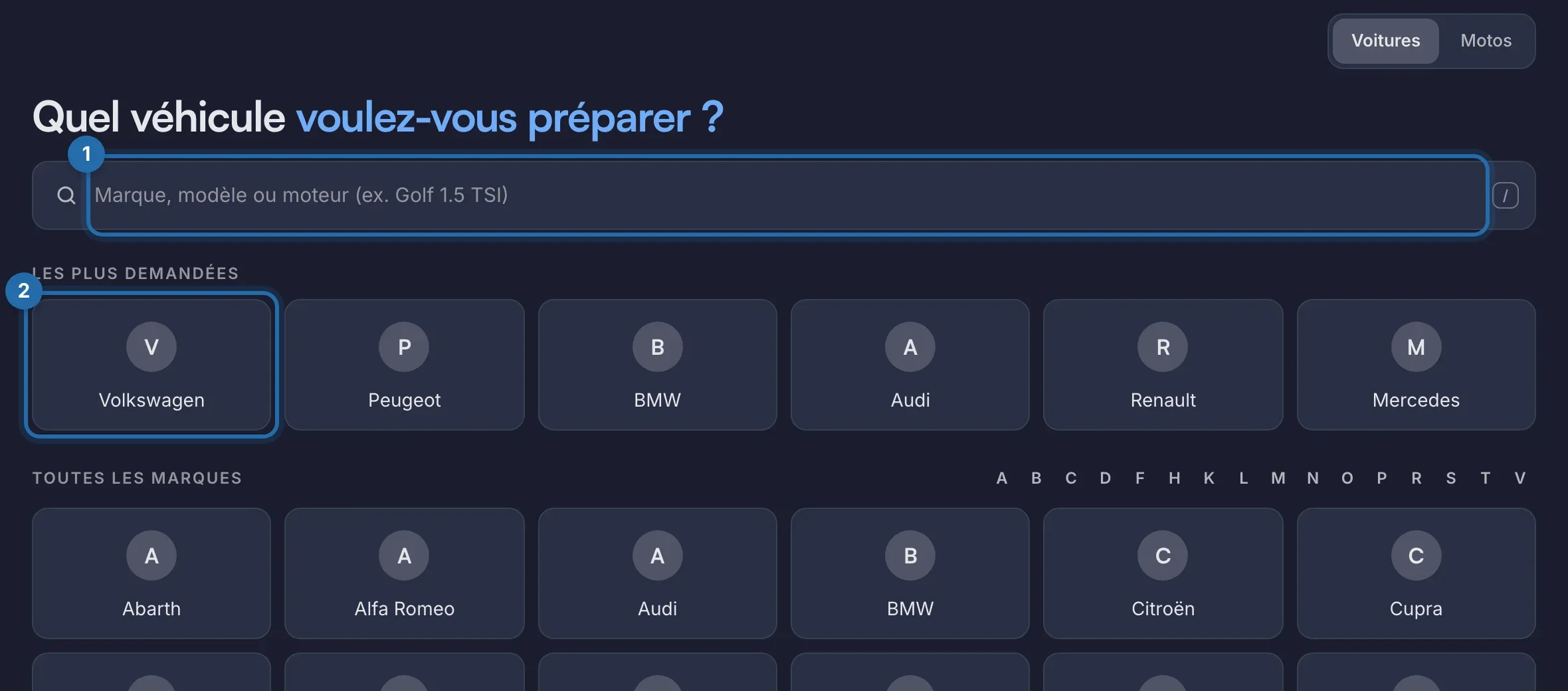
The simulator opens on "Which vehicle do you want to tune?". The visitor types their make, model or engine in the search, or clicks a make in "Most requested" or "All brands". Tabs separate the types ("Cars", "Motorbikes"...) when you offer several.
They pick the model, then the engine
After the make, they click their model ("Choose the model"), then their engine ("Choose your engine."), which they can filter by fuel. "Edit", at the top, takes them back to the vehicle choice.
They see the gains and your price
For each level offered (Stage 1, Stage 2, E85...), they see stock power and torque and after the remap, with your price or "On quote". A level you removed for this engine does not appear.
They add options
Under "Options", they add your options (EGR OFF, AdBlue OFF...). The "Estimated total" updates, with the automatic discount or the bundle if there is one. An option without a price adds the note "Estimated total, excluding on-quote options".
They send you their request
They click "Get my quote" or "Book an appointment", depending on the buttons you chose. For a quote, they fill in "Get your quote" (first name, last name, phone, email, postcode) and click "Send my quote request". They can also tick "Book a slot".
You set everything from 6 tabs
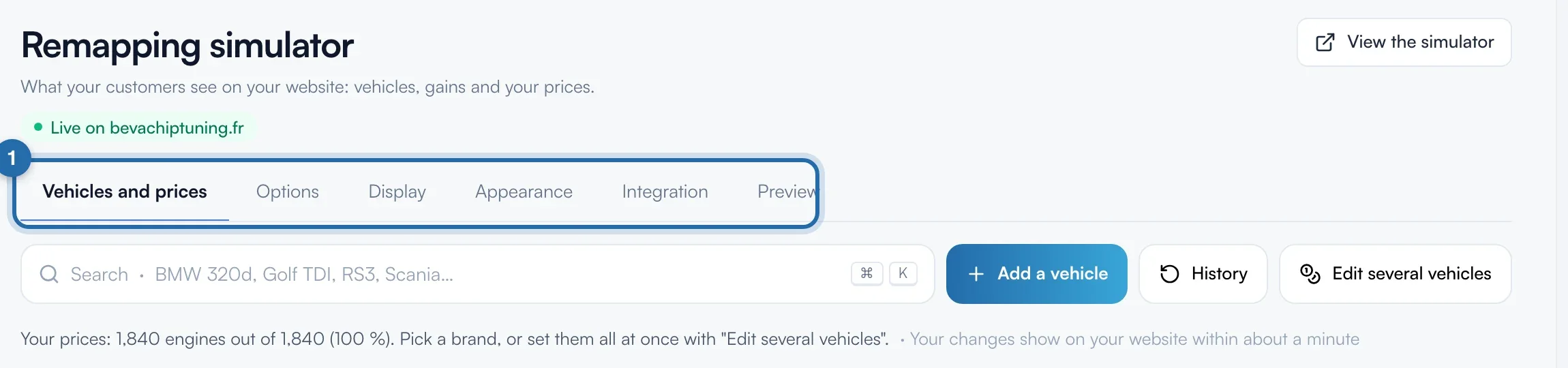
In the menu, "Simulators", then "Power simulator": "Vehicles and prices", "Options", "Display", "Appearance", "Integration", "Preview". Your changes show on your website in about 1 minute.
What your customer sees
The request arrives in "Requests" and by email, with the vehicle, the level, the options, the discount or bundle, and the estimated total.
If it doesn't work
- My visitor sees "On quote" everywhere.
- You have no prices yet. Run the express setup to set a starting price per level, or enter your prices engine by engine in "Vehicles and prices".
- I want to test without skewing my statistics.
- Use the "Preview" tab: your tests there do not count in your statistics.