
Simulators
Test without skewing my statistics
The "Preview" tab shows your real simulator, and your tests there do not count in your statistics.
Open the preview
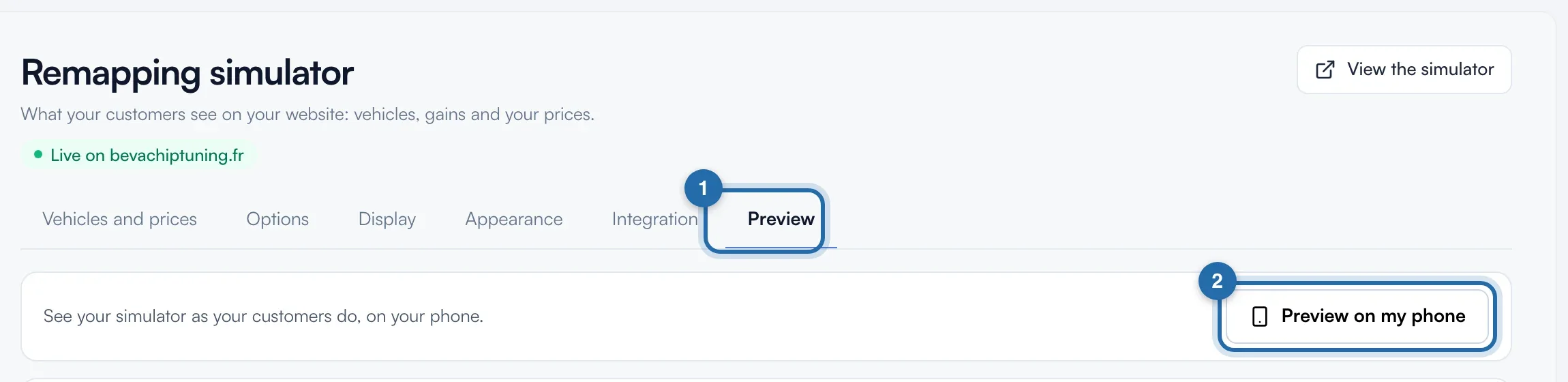
In "Simulators", "Power simulator", click the "Preview" tab (1). Your simulator shows in full size, with your prices, your colours and the vehicles you display. The "Preview on my phone" button (2) is at the top right.
Switch screens
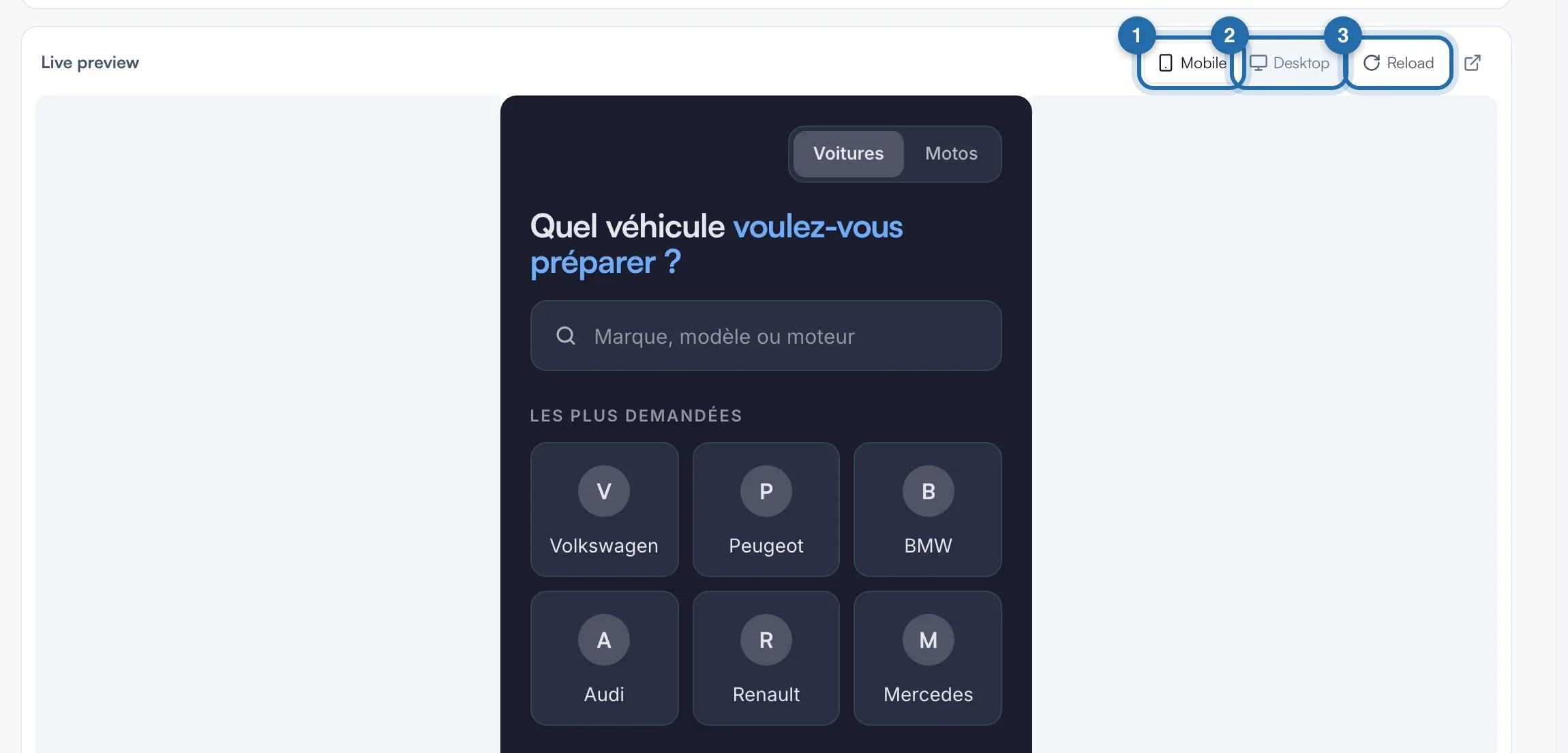
In "Live preview", choose "Mobile" or "Desktop". "Reload" resets the simulator, for example after saving. The icon on the right opens the simulator in a new tab.
Send yourself a test request
In the preview, choose a vehicle and a level, then "Get my quote" with your own email. The request arrives in "Requests" and you receive an email; if it is missing, check your spam. Then delete the test request.
Test on your phone
Click "Preview on my phone". The window gives a link to "Copy link" or "Open link". It is valid for 7 days, counts no visit and no request, and can be shown to a colleague.
What your customer sees
Nothing changes for your customers: the preview is your simulator as it shows on your website, but your tests do not go into your statistics.
If it doesn't work
- I don't see my latest change.
- The preview updates after each save. Click "Reload".
- Without a subscription, do my tests use up the discovery?
- No. The discovery lasts 5 requests or 30 days from the first display on your website, and preview tests do not count towards the 5 requests.
- Where do I see the effect of my colours before saving?
- In the "Appearance" tab: the "Live preview" next to the settings shows changes before "Save".