
Simulators
Set up my simulator in 5 minutes (express setup)
Five questions to show starting prices, your options, your colours and your phone number, then copy the code for your website.
Before you start
- No subscription needed: express setup also works in discovery mode.
- Access: "Express setup" button in "Vehicles and prices" as long as you have no prices, "Start express setup" in the "Set your prices" step of Quick start, or just after a payment.
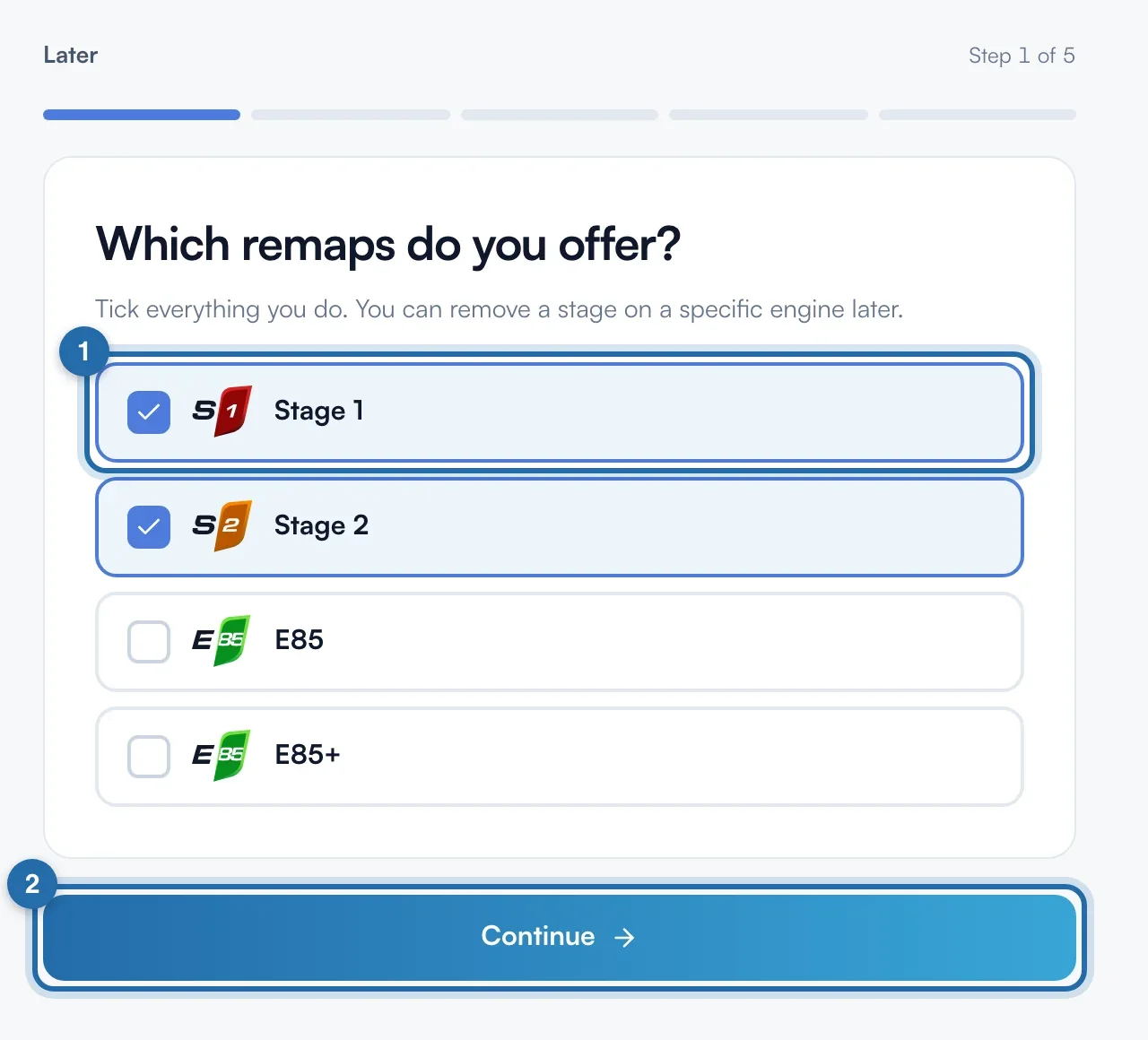
Tick your remaps
On "Which remaps do you offer?", tick the levels you do (up to 5, the most common in the database). Stage 1 and Stage 2 are ticked to start with. Click "Continue": each screen is saved at that point.
Set your starting prices
Choose "Same price everywhere" or "By power" ("Under 150 hp", "150 to 250 hp", "Over 250 hp"). Type a price per level. Empty = "On quote". These prices apply to every vehicle that has no price of its own.
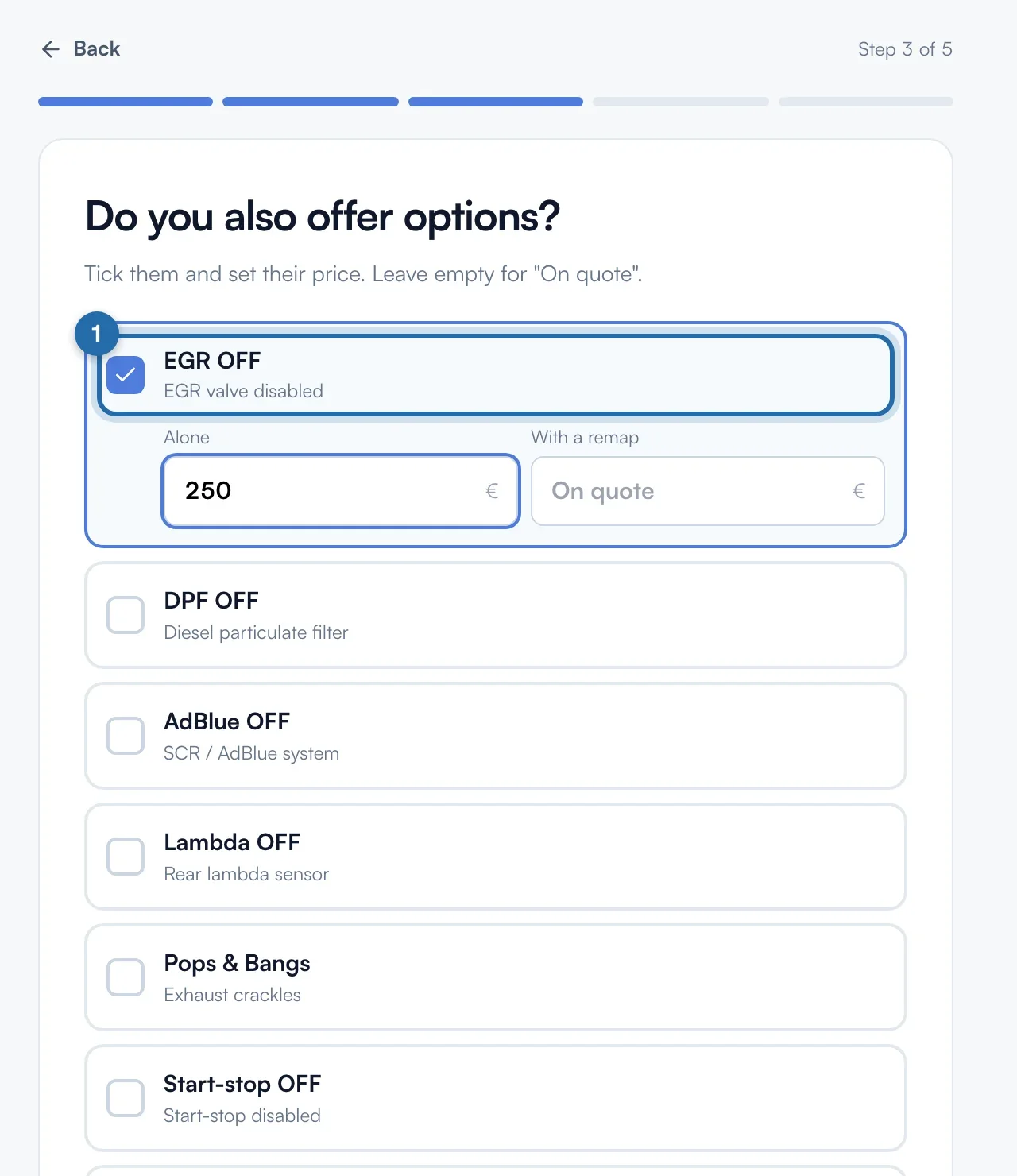
Add your options
Tick your options (EGR OFF, DPF OFF, AdBlue OFF...) and give two prices: "Alone" and "With a remap". Empty = "On quote". "No options", at the bottom, skips the step.
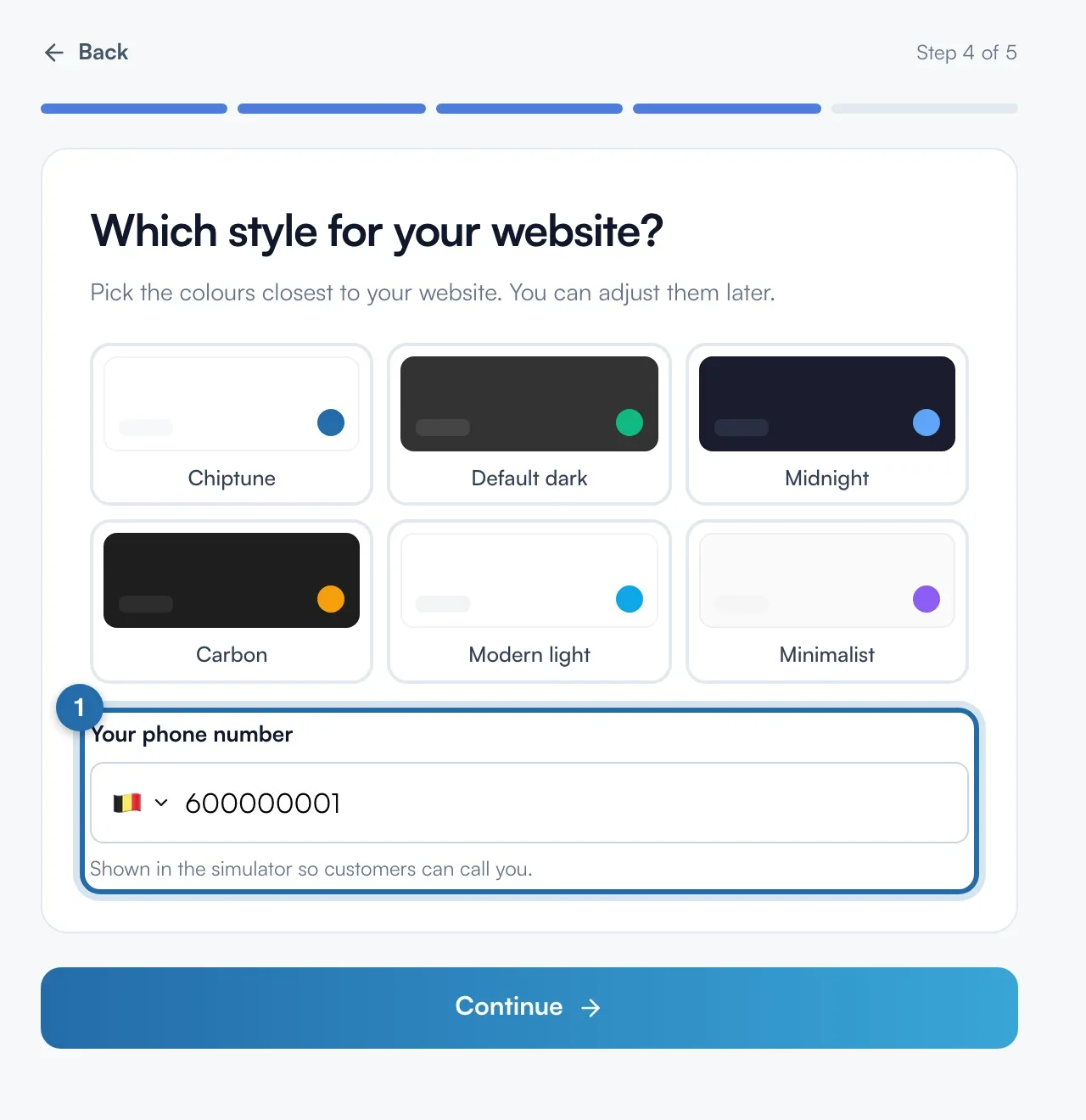
Choose a style and your phone number
Click one of the 6 themes, the closest to your website's colours. In "Your phone number", enter the number customers will see in the simulator.
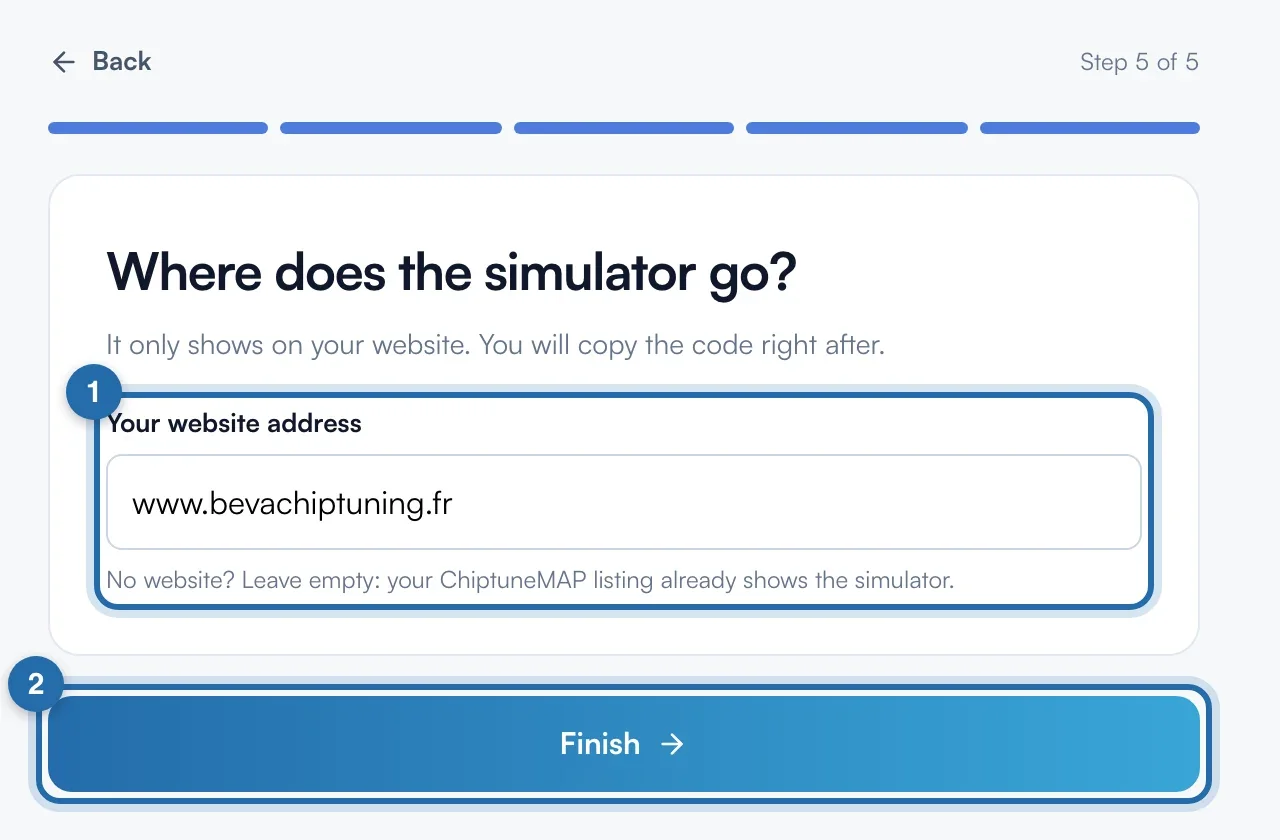
Enter your website
Type "Your website address", for example garage-dupont.fr. No website: leave it empty, your ChiptuneMAP listing already shows the simulator. Click "Finish".
Copy the code
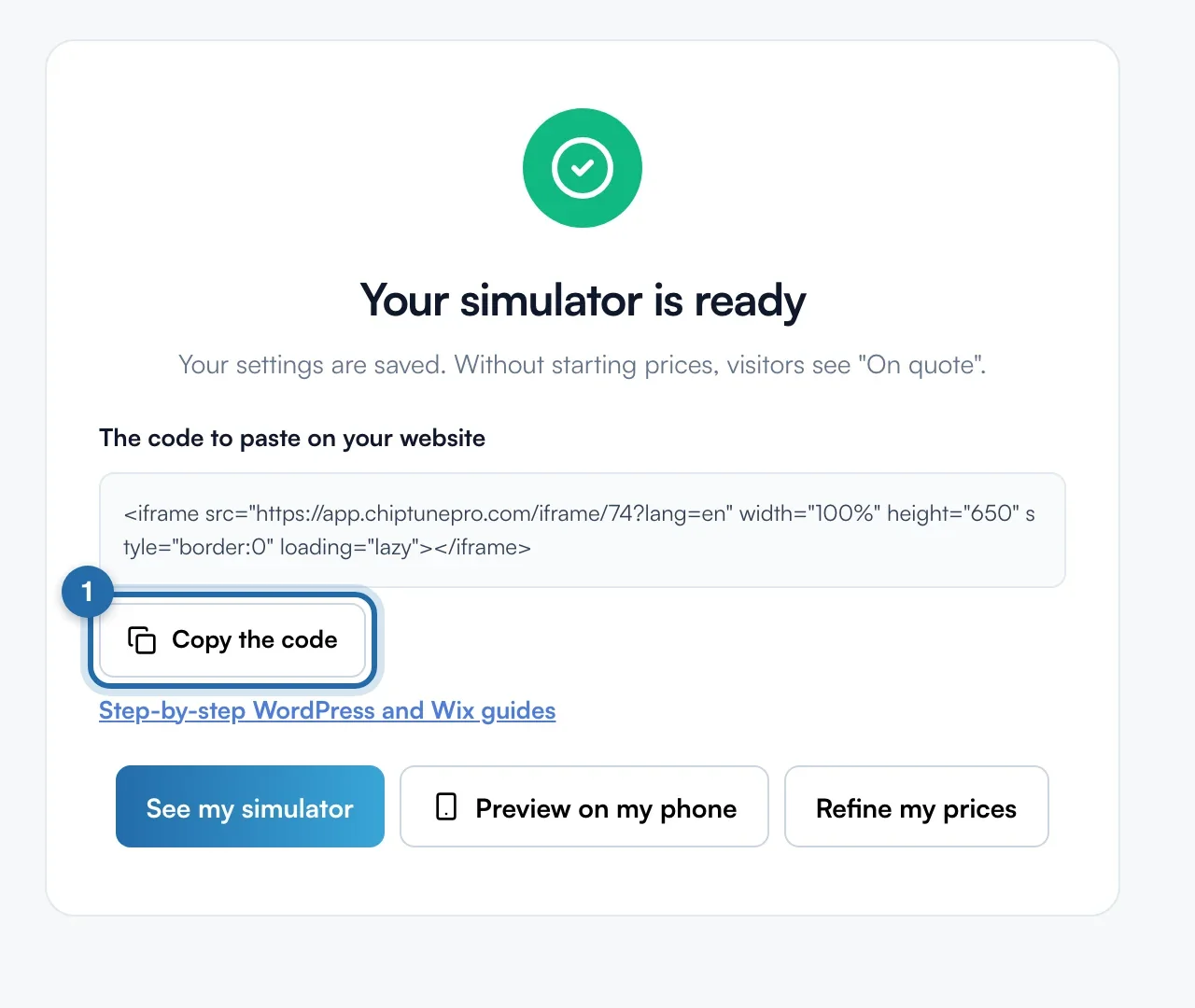
The "Your simulator is ready" screen sums up your prices. Click "Copy the code" and paste it on your website. The "Step-by-step WordPress and Wix guides" link explains where to paste it. "See my simulator" opens the preview, "Refine my prices" opens "Vehicles and prices".
What your customer sees
The visitor sees your starting price on each ticked level, on every vehicle in the database, except those where you set a specific price. Your starting prices also appear on your ChiptuneMAP listing.
If it doesn't work
- An engine shows a different price from my starting price.
- A price set on a specific engine takes priority. Open the engine in "Vehicles and prices" and clear "Your price" to go back to the starting price.
- I made a mistake at one step.
- Click "Back" at the top left, correct it, then "Continue". You can also run the setup again later: your saved answers are kept.
- I no longer see the "Express setup" button in "Vehicles and prices".
- It disappears as soon as you have starting prices or prices on your engines. The page is still available from Quick start, "Set your prices" step.