
Getting started
Find anything with search (⌘K)
Search opens a page, a specific setting, a customer, a vehicle, a quote, an invoice, a request or a help article. It opens from anywhere with ⌘K on Mac or Ctrl K on PC.
Before you start
- No subscription needed.
- Quotes and invoices only show for accounts in France.
Open search
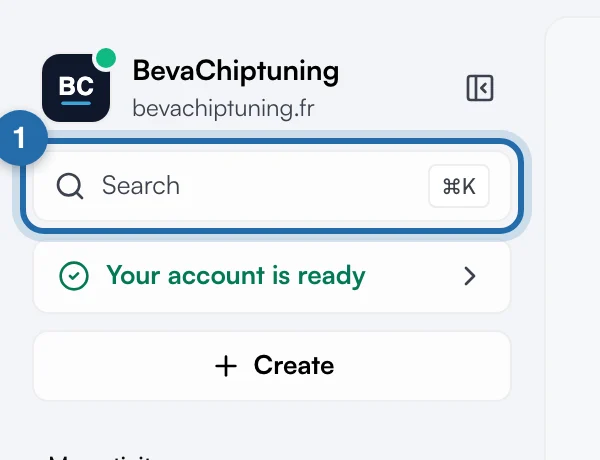
Click "Search" at the top of the left menu, or press ⌘K on Mac, Ctrl K on PC, even while typing in a field. With the menu collapsed, click the magnifier. On a phone, tap the magnifier at the top of the screen: search takes the whole screen.
Shortcuts and recent
With an empty field, "Shortcuts" offers "New quote", "New customer", "Requests", "Opening hours" and "Copy simulator link". After a few searches, "Recent" lists your last 6 choices; "Clear" removes them.
Type a few letters
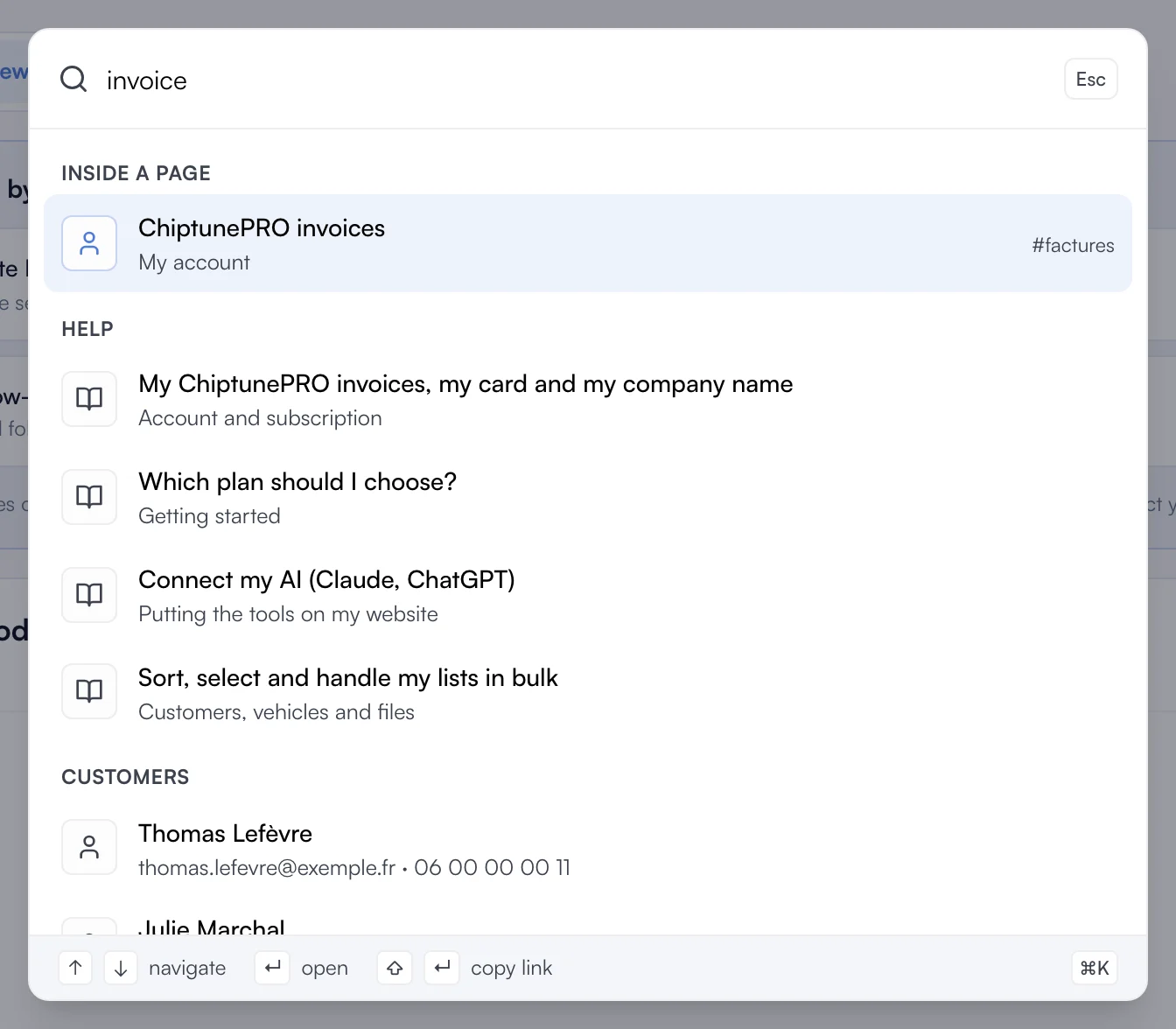
Type a word, even without accents: customer name, quote number, number plate, name of a setting. From 2 letters, results are grouped: "Pages", "Inside a page", "Customers", "Vehicles", "Quotes", "Invoices", "Requests", "Actions" and "Help".
Open a result
Click a line, or pick it with the ↑ ↓ arrows and press Enter. An "Inside a page" result opens the page and scrolls to the block, for example "Opening hours" in your ChiptuneMAP listing. Escape closes search.
Act without finding the page
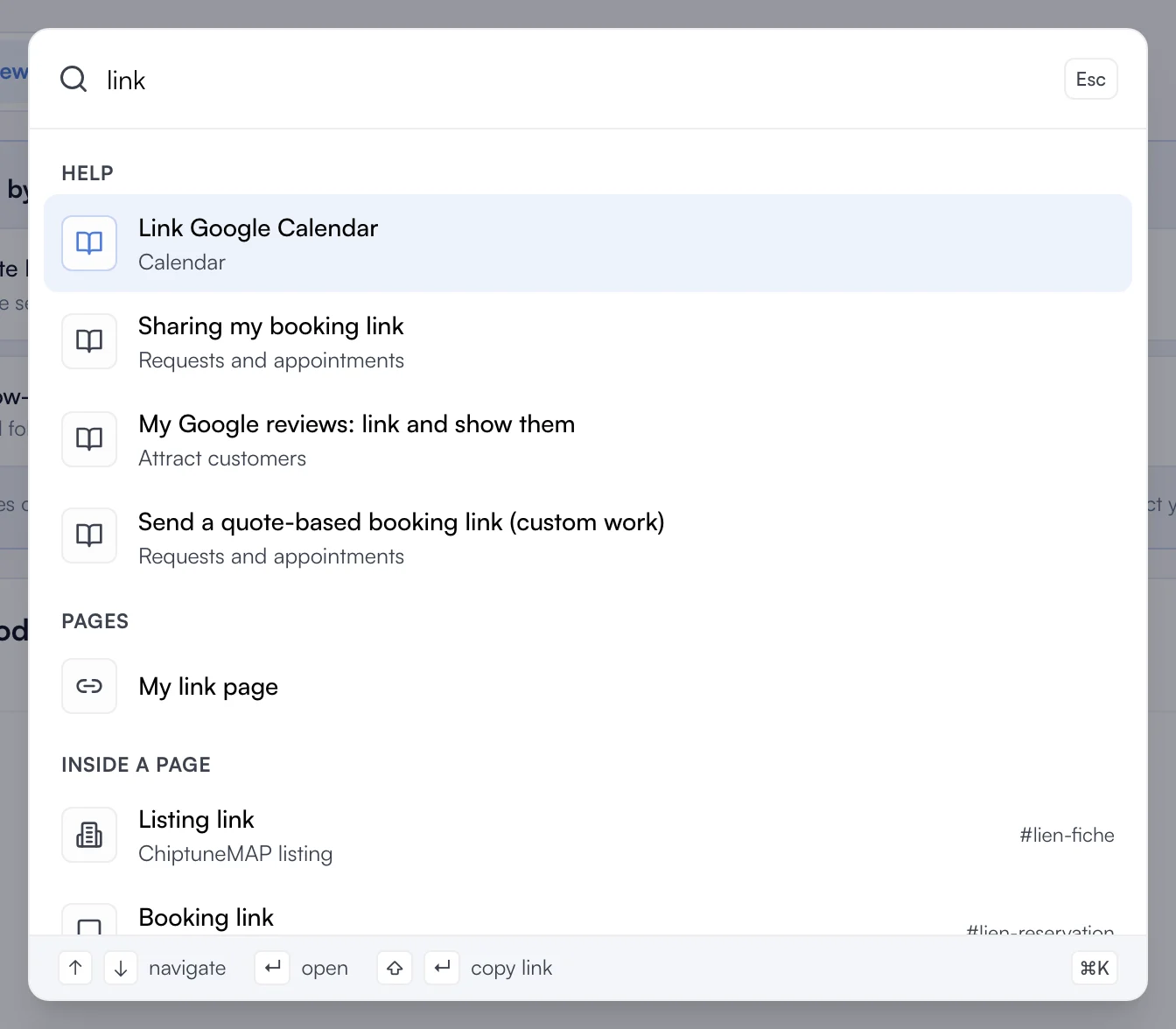
The "Actions" group creates a customer, a quote, an invoice, an appointment or an offer, copies the link to your simulator, your booking or your ChiptuneMAP listing, opens the assistant or switches the app to dark mode. Type for example "link", "appointment" or "promo".
Copy the link to a setting
Select a result and press Shift + Enter: its direct address is copied and "Link copied" shows. Paste it in a message to show someone the setting. The bottom of the window lists these keys.
If it doesn't work
- ⌘K does nothing.
- Click inside the app page first, then try again. On PC, it is Ctrl K. The "Search" field in the menu always works.
- A customer doesn't show up.
- Type at least 2 letters. Each group shows its 5 best results: add a word to narrow it down.
- No quotes or invoices in the results.
- They are only available for accounts in France.
- "Nothing found for …".
- Try another word: "appointment" finds appointments, "promo" finds offers, a number plate finds the vehicle.