
Getting started
Finding your way in the menu
The left menu reads from top to bottom: your garage and "Create", your two groups of tools, then help and your account.
The top of the menu
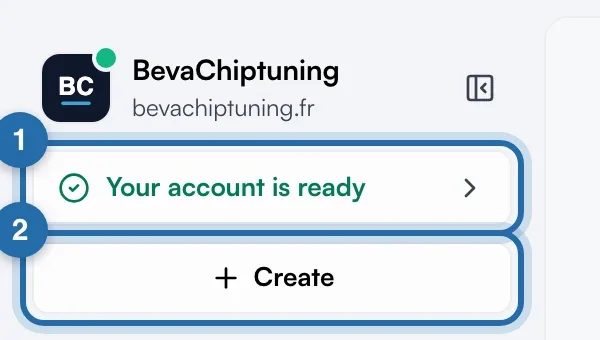
Your garage shows with its logo and your website address. A green dot on the logo means your ChiptuneMAP listing is online; clicking the name opens "ChiptuneMAP listing". Below, "Quick start" shows your progress, then "Your account is ready" once everything is done.
My activity
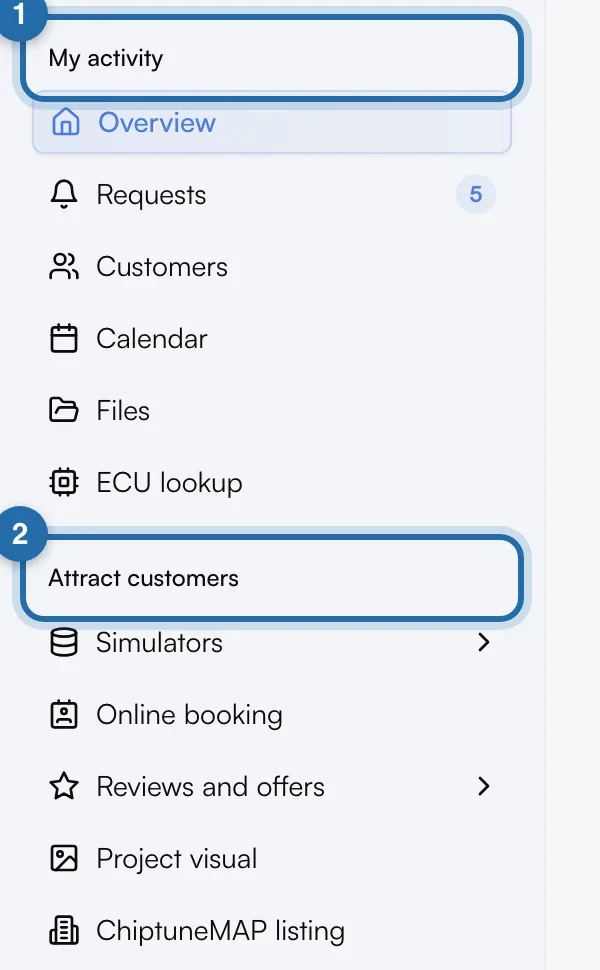
The first group contains "Overview", "Requests", "Customers", "Calendar", "Files" and "ECU lookup". A red badge on "Requests" gives the number of pending requests.
Attract customers
The second group contains "Simulators", "Online booking", "Reviews and offers", "Project visual", "ChiptuneMAP listing" and "On my website". Without a declared website, the listing moves to the top and "On my website" becomes "My links to share". The tools chosen at sign-up come first.
Open a submenu
Click the arrow to the right of "Customers", "Simulators" or "Reviews and offers". "Customers" contains "My customers" and "Quotes and invoices" (France only), "Simulators" contains "Power simulator" and "E85 simulator", "Reviews and offers" contains "Google reviews" and "Offers". The submenu opens by itself when you are on one of its pages.
Create from any screen
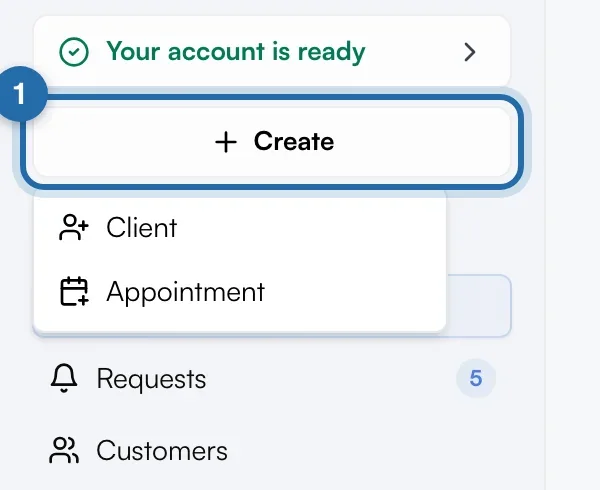
Click "Create" at the top of the menu, then choose "Client", "Quote", "Invoice" or "Appointment". The creation page opens directly. "Quote" and "Invoice" only appear for France.
The bottom of the menu
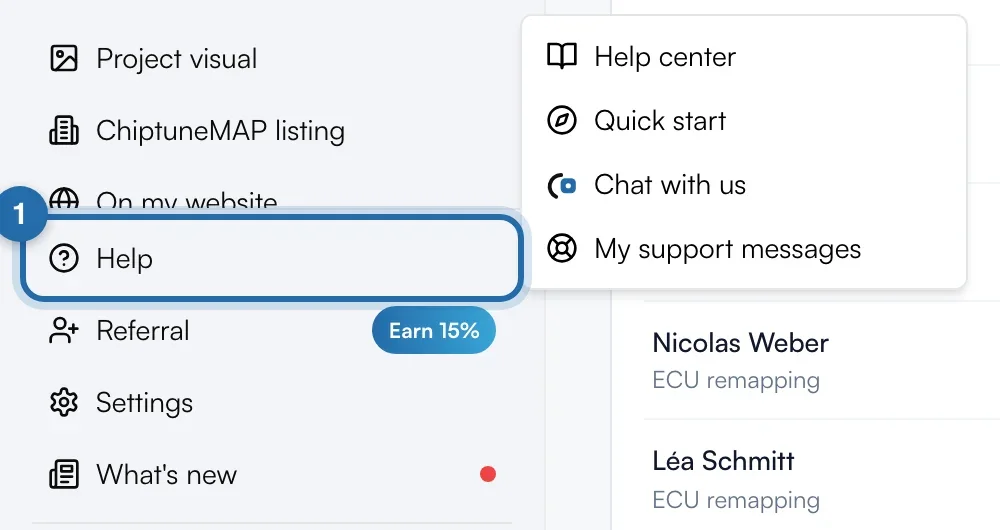
"Help" opens "Help center", "Quick start", "Chat with us" and "My support messages". Then come "Referral", "Settings" and "What's new", with a red dot until the latest update is read.
Your account
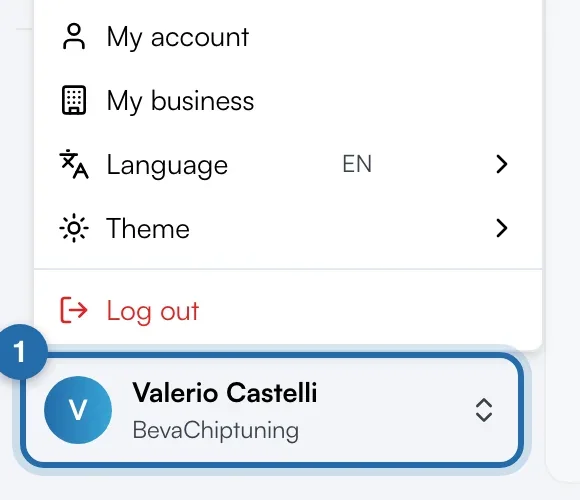
At the very bottom, click your name: "My account", "My business", "Language", "Theme" (Light, Dark or System) and "Log out". "Add an existing garage" lets you switch from one garage to another.
Collapse the menu
The icon to the right of the garage name collapses the menu to icons. To expand it, hover over the garage logo and click it.
If it doesn't work
- On a phone, I can't find "Referral" or "What's new".
- They are in the "Help" menu.
- An entry shows "Discover" or "Limited".
- "Discover" marks a paid feature you can look around without a subscription. "Limited" on "Customers" is a reminder of the limit of 5 customers and 5 vehicles without the Pro plan.