
Getting started
Asking the assistant a question
The chat assistant answers your questions about the app and can show you where to click, page by page.
Open the chat
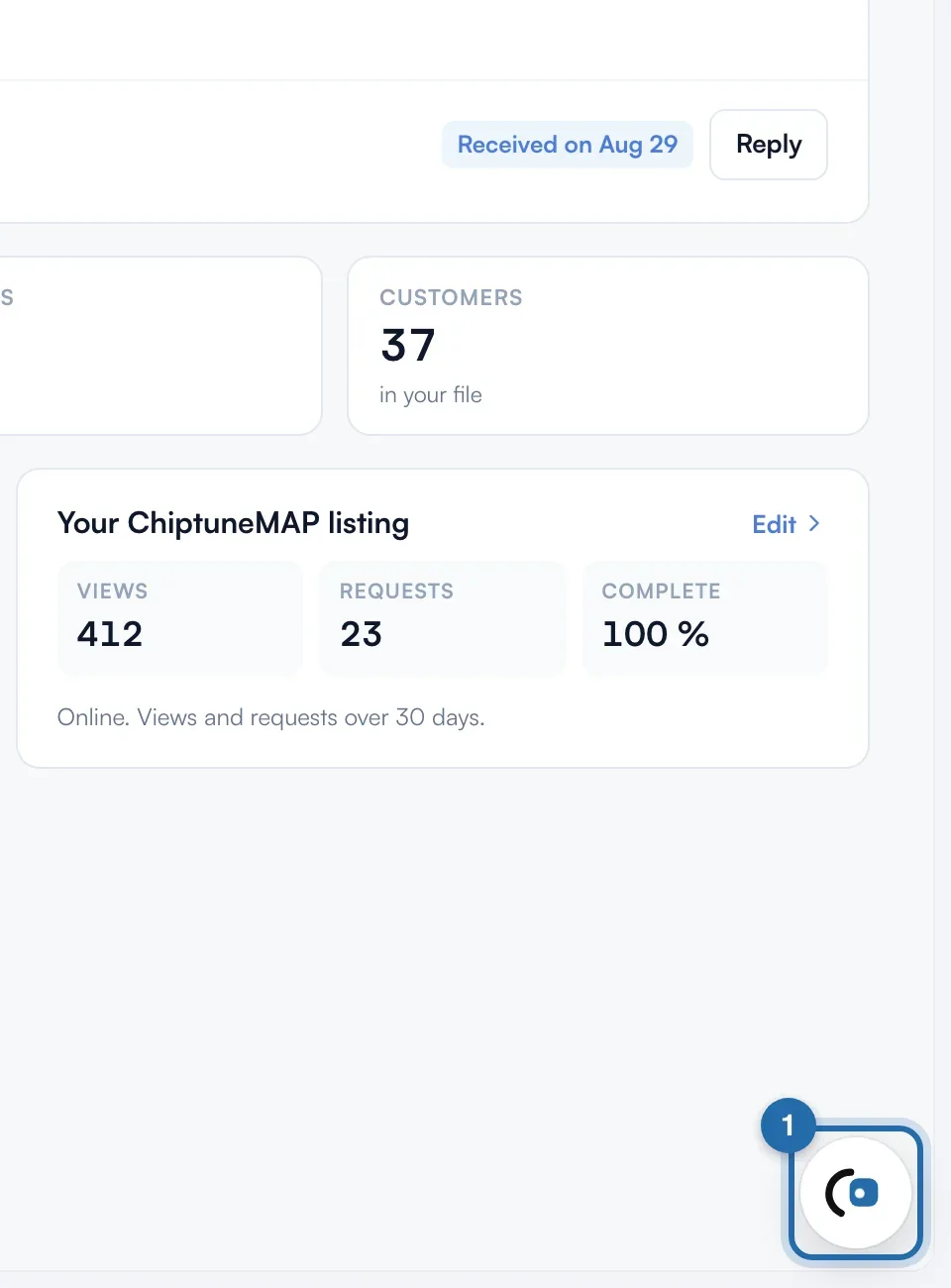
On a computer, click the bubble at the bottom right of the screen. The panel opens on the side; on a phone, it takes the whole screen.
Or use the Help menu
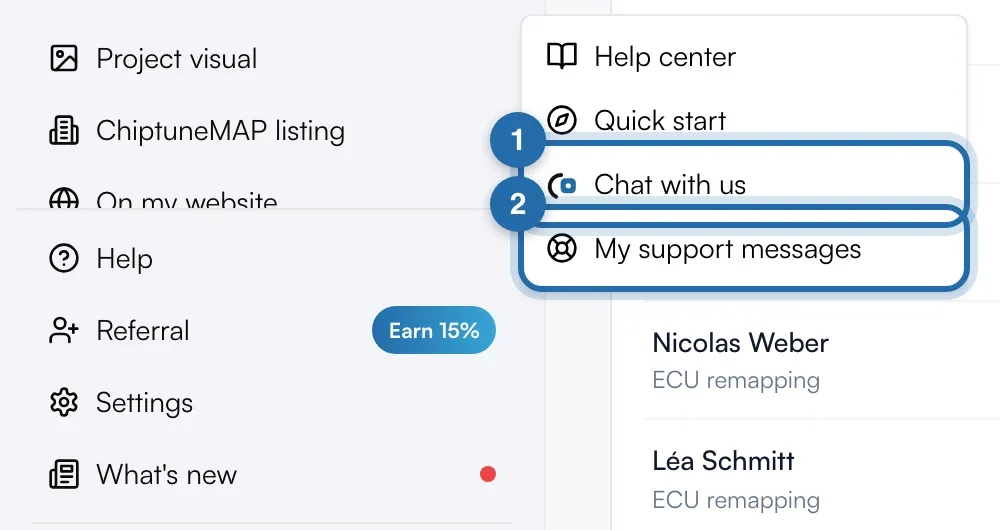
In the left menu, click "Help" then "Chat with us". "My support messages" opens your written exchanges with the team.
Ask your question
Type in "Ask your question…" and send with the arrow, or click one of the "Frequent questions". The assistant answers straight away based on your account and the page you are on.
Get shown where to click
Under some answers, an "I'll show you on the screen" box gives the number of steps. Click "Show me": the chat closes, the right page opens and each button is highlighted with its explanation. Click the highlighted element or "Next" to move on, "Stop" or Esc to exit.
Say if the answer is enough
Under the answer, "Did this answer your question?" offers "Yes, thanks" or "No, talk to the team". The second passes the conversation to the team, who reply in the chat and by email, usually within 1 h on weekdays.
Write to the team or book a call
When the chat opens, "Write to the team" sends your message straight to the team, without going through the assistant. "Book a call" opens a new tab to pick a slot with the founder.
Several topics
One conversation per topic. The "+" at the top of the chat starts a new question. The arrow at the top left opens "Your conversations", sorted into "With the team" and "With the assistant", with "Waiting" or "Solved".
If it doesn't work
- I don't see the bubble.
- It only exists on a computer and disappears during a "Show me" guide. On a phone, go through "Help" > "Chat with us".
- "The assistant is unavailable, the team will reply."
- The assistant is off for the moment: your message goes to the team.
- "Too many messages, try again in a few minutes"
- You sent a lot of messages in a row. Wait a few minutes.
- How do I know the team has replied?
- A red dot appears on the bubble and on "Help".