
Getting started
Create my ChiptunePRO account
Signing up takes an email address and a password, or a Google account. It is free, needs no credit card, and signs you in straight away.
Before you start
- No subscription: the account starts on the free Discovery plan, with no time limit.
- An email address you check: you sign in with it and receive your requests on it.
- One account per garage. To run several, see "Manage several garages on one device".
Open the sign-up page
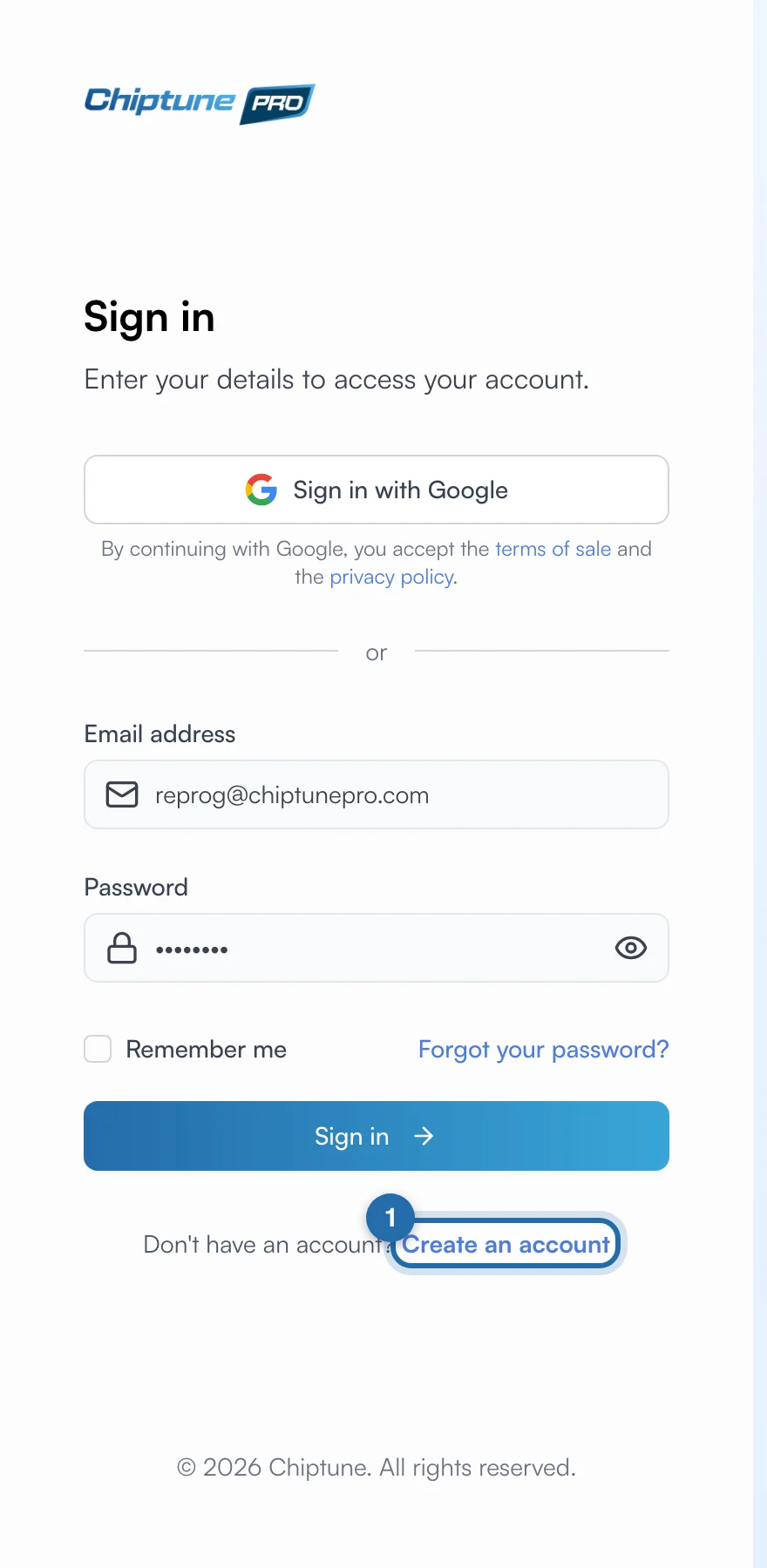
Go to app.chiptunepro.com/register. From the sign-in page, click "Create an account", at the very bottom of the form.
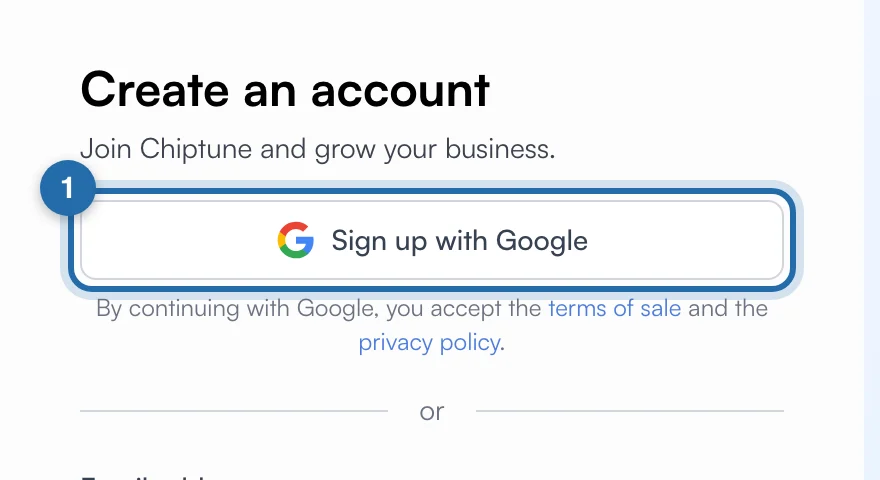
With Google
Click "Sign up with Google" and choose your Google account. The account is created with that address, with no password to make up. By continuing, you accept the terms of sale and the privacy policy, as the line under the button says. Then go to step 6.
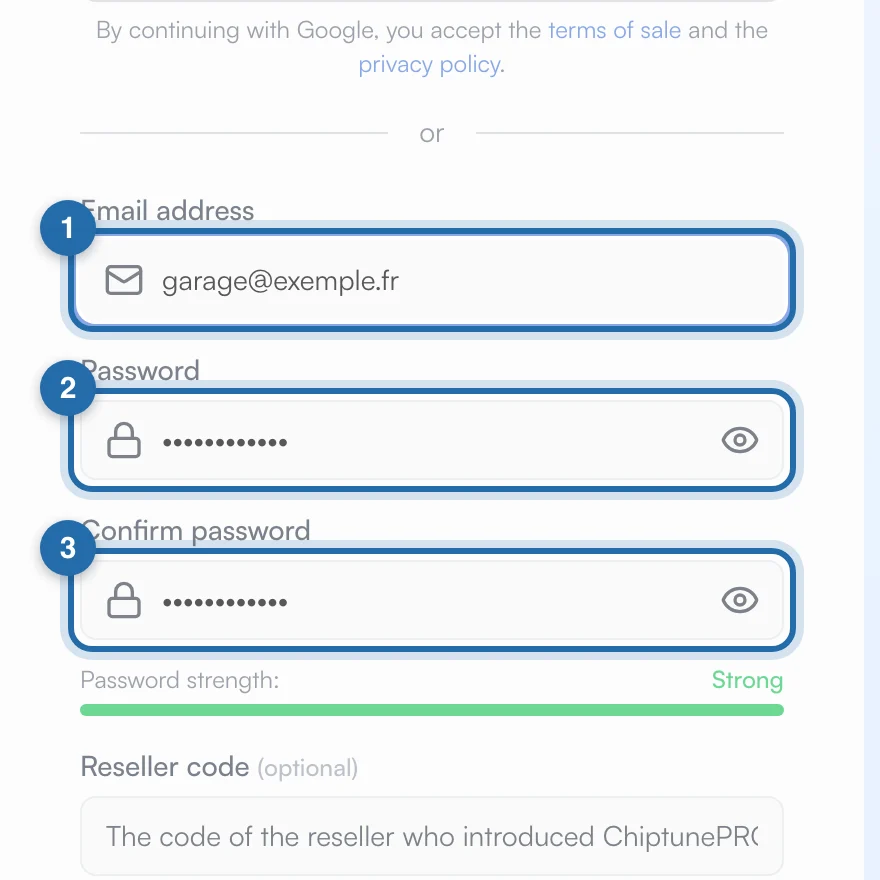
Or with your email
Under "or", type your "Email address", a "Password" of at least 8 characters, then type it again in "Confirm password". The eye on the right of the field shows what you type. The "Password strength" bar goes from "Weak" to "Strong" with capitals, numbers and special characters.
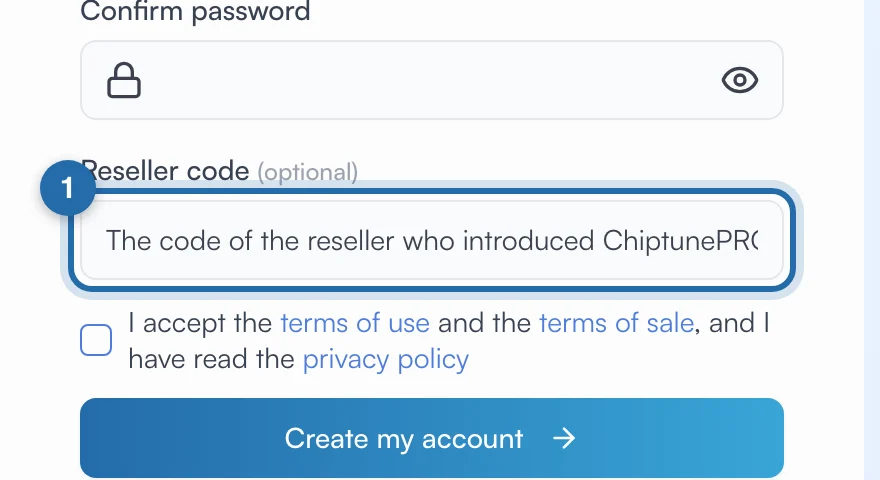
The reseller code, if you have one
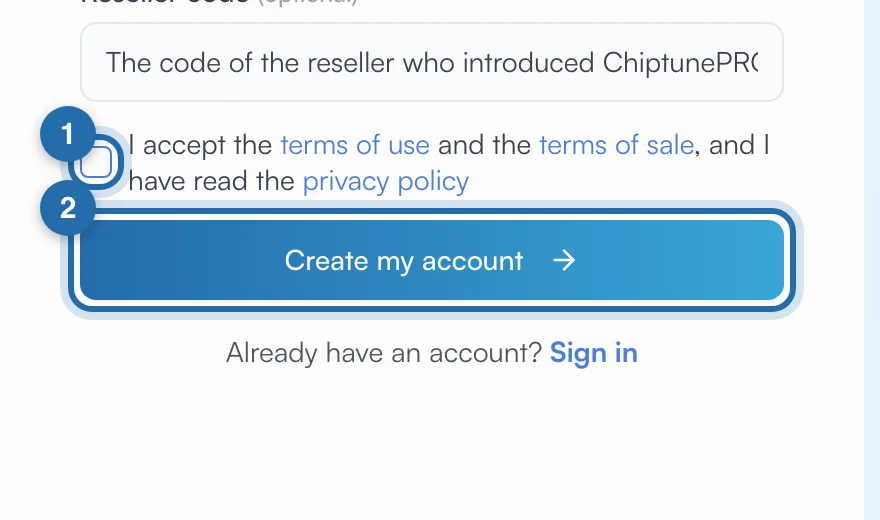
If a reseller introduced ChiptunePRO to you, type their code in "Reseller code". If you came through their link, the code is already taken into account. Otherwise, leave the field empty.
Accept the terms and confirm
Tick "I accept the terms of use…": without it, sign-up is refused. Click "Create my account".
Arrive in the app
No confirmation email to open: "Congratulations!" shows, you are signed in and the "Welcome to ChiptunePRO" page opens. It asks for your name, the garage name and its town, in two steps (see "The first setup after signing up").
If it doesn't work
- "Create my account" does nothing.
- A field is in red: misspelt address, password under 8 characters, passwords that differ, or the terms box not ticked.
- It says the account already exists.
- This address already has an account, maybe created with Google. Click "Sign in", then "Sign in with Google" or "Forgot your password?".
- I received an invitation for my ChiptuneMAP listing.
- Open the invitation link: the page is called "Activate your listing" and the email address is already filled in. Choose a password, tick the terms and click "Activate my listing". Requests already received show in full.
- How much does it cost?
- Nothing. The account starts on the Discovery plan, with no time limit and no credit card. Paid plans are chosen later (see "Which plan should I choose?").
- I want the app in another language.
- On the next page, "Welcome to ChiptunePRO", choose the language at the top right: Français, English, Español or Deutsch.