
Getting started
Sign in and recover my password
Sign in with your email and password, or with Google. A forgotten password is replaced through a link sent by email, valid for 2 hours.
Before you start
- A ChiptunePRO account (see "Create my ChiptunePRO account").
- For a forgotten password: access to the account's mailbox.
Open the sign-in page
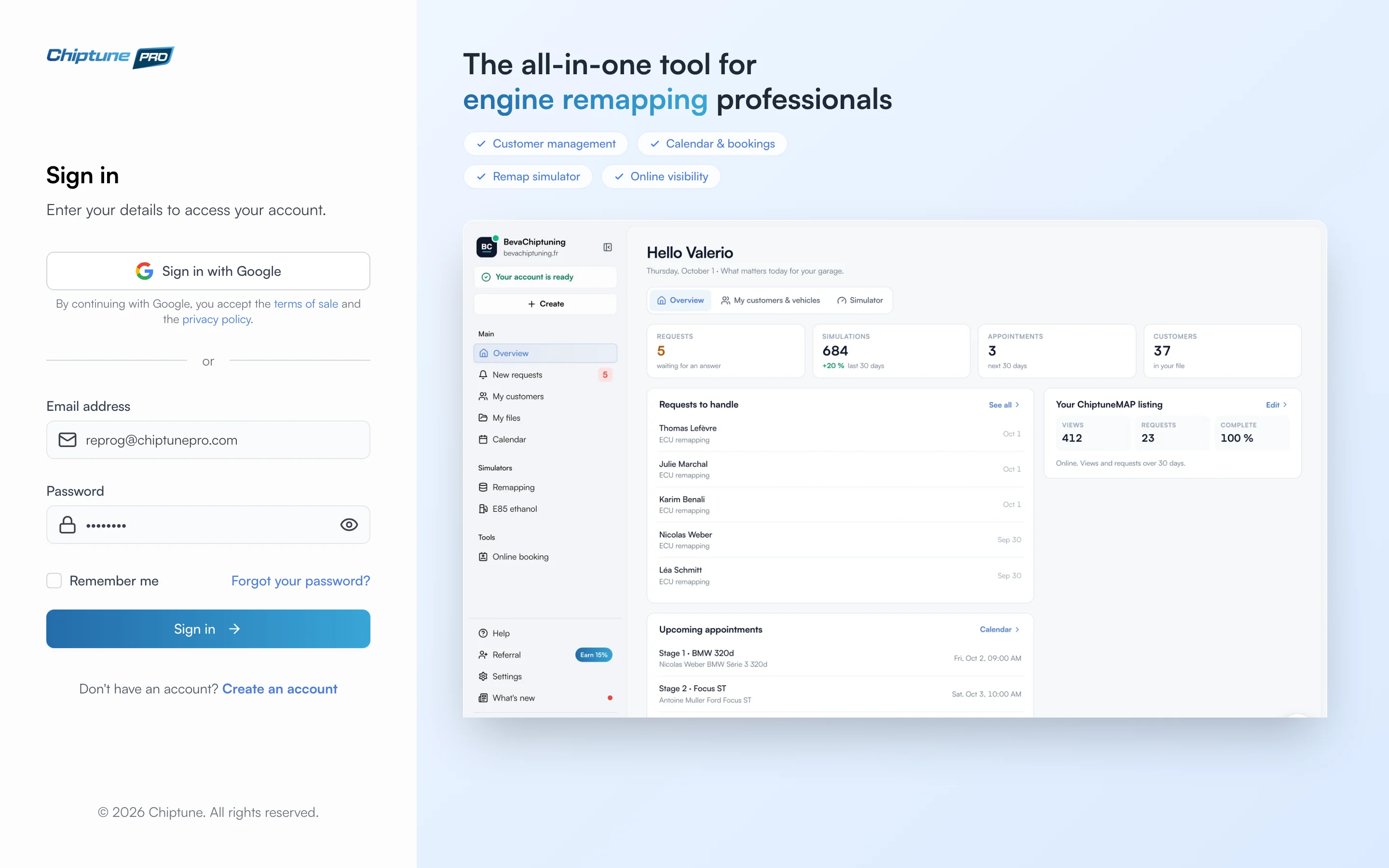
Go to app.chiptunepro.com/login. The "Sign in" page shows, with Google at the top and the form below.
With Google
If the account address is a Google address, click "Sign in with Google" and choose that account. It is the only way in for an account created with Google, until you choose a password.
Or with your email
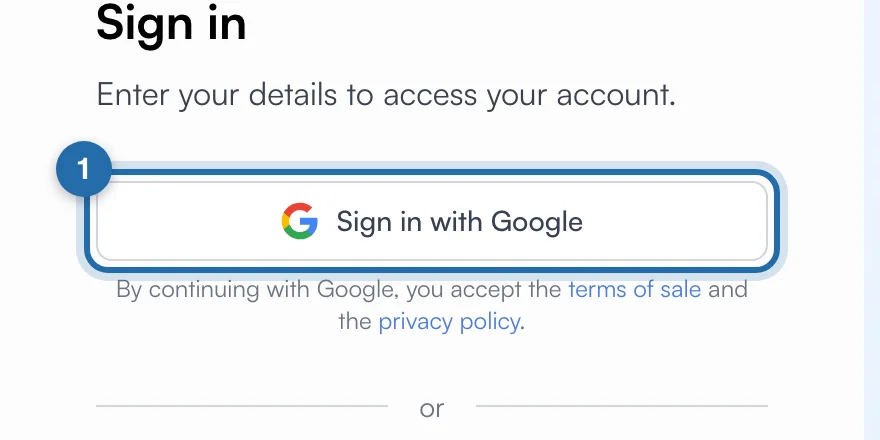
Type the "Email address" and the "Password", then click "Sign in". The eye on the right of the field shows the typed password.
Stay signed in
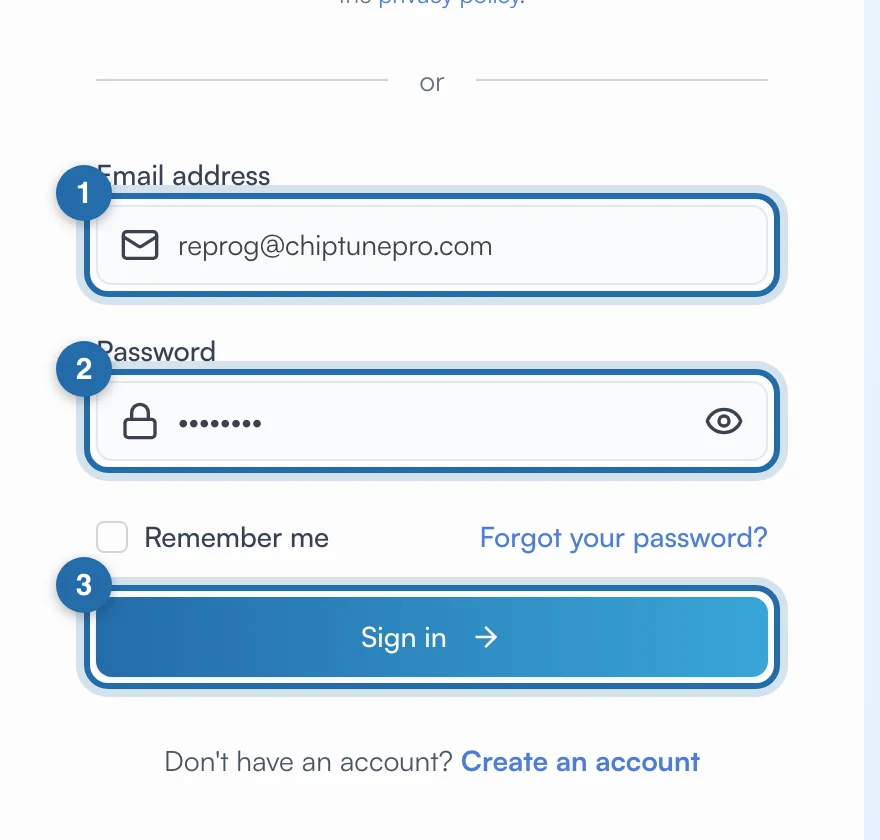
Before confirming, tick "Remember me": the session stays open for up to a year on this device. Without it, it stays open as long as you come back at least once every 30 days.
Forgotten password
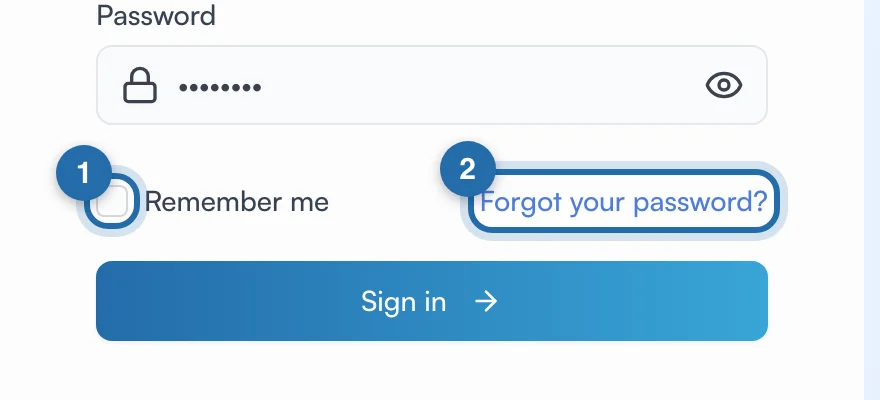
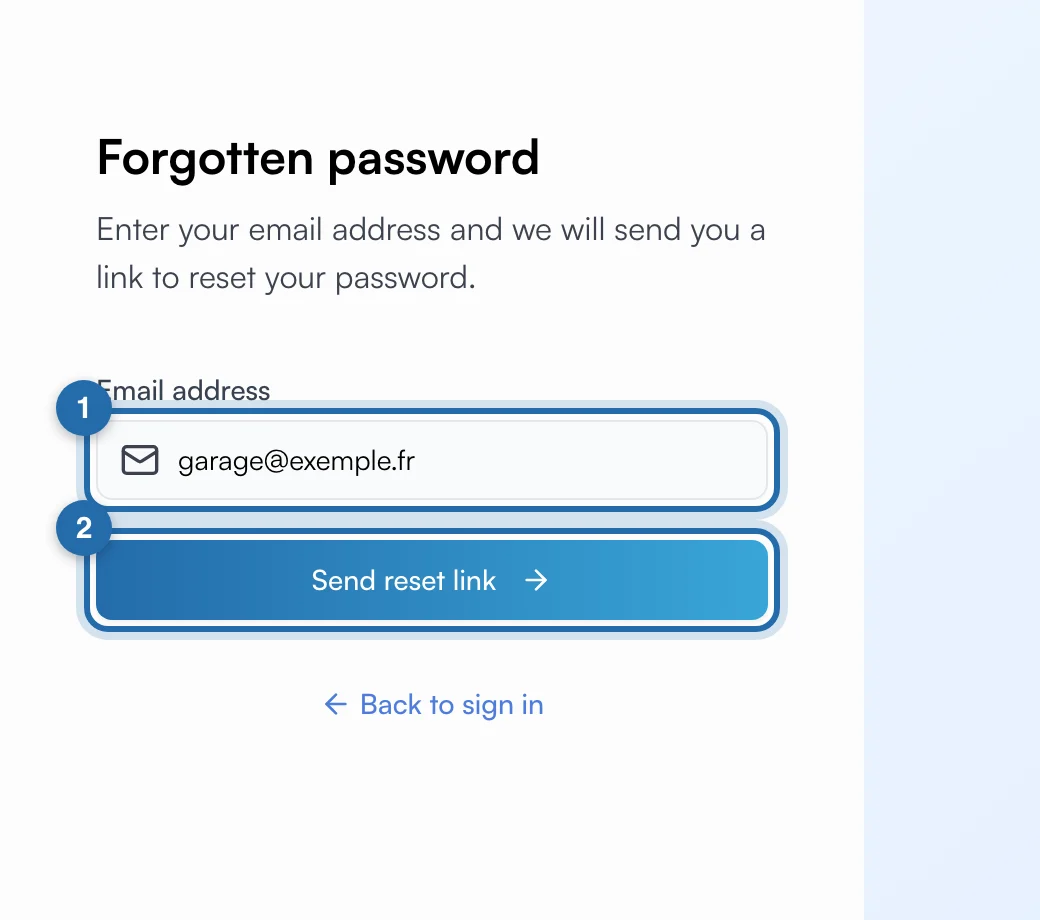
Click "Forgot your password?", type the account's email address and click "Send reset link". "Email sent!" confirms it. The "Reset your password" email arrives with a button valid for 2 hours.
Choose the new password
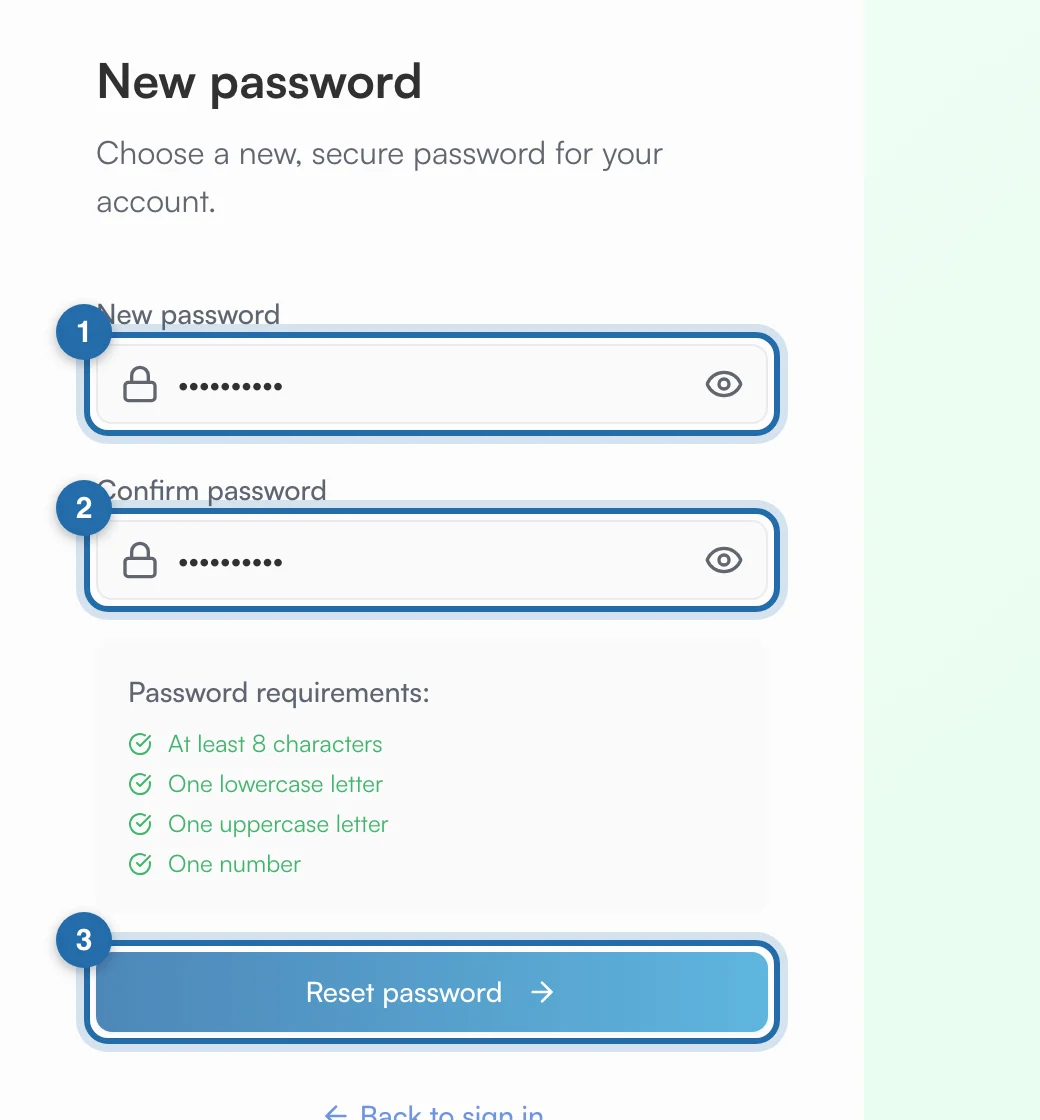
In the email, click "Reset my password". On the "New password" page, type it twice: at least 8 characters, one lowercase letter, one uppercase letter and one number. Each rule turns green once met. Click "Reset password": the sign-in page comes back, sign in with the new one.
Several garages
Once signed in, add your other garages from the account menu at the bottom left, then "Add an existing garage". The page becomes "Add a garage"; "← Back to" followed by the name returns to the first garage without typing its password again (see "Manage several garages on one device").
If it doesn't work
- My password is refused.
- Check the address and capital letters. An account created with Google has no known password: use "Sign in with Google", or "Forgot your password?" to choose one.
- I don't get the reset email.
- Check your spam folder. Only one link is valid at a time: for 2 hours a new request is refused, so use the first email.
- The reset link no longer works.
- It is more than 2 hours old or has already been used. Request a new one with "Forgot your password?".
- "This account has not been activated yet".
- Your listing was prepared on ChiptuneMAP, but the account has not been created yet. Open the invitation link you received, or write to support@chiptunepro.com.
- I want to change the sign-in email.
- It is changed through the chat (see "Changing my email or my name").