
Getting started
First steps
Quick start brings together on one page the steps your garage needs to get its first requests.
Before you start
- No subscription needed: you can also complete the steps on the Discovery plan.
- Allow about 20 minutes in total. The time left shows at the top of the page.
Open Quick start
Click "Quick start" at the top of the left menu. The button shows your progress, for example 3/8. On a phone, tap the ring at the top of the screen. You also find it in "Help" > "Quick start".
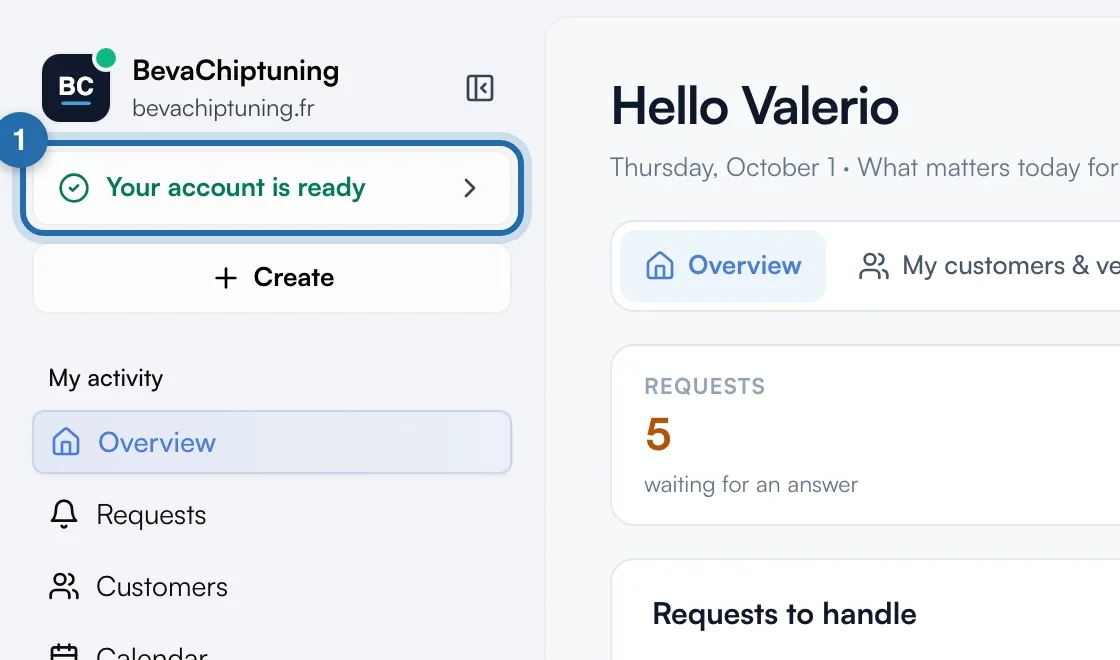
Follow the steps in order
The page lists the steps: "Put your ChiptuneMAP listing online", "Add your website address", "Set your prices", "Turn on online booking", "Put the simulator on your website", "Send yourself a test request", "Activate invoicing" (France only) and "Add my first customer". Each step ticks itself, based on your real data.
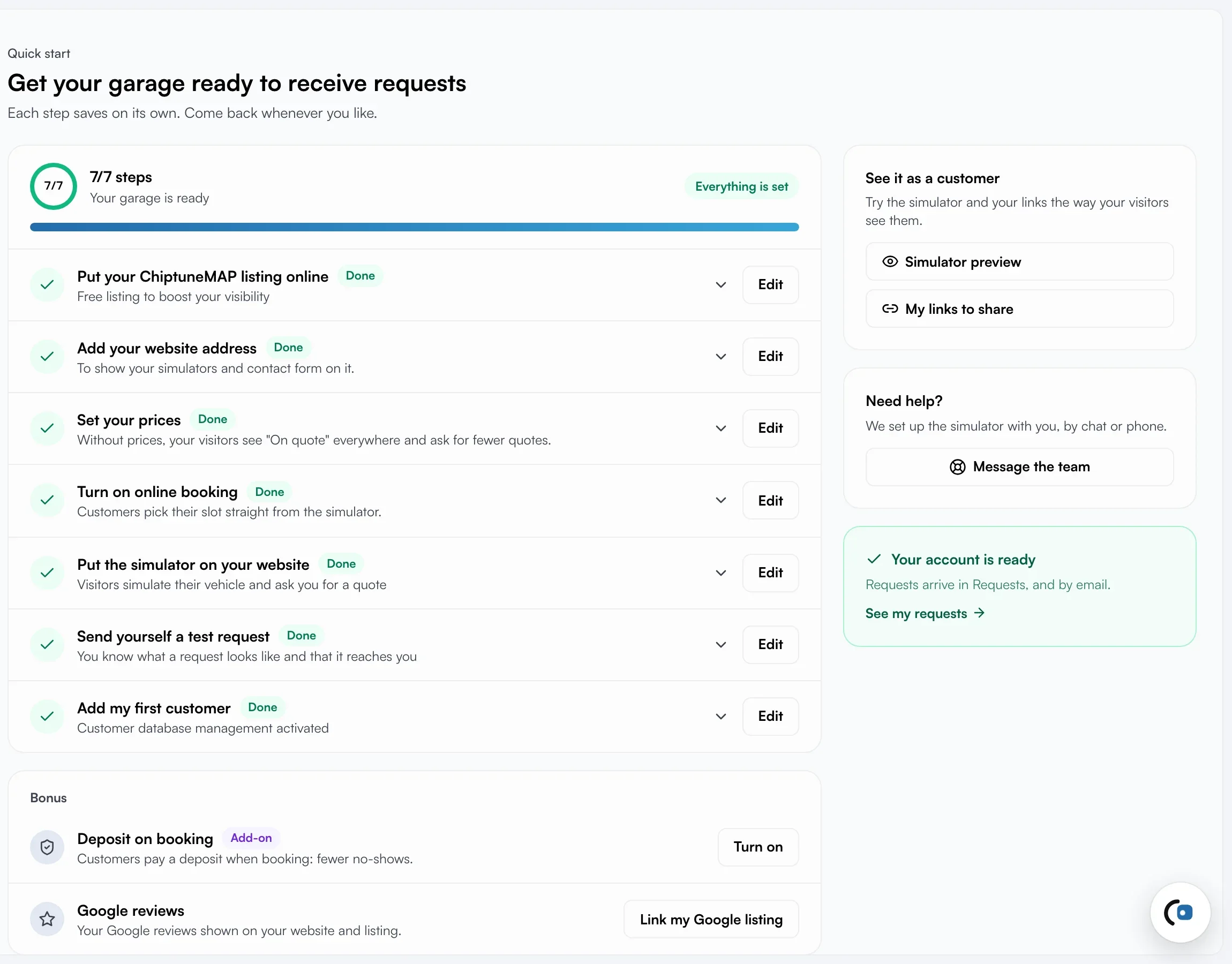
Open a step
Click a step name: it expands with why it matters, three good habits and a button to the right screen. The step to do next is already open. On the right of each row, the button reads "Set up", or "Edit" once the step is done.
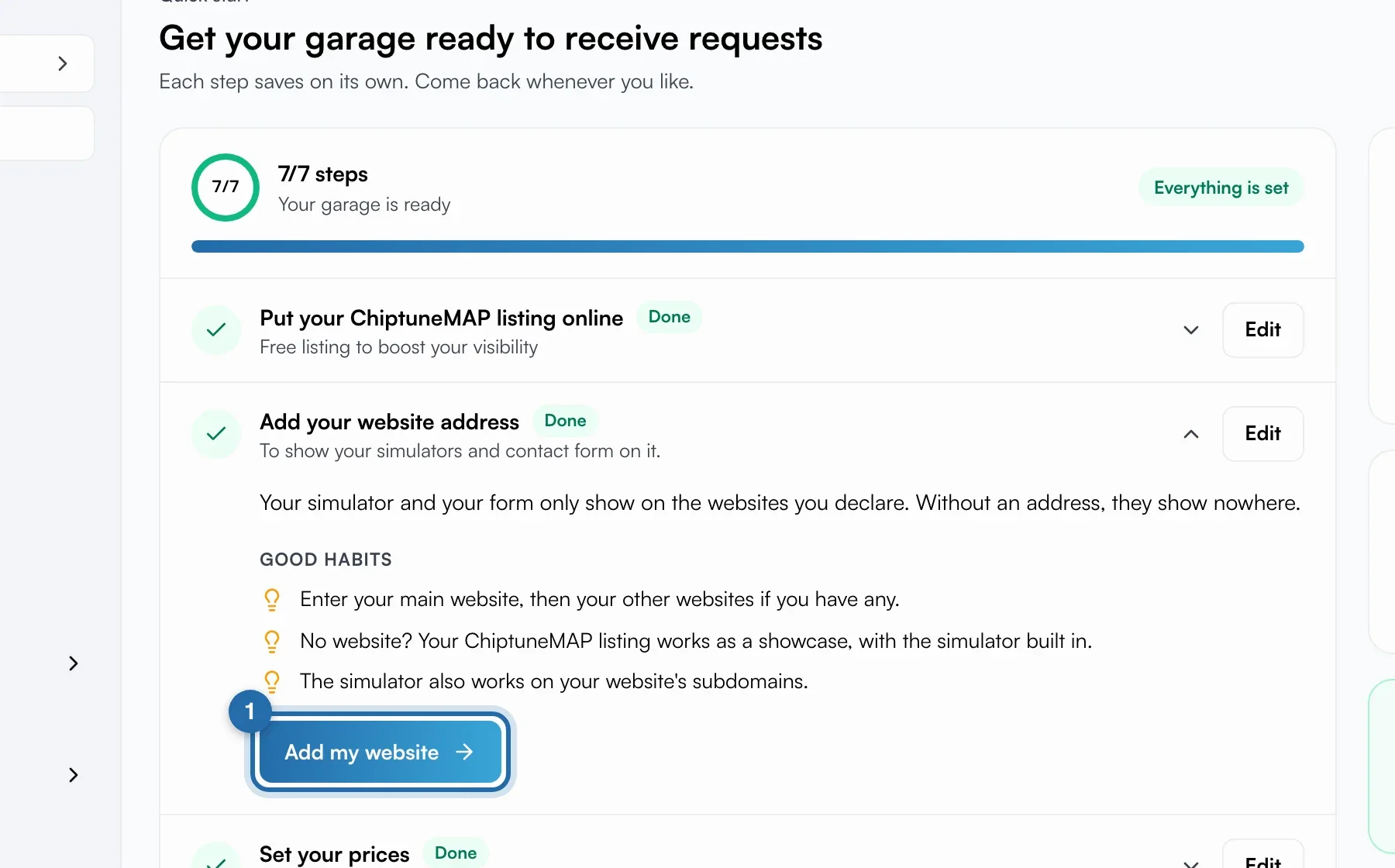
If you don't have a website
In the "Add your website address" step, click "I don't have a website". The website and simulator steps are replaced by "Share your links": you copy the link to your listing, your simulator or your online booking.
Bonuses and preview
Below the steps, "Bonus" offers "Deposit on booking" and "Google reviews". They don't count towards your progress. On the right, "Simulator preview" and "My links to share" show what your customers see, and "Message the team" opens the chat.
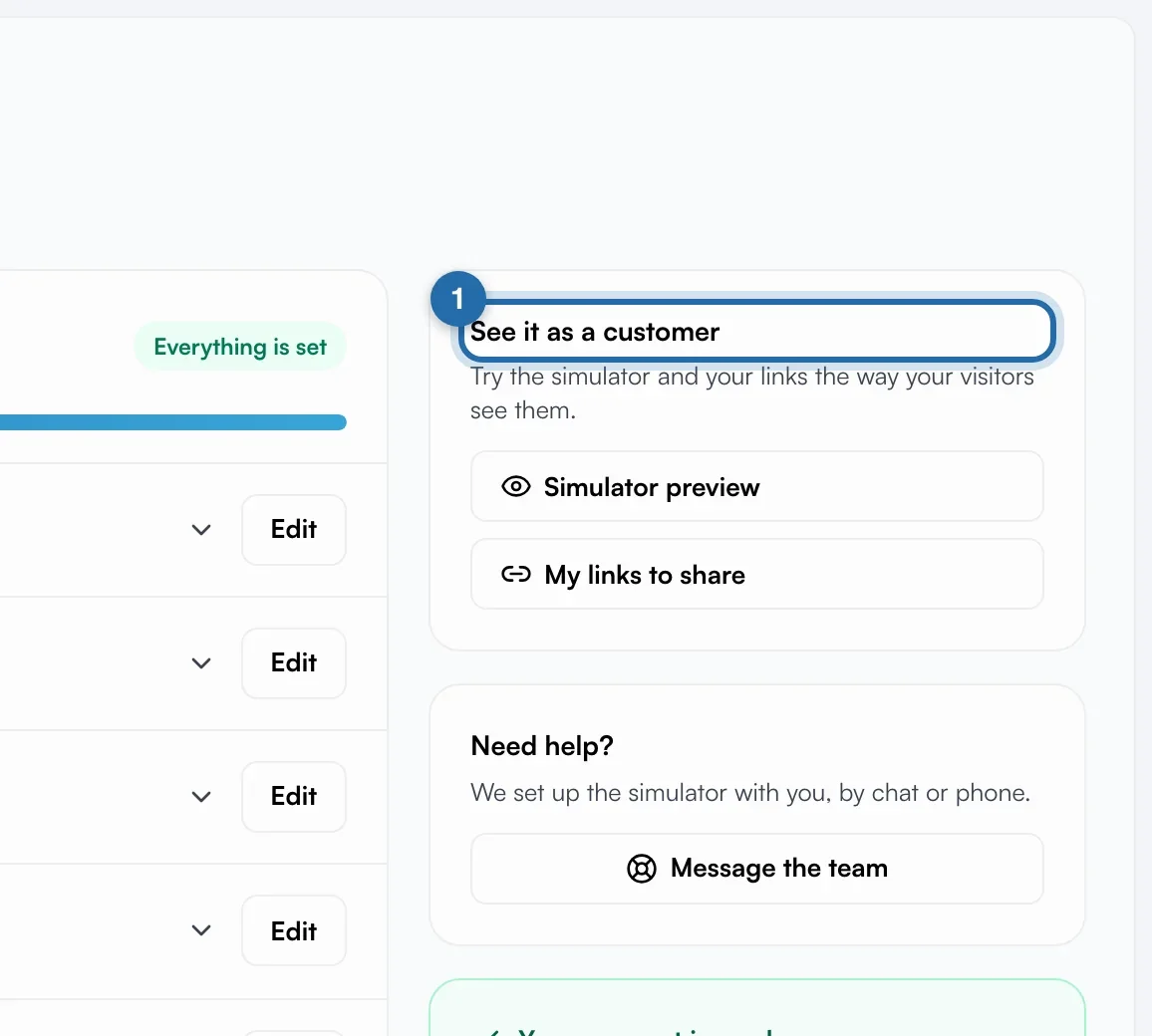
When everything is done
The menu button shows "Your account is ready" for 7 days, then disappears. The page stays available in "Help" > "Quick start".
If it doesn't work
- A step stays unticked although I did it.
- It ticks on real activity. "Put the simulator on your website" ticks when a visitor uses the simulator on your website, not when you paste the code. "Put your ChiptuneMAP listing online" needs a published, visible listing.
- I don't see the invoicing step.
- It only appears for garages based in France.