
Requests and appointments
What the customer sees when paying the deposit or booking with a quote link
Paying the deposit on Stripe, the return page and what happens if the customer gives up. Also the quote-based booking link page, with the quote above the slots.
Before you start
- Deposits turned on: Visibility or Pro subscription, "Payments enabled" badge in the "Deposit" tab.
- For the quote link: a link created from the Calendar or sent with a quote.
Before paying
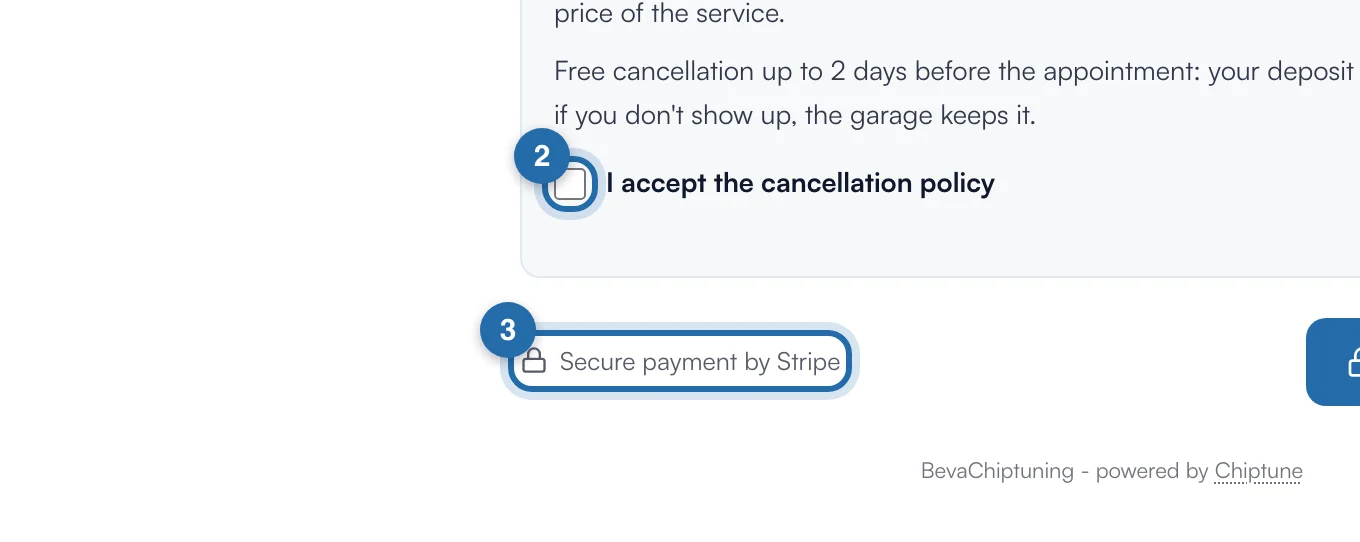
At the end of their details, the customer reads "€50 deposit to confirm", then "Your appointment is confirmed as soon as you pay. The deposit will be deducted from the price of the service." and your cancellation rule, for example "Free cancellation up to 2 days before the appointment". They tick "I accept the cancellation policy", enter their email and click "Pay the €50 deposit".
Paying on Stripe
On your /rdv page or a quote link, the Stripe payment page opens in the same tab. From your website or the simulator, the "Last step: the deposit" screen gives the time limit and opens Stripe in a new tab; it then switches to "Payment in progress", with "Reopen the payment", and updates by itself once paid. The customer pays by card, Apple Pay or Google Pay.
The slot is held for 30 minutes
During payment, the slot is blocked for them. Without payment after about 30 minutes, it is released and nothing is charged. In the widget, the customer then reads "The payment time has run out and the slot has been released. Pick a slot to start again.".
The return page
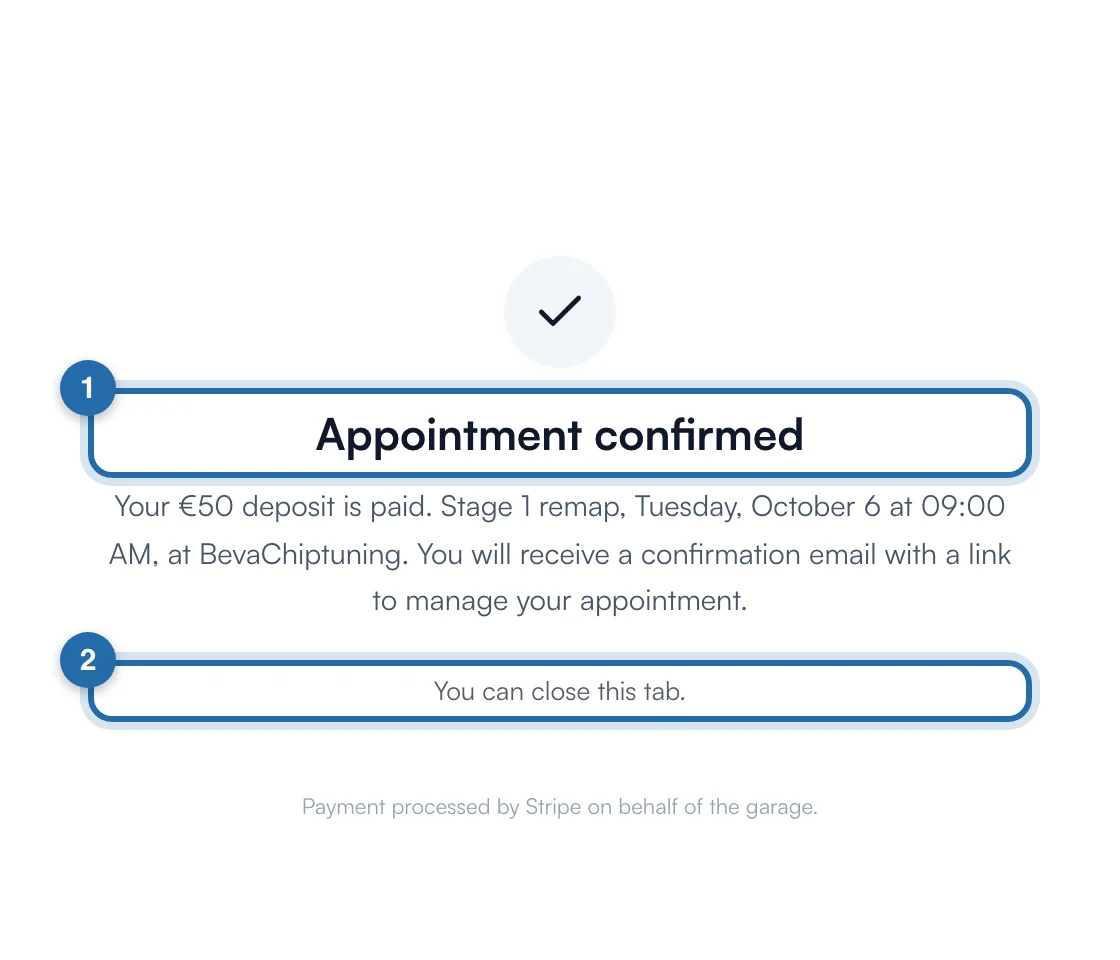
After Stripe, the customer lands on app.chiptunepro.com/rdv/paiement/…: "Checking the payment…", then "Appointment confirmed" with the amount, the service and the date, and "You can close this tab.". If they come back without paying: "Payment not completed" and "Resume the €50 payment" while time remains. Time up: "No amount has been charged." and "Book again", which opens your /rdv page.
The customer's emails
Once paid, they receive the appointment confirmation, or "Deposit received" if you confirm manually, with the "Manage my appointment" button. Stripe sends them the receipt separately. Between 20 and 26 hours before the appointment, a reminder goes out with the same button.
If they leave without paying
The customer shows for 14 days in "To do today", with their name, phone, vehicle and the slot they wanted. About 2 hours after they left, they get a reminder in your name, "Your appointment at BevaChiptuning isn't booked yet", with the "Finish my booking" button leading to your /rdv page. No reminder if they booked in the meantime, and no more than one per address over 7 days.
The quote-based booking link
With an app.chiptunepro.com/rdv/lien/… link, the customer does not see your other services: they land on the slot choice. If the link comes with a quote, the "Quote no." box shows the "Total incl. VAT", the line details and "Quote as PDF", with the sentence "Pick your slot below: booking it means you accept the quote.". Without a deposit, they click "Book this slot" and read "Appointment confirmed": the appointment is in your calendar without you approving it.
Expired or used link
An expired or cancelled link shows "This link is no longer valid". A link already used shows "Appointment already booked". Both pages offer "See the garage's page".
What your customer sees
You get an email with the amount and the commission. The booking arrives in "Requests" and the deposit in "Deposits collected". With automatic confirmation, the appointment is already in your calendar.
If it doesn't work
- The customer paid but reads "Payment not completed".
- The page waits for Stripe's confirmation for 1 minute. A payment confirmed later is still recorded: check "Deposits collected".
- The customer closed the tab before paying.
- While time remains, "Resume the payment" on the return page, or "Reopen the payment" in the widget, opens Stripe again. After that, they book again; the automatic reminder invites them to.
- The customer cannot find the quote PDF.
- "Quote as PDF" is below the quote details, only for a link sent with a quote.
- The customer reads "This link is no longer valid".
- The link has expired or you cancelled it. In the Calendar, "Sent links", the row menu offers "Extend by 14 days".
- The customer reads "Booking not found".
- The return page address is incomplete. Check in "Deposits collected" whether the payment arrived.