
Requests and appointments
Ask for a deposit on booking
The customer pays a deposit online to confirm their appointment.
Before you start
- A Visibility or Pro subscription, and online booking turned on.
Create your payment account
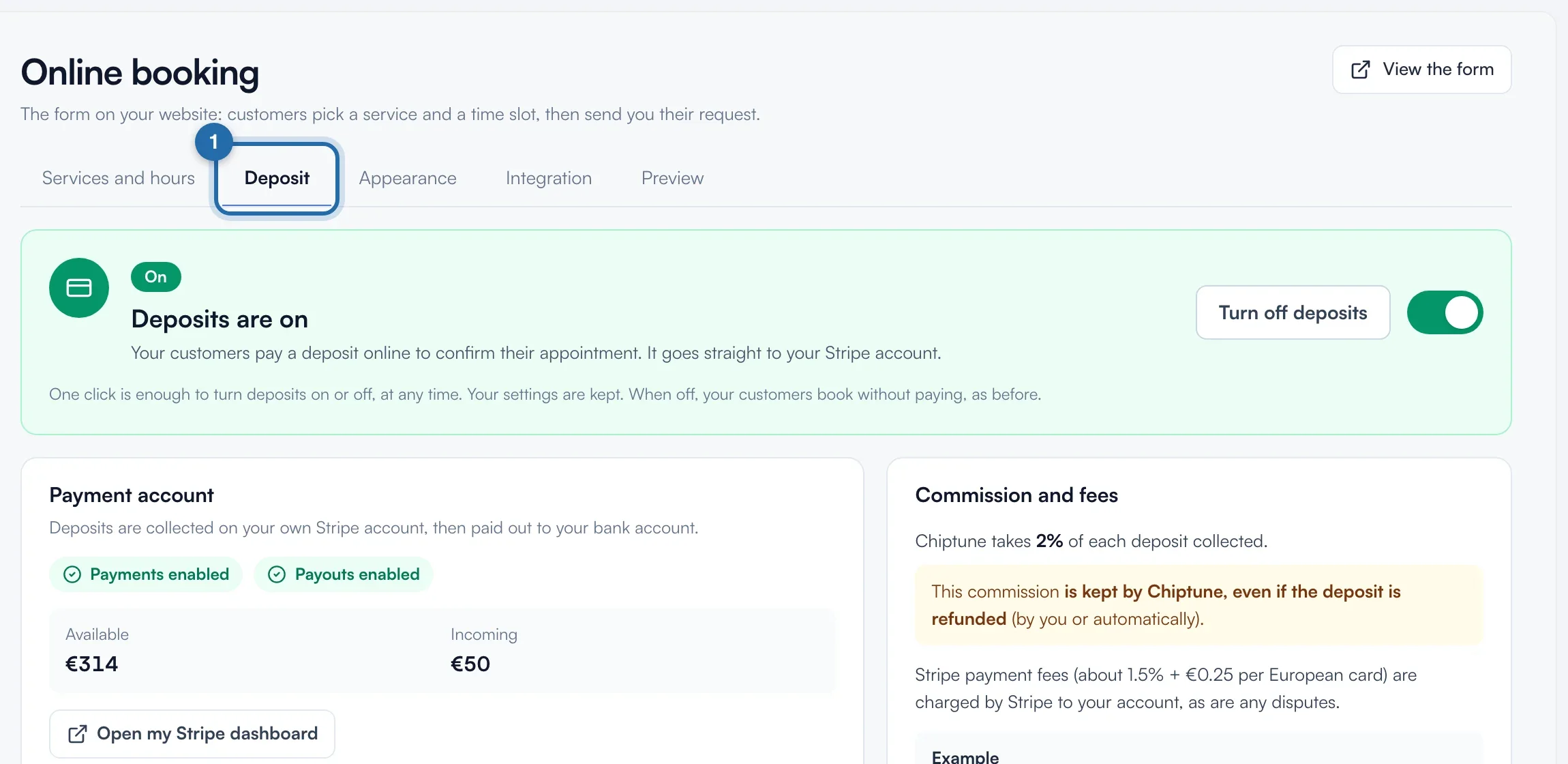
In "Online booking", "Deposit" tab, click "Create my payment account". Stripe asks for your identity, company and bank details, then brings you back here. Wait for the "Payments enabled" badge. If a document is missing, click "Complete my information".
Choose the amount
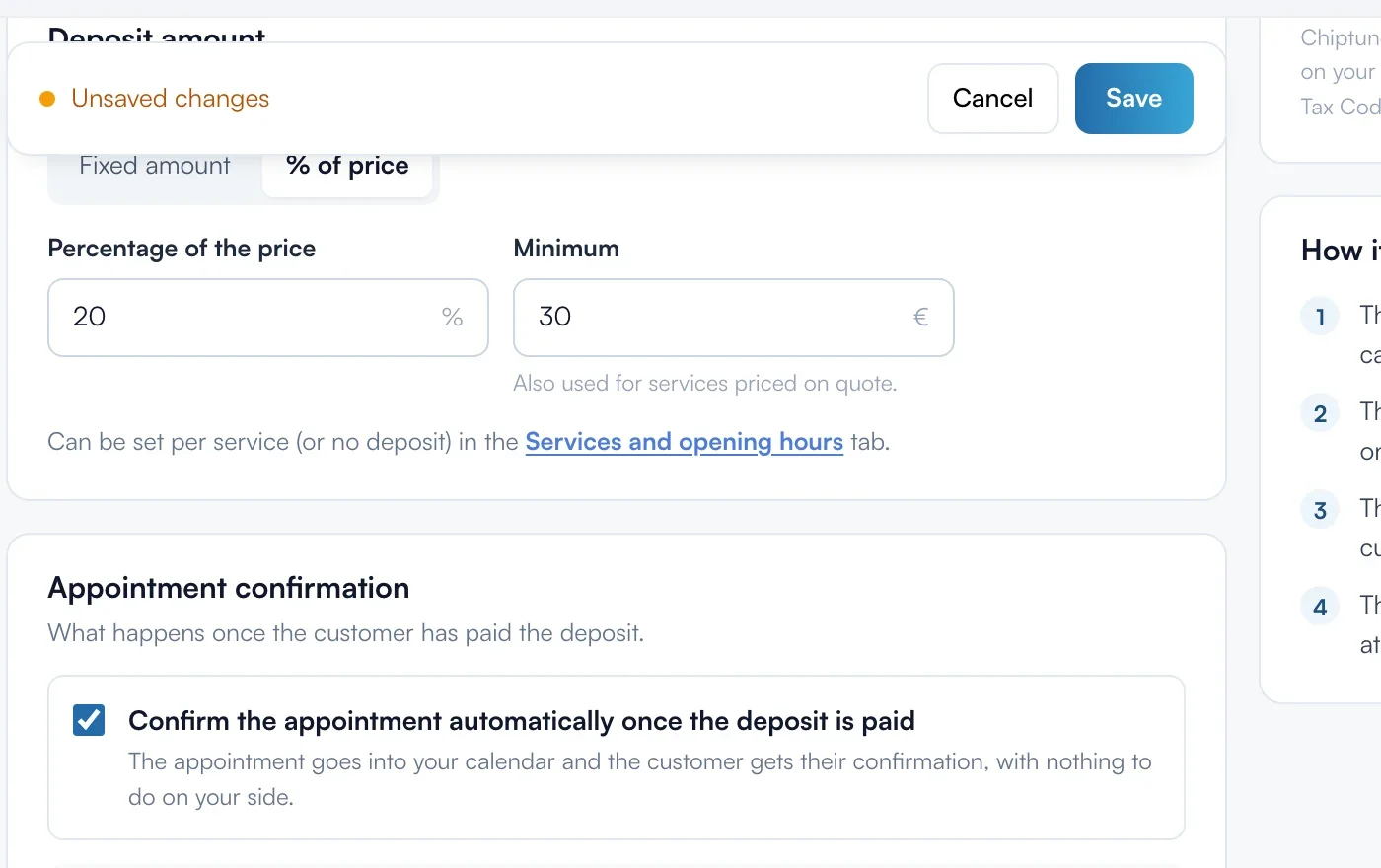
In "Deposit amount", choose "Fixed amount" (€5 to €5,000) or "% of price" with a "Minimum", which also applies to services on quote. Click "Save" at the top.
Set free cancellation
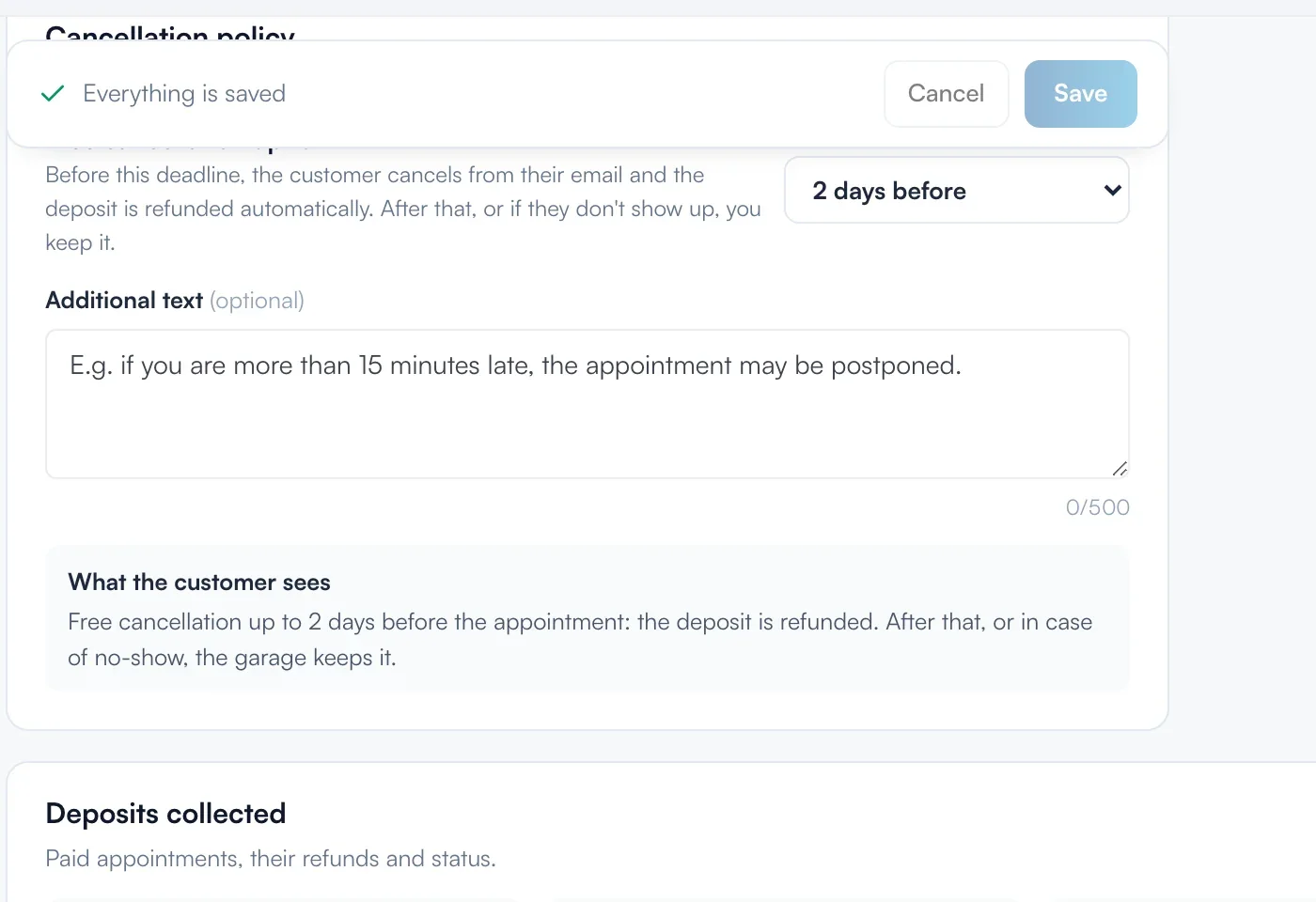
In "Cancellation policy", choose "Free cancellation up to": from 12 h to 7 days before, or "Never (non-refundable)". Before this deadline, the customer cancels from their email and is refunded automatically. After it, or if they don't show up, you keep the deposit.
Confirm automatically or manually
"Confirm the appointment automatically once the deposit is paid" is ticked by default. Unticked, you get a request to accept. If you decline it, the customer is refunded.
Turn on deposits
At the top of the tab, click "Turn on deposits". The first time, tick the box about the 2% commission, then click "Enable deposits". The banner switches to "On".

Adjust per service
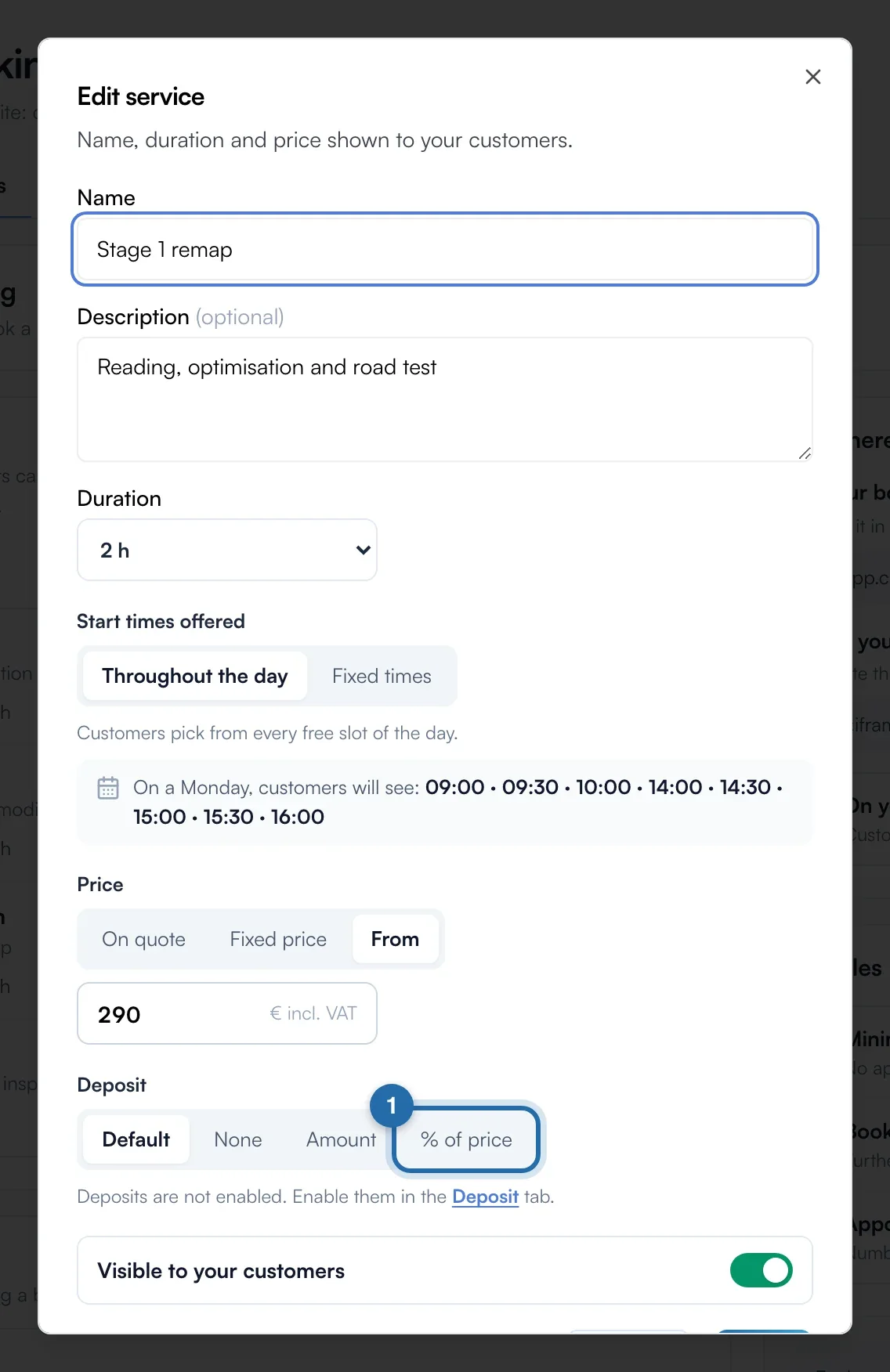
In "Services and hours", open a service. Under "Deposit", choose "Default", "None", "Amount" or "% of price".
Refund
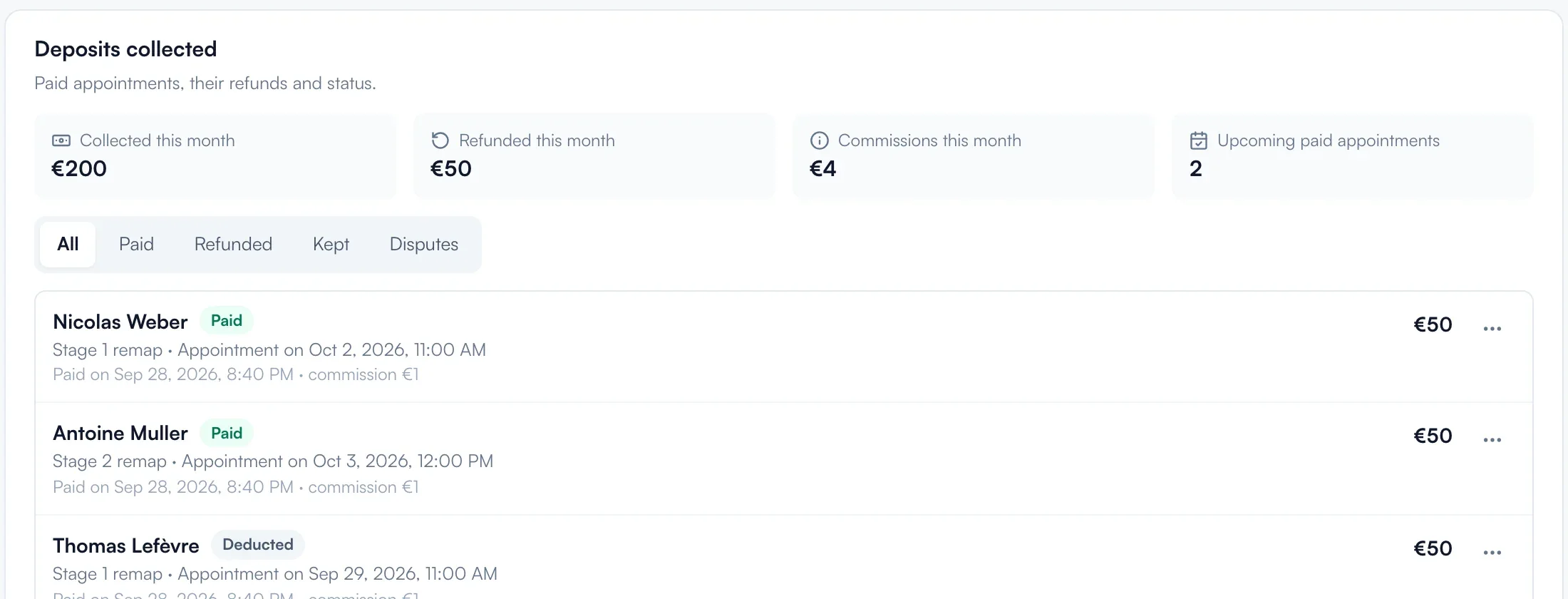
In "Deposits collected", open a row's menu, click "Refund", choose "All" or "Part" and confirm. It takes 5 to 10 days.
What your customer sees
Below their contact details, the customer sees "€50 deposit to confirm" and your terms. They tick "I accept the cancellation policy", click "Pay the €50 deposit" and pay by card, Apple Pay or Google Pay on Stripe. They then read "Appointment confirmed", or "Deposit received" if you confirm manually.
If it doesn't work
- How much does it cost?
- Chiptune takes 2% of each deposit, not returned if you refund. Stripe takes about 1.5% + €0.25 per European card. The "No-commission deposit" option removes the 2% for €15/month or €150/year.
- "Turn on deposits" is greyed out.
- The Visibility or Pro subscription is missing, or the "Payments enabled" badge. The banner shows the missing step.
- The customer abandons the payment.
- Their slot is freed after about 30 minutes.