
Putting the tools on my website
Show my Google reviews on my website
You link your Google listing, choose the layout, then paste a code: your rating and reviews show and update every week.
Before you start
- The Pro plan for the code to paste. Without it, you can see a preview with your real reviews.
- The link to your Google Maps listing if it is not suggested.
Open "Google reviews"
In the menu, click "Reviews and offers", then "Google reviews". Without the Pro plan, paste your garage's Google Maps link and click "Show my reviews": the preview takes about 20 seconds. The code stays locked.
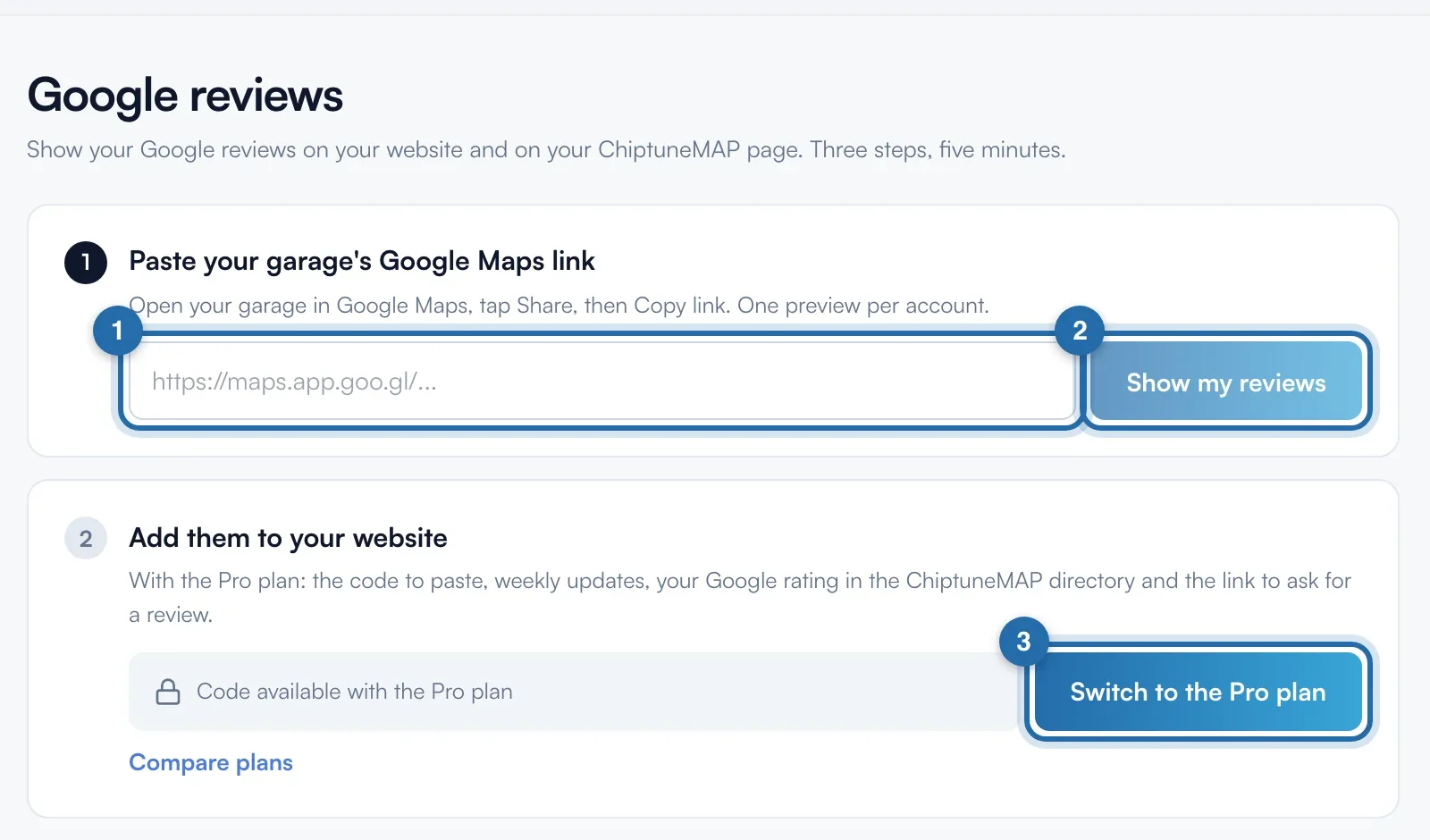
Link your Google listing
With the Pro plan, step 1 "Link your Google listing" suggests listings. The one marked "Same website or same name as your account" is most likely yours: click "This is my listing". Otherwise, paste the Google Maps share link and click "Use this link". The first fetch takes 1 to 2 minutes.
Choose the layout
In step 2, choose the "Layout": "Carousel", "Cards" or "List". Set the "Minimum rating" and tick "Reviews with text only" if needed. Each choice is saved straight away.
Copy the code
In step 3, click "Copy the code". Its height depends on the layout: 400 px for the carousel, 470 for cards, 680 for the list. "Send the code by email" prepares an email for your webmaster.
Paste it on your website
WordPress: "Custom HTML" block, paste, publish. Wix, Webflow or another builder: "Code" or "Embed" element. Nothing else to install.
Let the updates run
Reviews are fetched every Monday. "Refresh now" starts a fetch, once every 24 hours. The same rating shows on your ChiptuneMAP listing, with all ratings.
What your customer sees
The visitor sees your Google rating, the number of reviews and your latest reviews (author as initials), with "Write a review" and "See all reviews on Google" links. Your verified ChiptuneMAP reviews can appear in the carousel.
If it doesn't work
- "Your reviews have not been fetched yet".
- The fetch did not succeed. Check that it is the right listing, then click "Refresh now".
- I picked the wrong listing.
- Click "Change listing", then confirm. The fetched reviews are removed from your website and your ChiptuneMAP listing until you choose the new one.
- The block is empty on my website.
- Without the Pro plan or a linked listing, the code shows nothing.