
Simulators
Show my prices in my currency
Your prices show in the currency of your country: pound, dollar, Swiss franc… No conversion: your customers see exactly the amounts you enter.
Before you start
- Every account.
- In France and the euro area, nothing to set: the currency is the euro.
Open Language and country
In “Settings”, click “My account”. The “Language and country” block holds “Language”, “Country”, “Price currency” and “Time zone”.
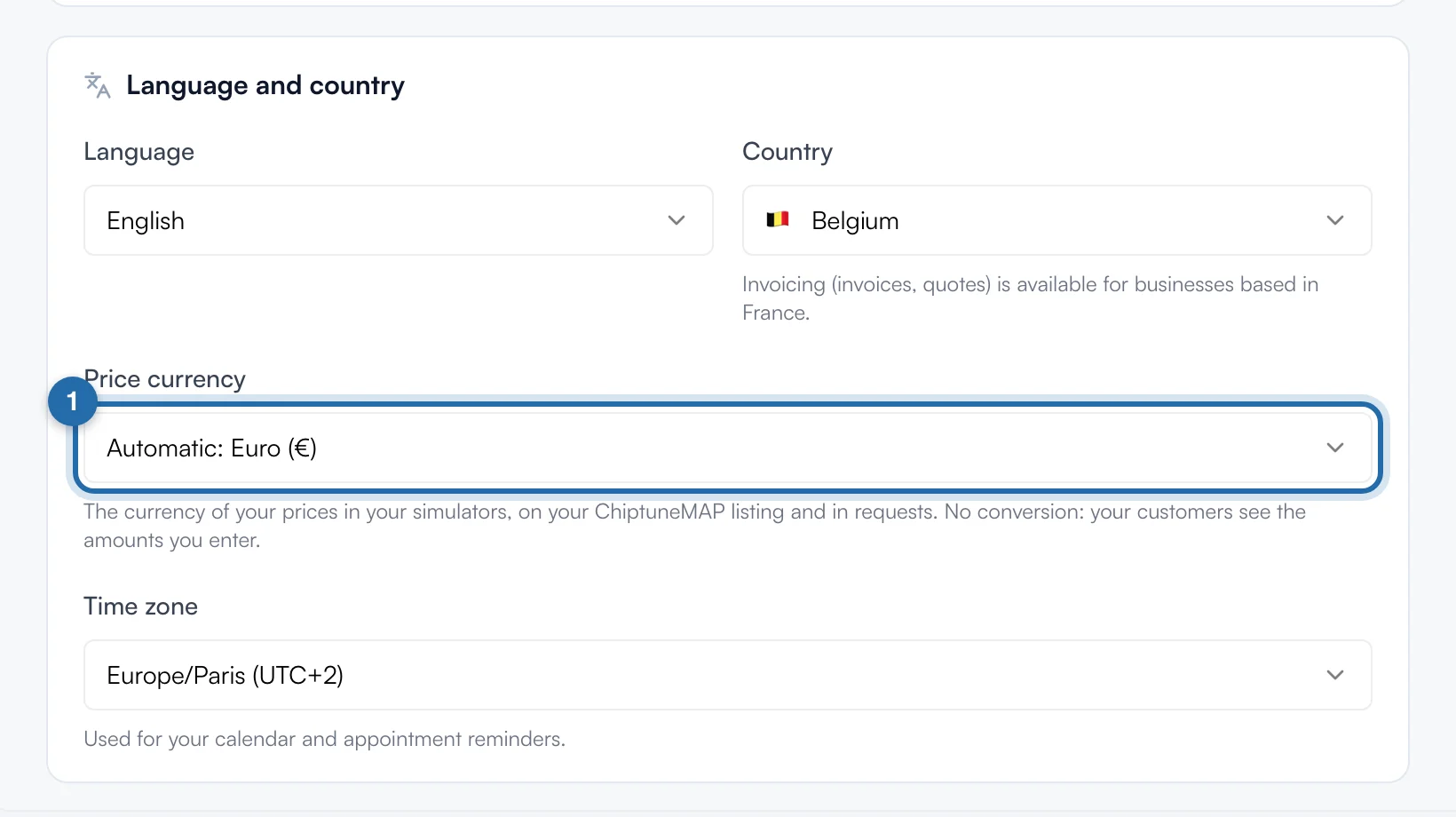
The automatic currency
By default, “Price currency” shows “Automatic:” followed by the currency of the account's “Country”: pound in the United Kingdom, dollar in the United States and Canada, franc in Switzerland. As long as you stay on automatic, changing country changes the currency.
Choose another currency
Open the “Price currency” list and pick one of 44 currencies, for example the Swiss franc for a garage near the border. It is saved straight away: “Preferences saved”.
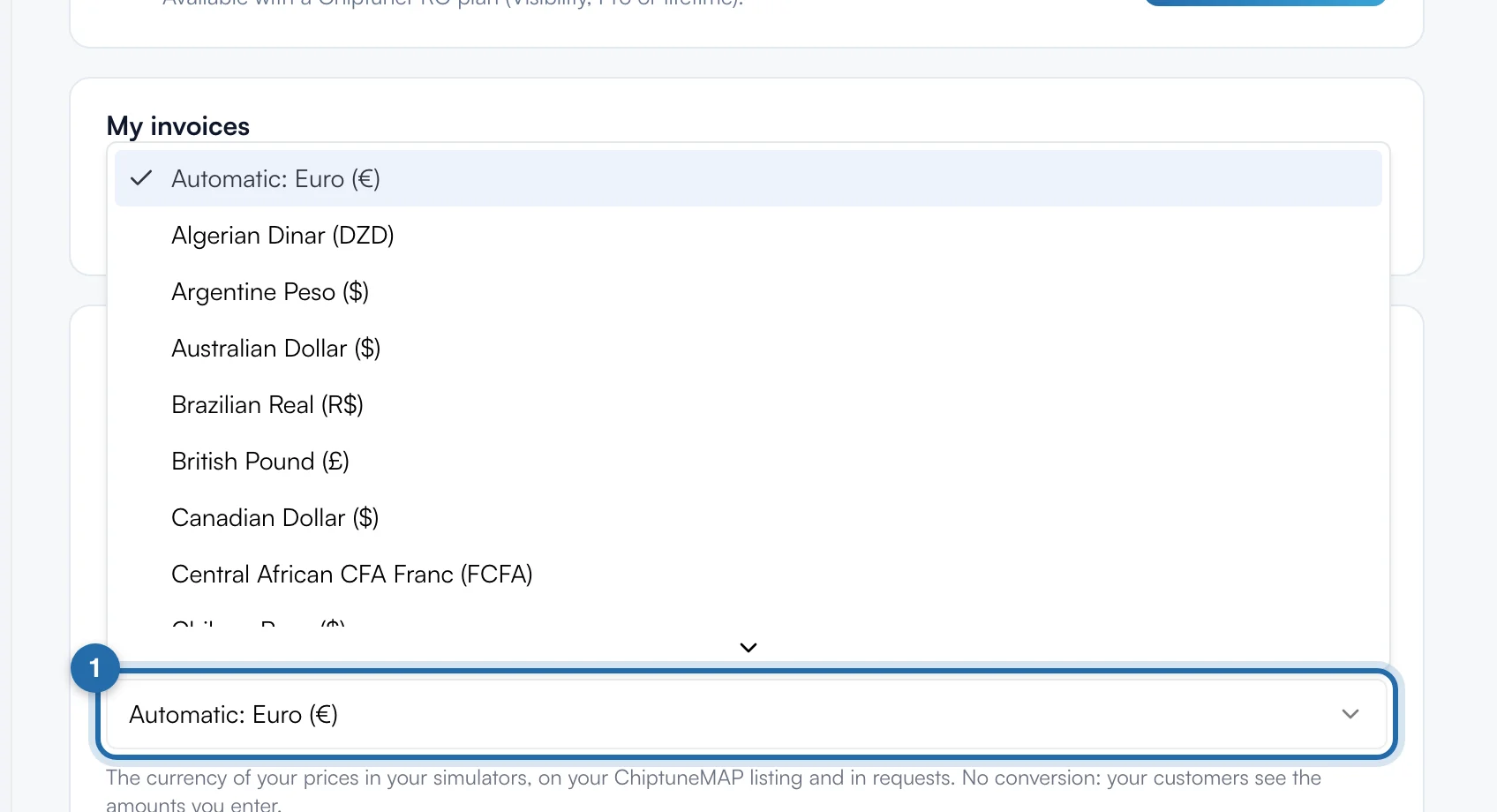
Review your prices
Nothing is converted. After a change, go over your amounts: simulator stages, options, bundles, booking services and deposit. A price entered as 350 shows as 350 in the new currency.
Where the currency shows
Tuning simulator and E85 simulator, online booking, promo codes, ChiptuneMAP listing and map, new request email and online deposit. The prices of your ChiptunePRO subscription stay in euros.
What your customer sees
The customer sees your prices with your currency symbol, for example £350 or CHF 350: in the simulator, on your ChiptuneMAP listing and when paying the deposit.
If it doesn't work
- I changed currency and my prices did not move.
- That is intended: no conversion. Enter your new amounts, with the simulator's bulk edit if needed.
- Is my ChiptunePRO subscription billed in my currency?
- No. Subscriptions, paid options and referral stay in euros.
- How does ChiptuneMAP compare my prices?
- The sector price ranges on ChiptuneMAP only compare garages that show the same currency.