
Requests and appointments
Offer online booking
Your customers choose a service and a free slot, you accept the request.
Turn on booking
In the menu, click "Online booking", "Services and hours" tab. At the top right, set the switch to "On". It is saved straight away. When it is off, your customers can only write to you.
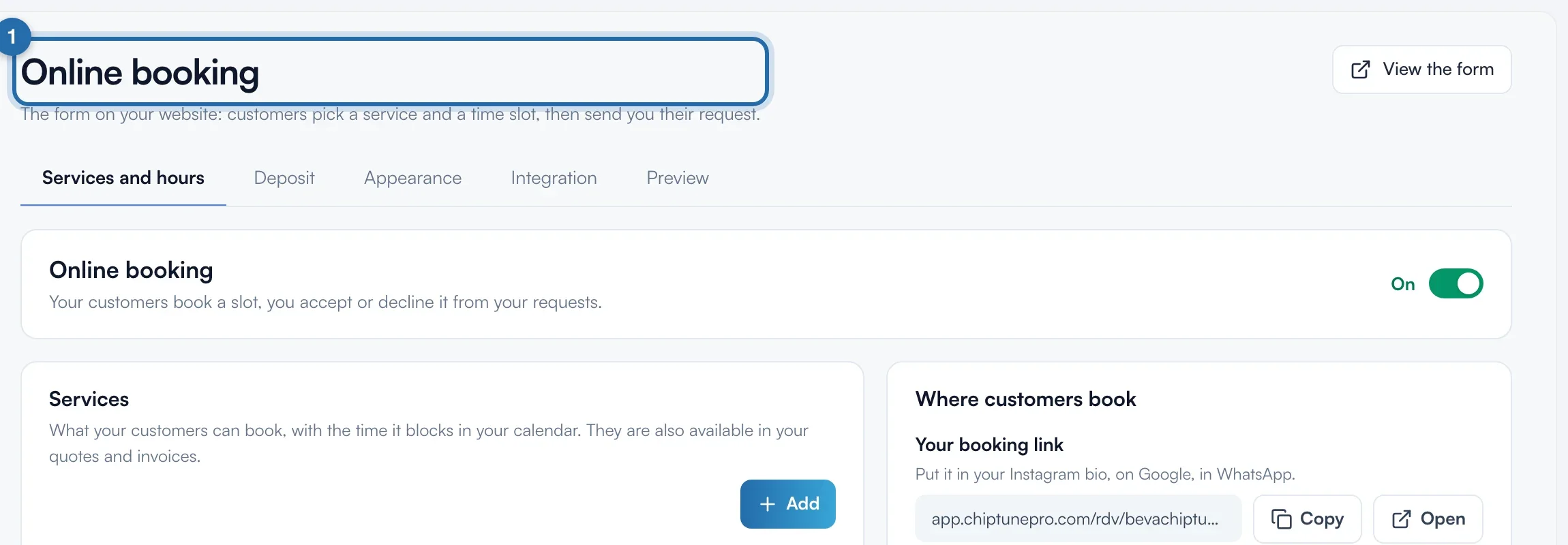
Add a service
In "Services", click "Add". Fill in "Name", "Description" (optional), "Duration" (15 min to 3 days) and "Price": "On quote", "Fixed price" or "From", in € incl. VAT. Click "Save".
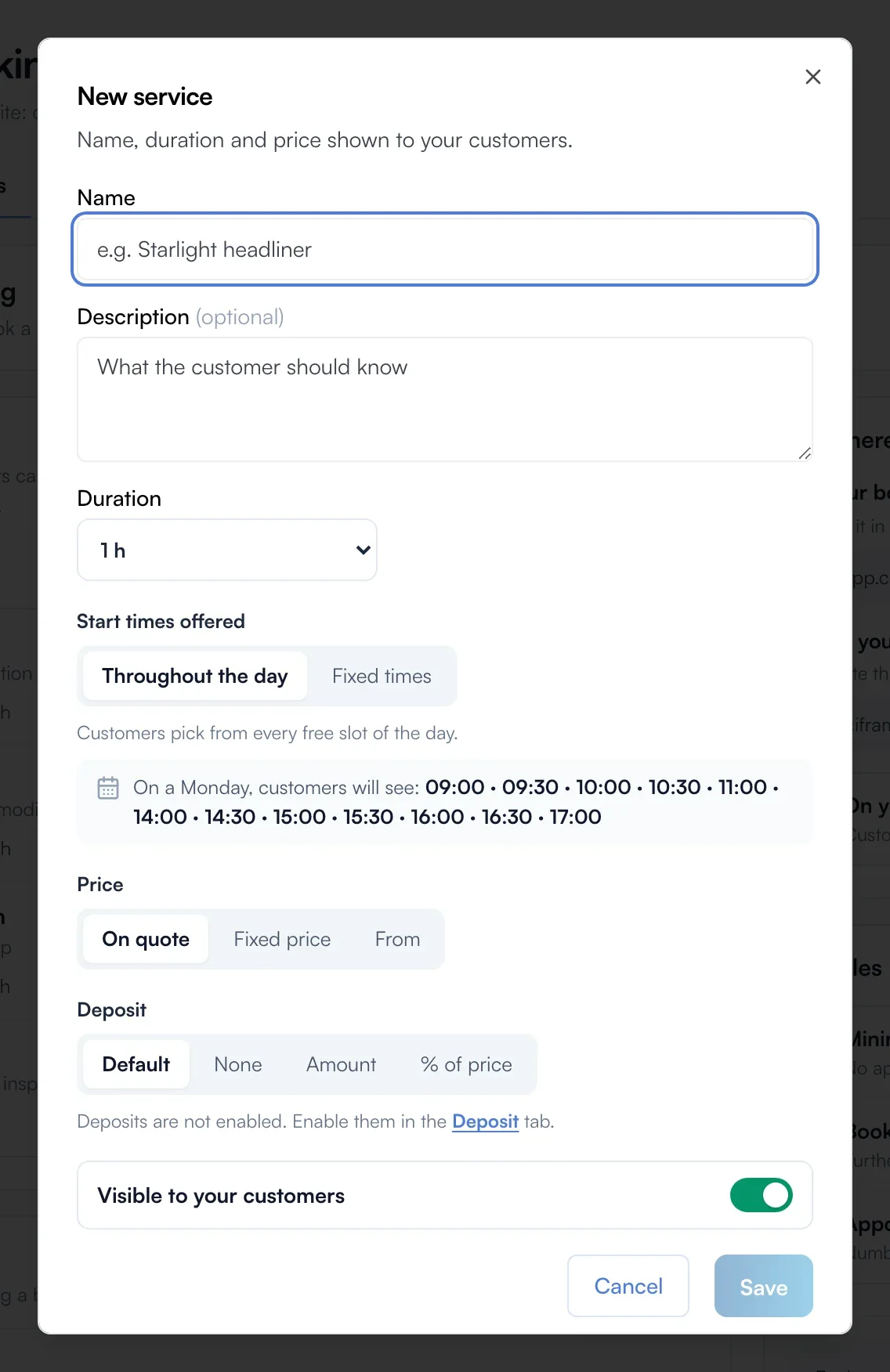
Set the arrival time
In the same window, "Fixed times" limits arrival to the times you add, for example 8:00 and 13:00. Turn off "Visible to your customers" to keep the service off your online booking.
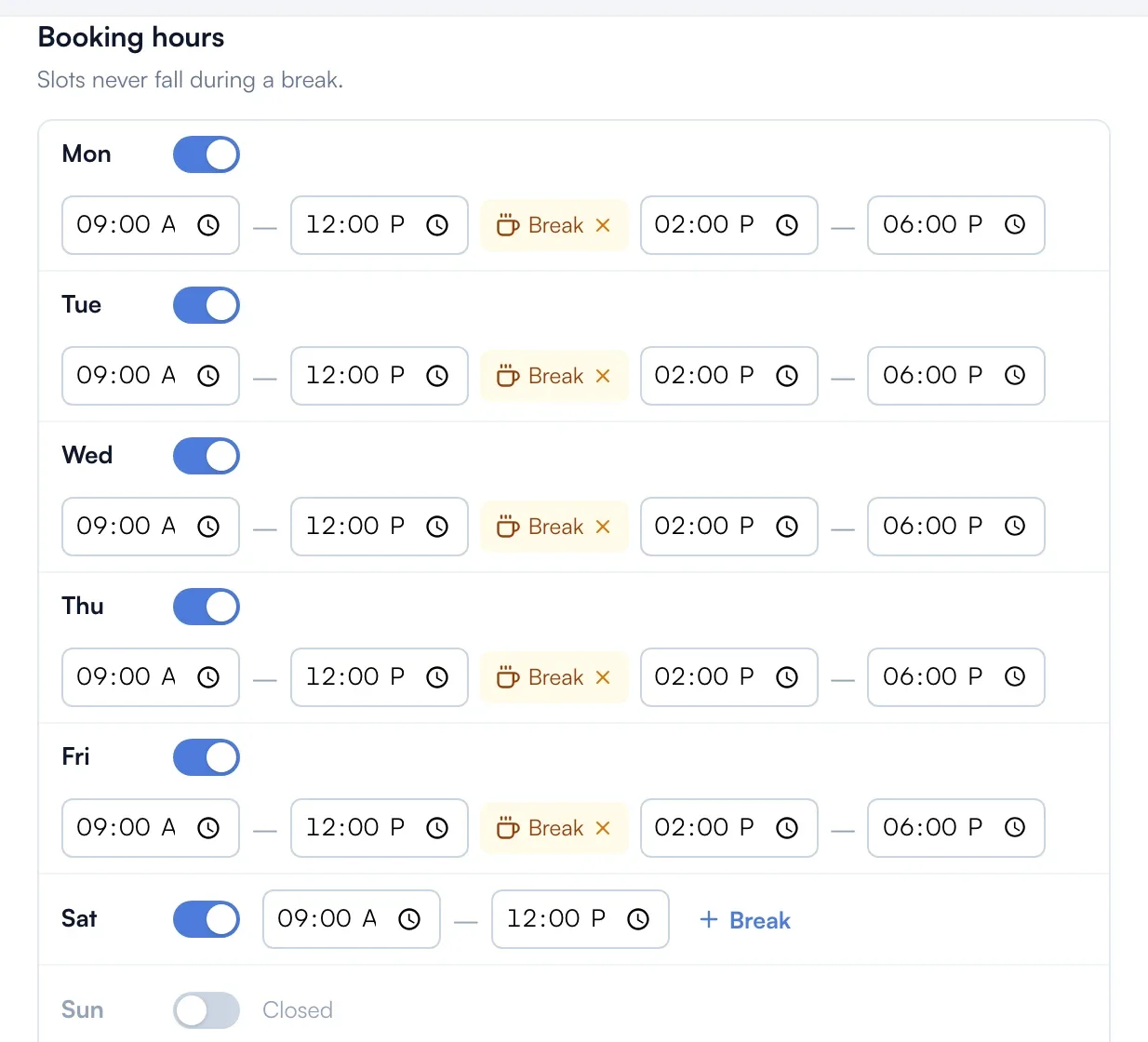
Check your hours and breaks
"Booking hours" uses the hours on your ChiptuneMAP listing. Add a "Break" then click "Save hours". No slot falls during a break. For holidays, click "Block a period".
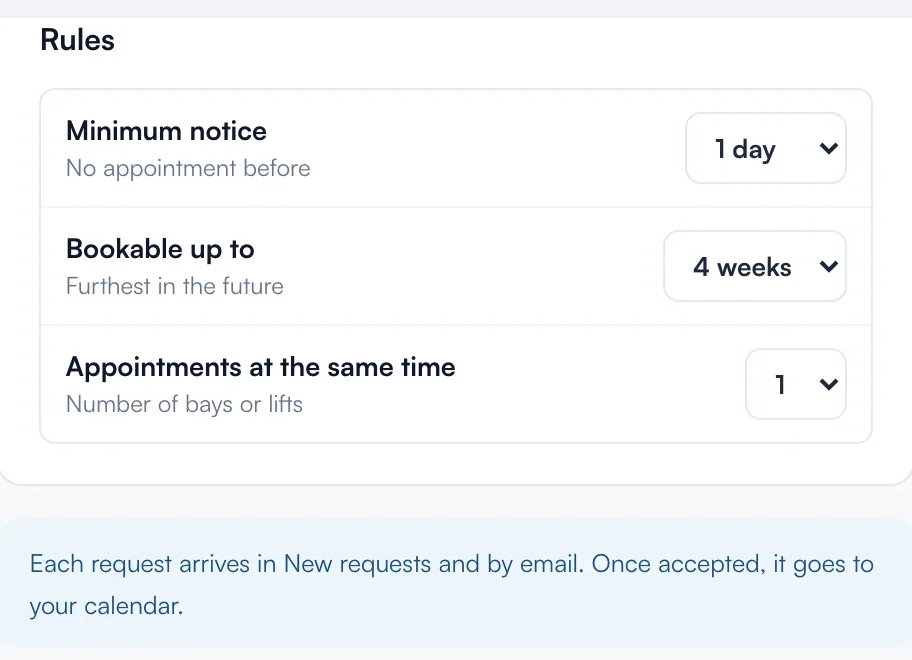
Set the rules
In "Rules", choose the "Minimum notice" (from "None" to 3 days), "Bookable up to" (1 week to 90 days) and "Appointments at the same time" (1 to 5, depending on your bays). Each choice is saved straight away.
Say where to book
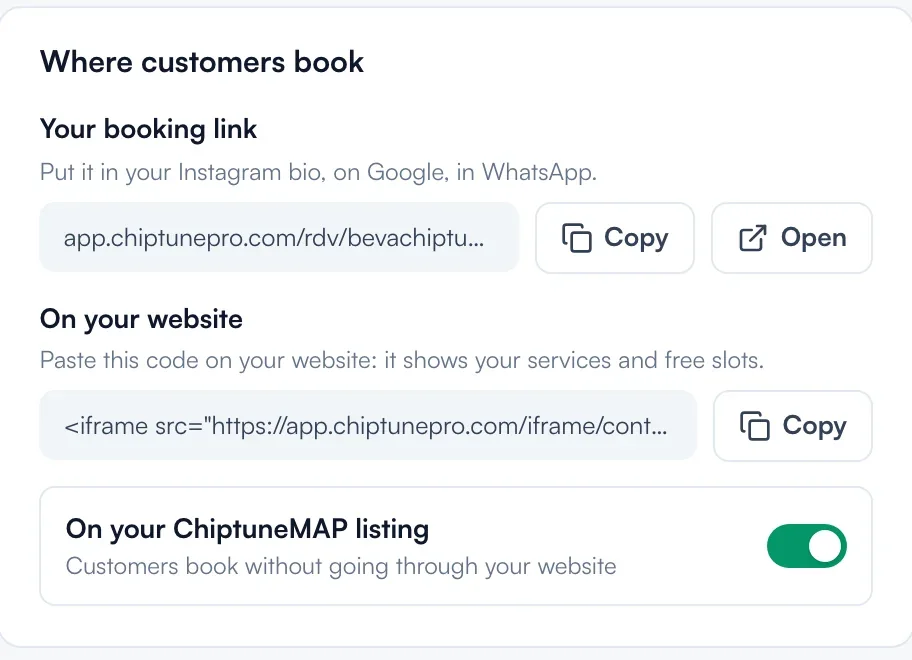
"Where customers book" gives "Your booking link" (app.chiptunepro.com/rdv/your-address) to copy, the code to paste "On your website", and the "On your ChiptuneMAP listing" switch.
Accept requests
Each booking arrives in "Requests" and by email, and its slot is blocked straight away. Open it and click "Accept" or "Decline". Once accepted, it goes into your calendar.
What your customer sees
The customer sees your services with price, duration and first free slot. They choose a day and a time, give their contact details, then read "Request sent".
If it doesn't work
- The customer sees no slot.
- Check the "On" switch, that the service is not "Hidden" and that your hours include open days. A long "Minimum notice" or a blocked period also empties the first days.
- "Save" does nothing in the service.
- It needs a name, a price for "Fixed price" or "From", and at least one time with "Fixed times".
- Two customers took the same slot.
- "Appointments at the same time" is above 1. Set it back to 1 if you only have one bay.