
Requests and appointments
Handle a request: call, reply, change the status
Contact the customer, make their quote and follow the request through to "Completed".
Before you start
- Open "Requests" in the menu and click a request.
Contact the customer
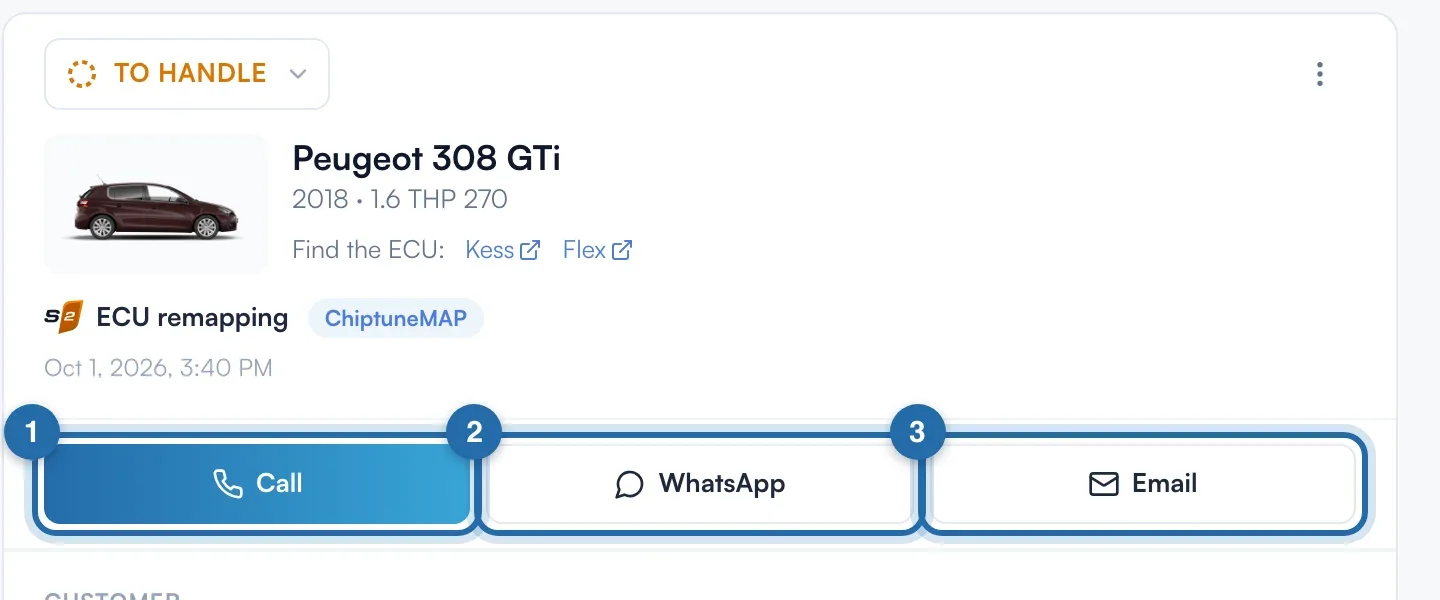
At the top of the details: "Call", "WhatsApp" and "Email". "Email" opens your mail app with the subject "Your request". A button is greyed out if the phone number or email is missing.
Make the quote
Click "Quote": the quote opens with the customer and their vehicle. The button then becomes "View quote". For accounts in France only.
The status changes on first contact
Opening a request changes nothing. It moves from "To handle" to "In progress" on the first click on "Call", "WhatsApp", "Email" or "Quote".
Change the status manually
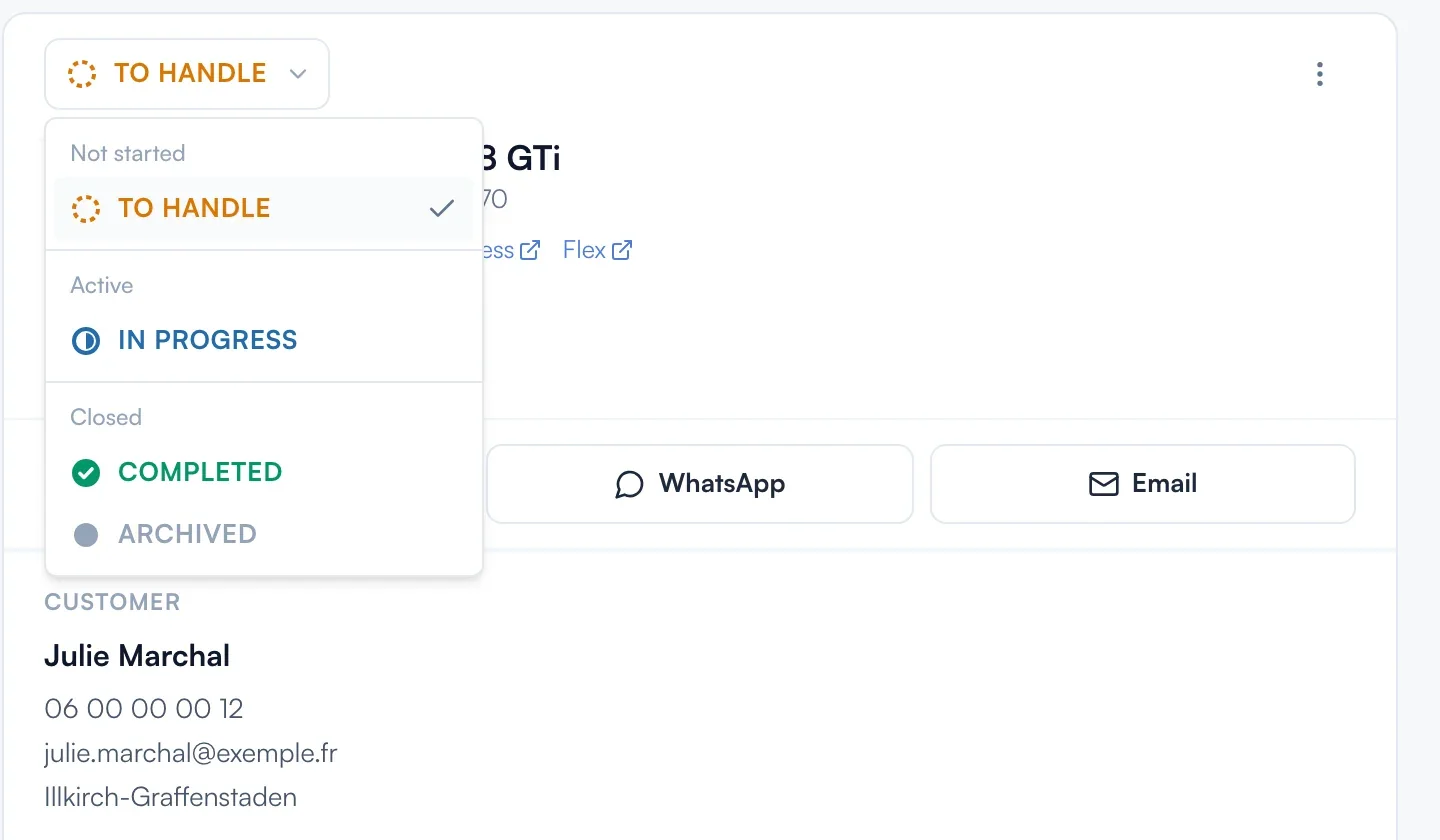
Click the status at the top of the details and choose "To handle", "In progress", "Completed" or "Archived". The ⋯ menu also offers "Create the customer", "Archive the request" and "Delete".
Send the review link
Once the request is "Completed", the customer gets an email with a link to rate your garage on ChiptuneMAP. The "Review link" box gives this link with "Copy", WhatsApp and SMS. For online appointments, the link comes after the appointment time.
Mark everything as done
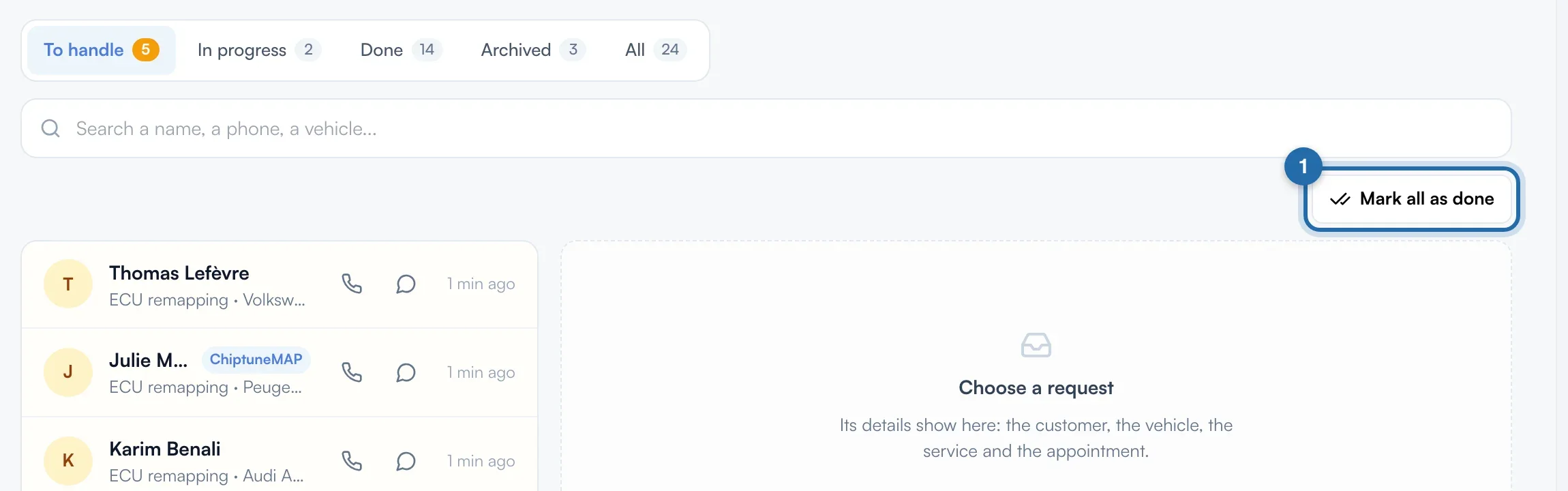
In "To handle", click "Mark all as done" and confirm. No message or review link is sent.
Reply from your mailbox
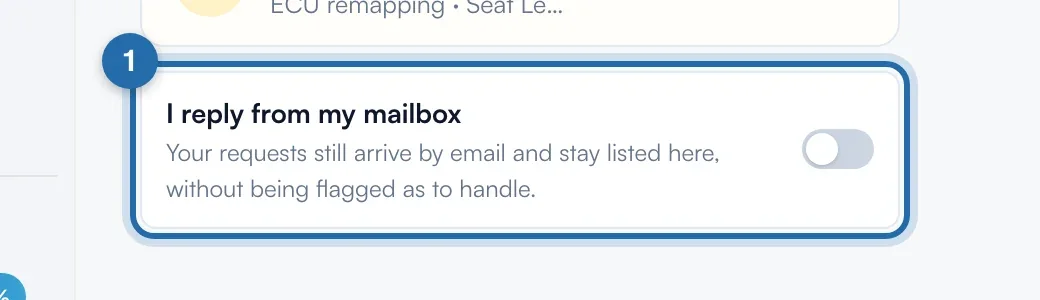
Below the list, turn on "I reply from my mailbox": no more number in the menu and no more red delays.
Find the ECU
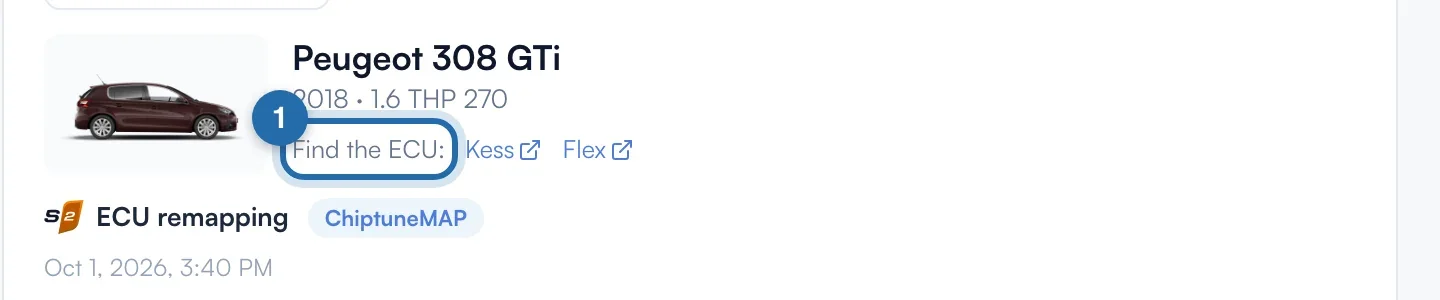
Under the vehicle, the ECU tag offers "Copy ref" and "Check on" Kess or Flex. Otherwise, "Find the ECU:" opens Kess or Flex and copies the vehicle.
What your customer sees
Once the request is "Completed", the customer gets their review link by email. Valid for 30 days, single use, one reminder 7 days later.
If it doesn't work
- The customer didn't get the review link.
- It needs a valid email address, and nothing is sent for a "Test" or "Locked" request. Send the link with "Copy", WhatsApp or SMS.
- No "Quote" button.
- It is only available for accounts in France.
- My response time doesn't show on my ChiptuneMAP listing.
- It needs 5 requests whose status you change. Move them to "In progress" or "Completed" as soon as you reply.