
ChiptuneMAP
Link Instagram: my posts become builds
Link your Instagram account in your ChiptuneMAP listing: each post of a tuned vehicle becomes a build, with its photos and the gains read from the caption. A tick box per post decides what stays on the listing.
Before you start
- Pro plan. Without it, the box shows “Pro plan only”.
- A public Instagram account.
- A ChiptuneMAP listing published at least once: the “Work” block only appears after that.
Open the Work block
In “Settings” › “My ChiptuneMAP listing”, scroll down to “Work”. Under the list: the “Are your builds on Instagram?” box.
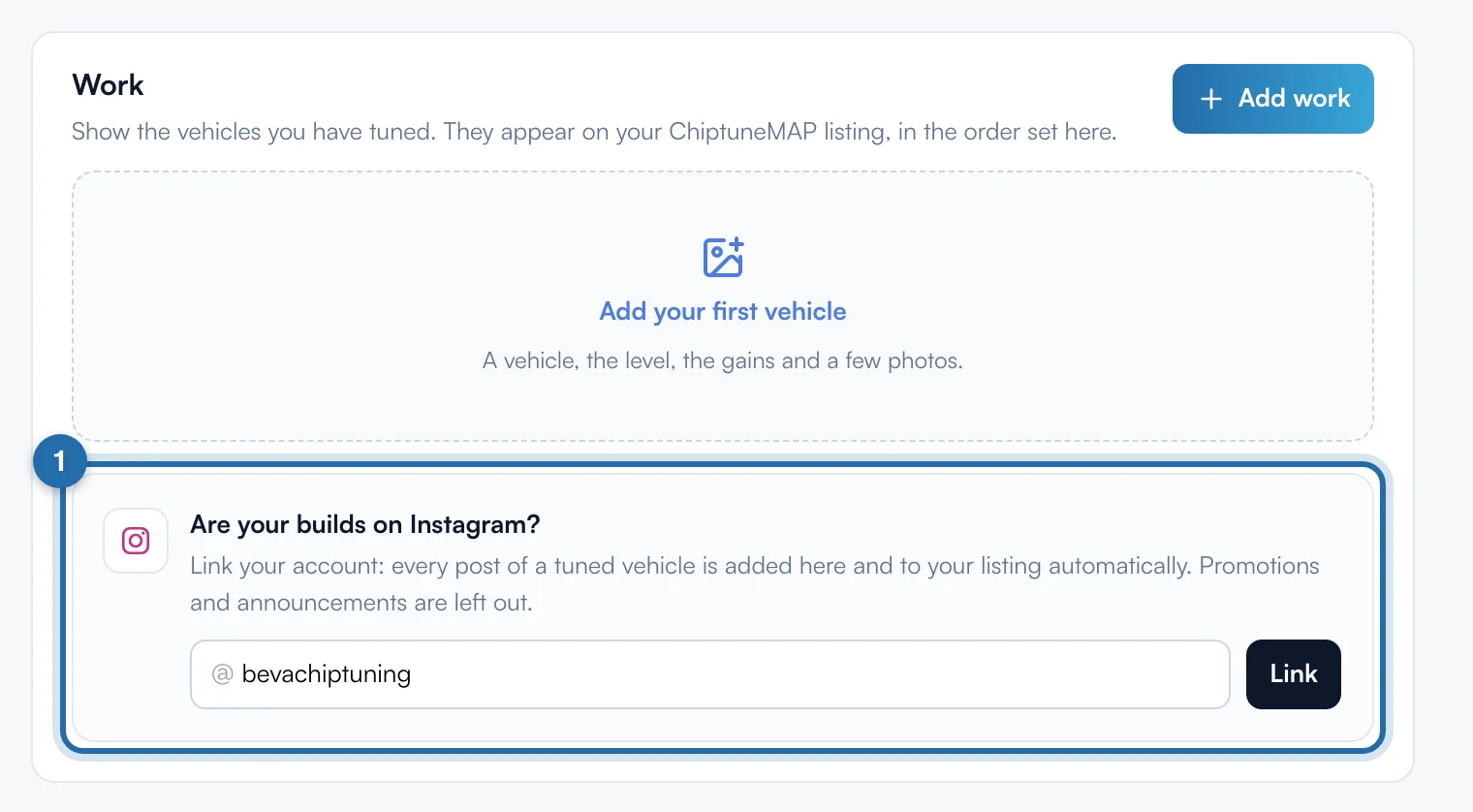
Link the account
Type your account name after the @, or paste your profile address. If your listing already has an Instagram link, the field is filled in. Click “Link”. “Account linked: your posts will arrive in a minute or two” confirms.
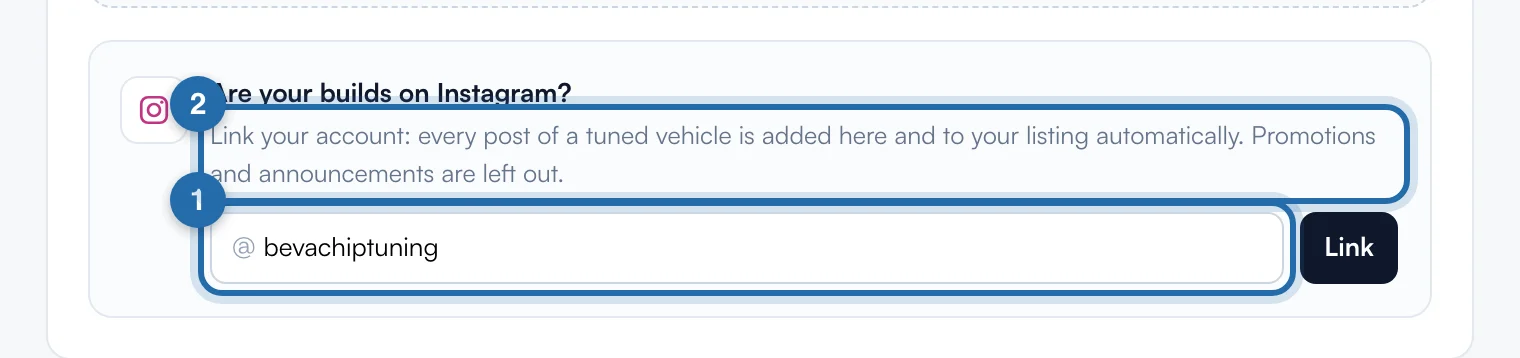
First read
The box becomes “Instagram linked: @youraccount” with “Reading your posts…”. Your last 36 posts are read. A vehicle post (tuning, E85, CarPlay, coding, speed limiter…) becomes a build straight away: make, model, engine, stage, gains, carousel photos (6 at most) and post date. Promotions, opening hours and announcements are left out.
Choose the posts to keep
Click “Your posts (…) · … on your listing” to open the grid. A ticked post is a build on your listing. Click a photo to untick it: the build is removed from the listing. Tick it again: it comes back.
Add a promotion or an unread vehicle
Tick a post that stayed unticked. If the make and model were not read, “Which vehicle?” asks for “Make” and “Model”. Click “Add”. “Build added to your listing” confirms.
Correct a build
Builds from Instagram are in the “Work” list with the others: “Edit” to fix the stage, figures or photos, “Hide”, or the bin. A deleted build does not come back on later reads.
Later reads
New posts are read every day. “Read now” starts a read by hand, once a day: otherwise “Your posts have already been read today” shows. “View account” opens Instagram. “Unlink” stops the reads; builds already added stay.
What your customer sees
On your ChiptuneMAP listing, a build from Instagram shows like the others: photo in the top gallery, gains in the “Work” tab. It also appears on your website made by ChiptunePRO and in the “Builds” widget of your link page.
If it doesn't work
- “Could not read the account: check that it exists and is public.”
- The account is private or the name is wrong. Make the account public in Instagram, then click “Read now”.
- “Instagram account not recognised”.
- Check the spelling: the name alone, without @, or the full profile address.
- A build has the wrong make or stage.
- The caption was misread. Click “Edit” under the build and correct it.
- I want to link another account.
- Click “Unlink”, then link the new account. Builds already added stay on the listing.