
Putting the tools on my website
Add my website
Your simulator, your E85 simulator and your form only show on the websites added in "My websites".
Before you start
- You can add the main website with or without a subscription.
- "Other websites" need a subscription.
Open My websites
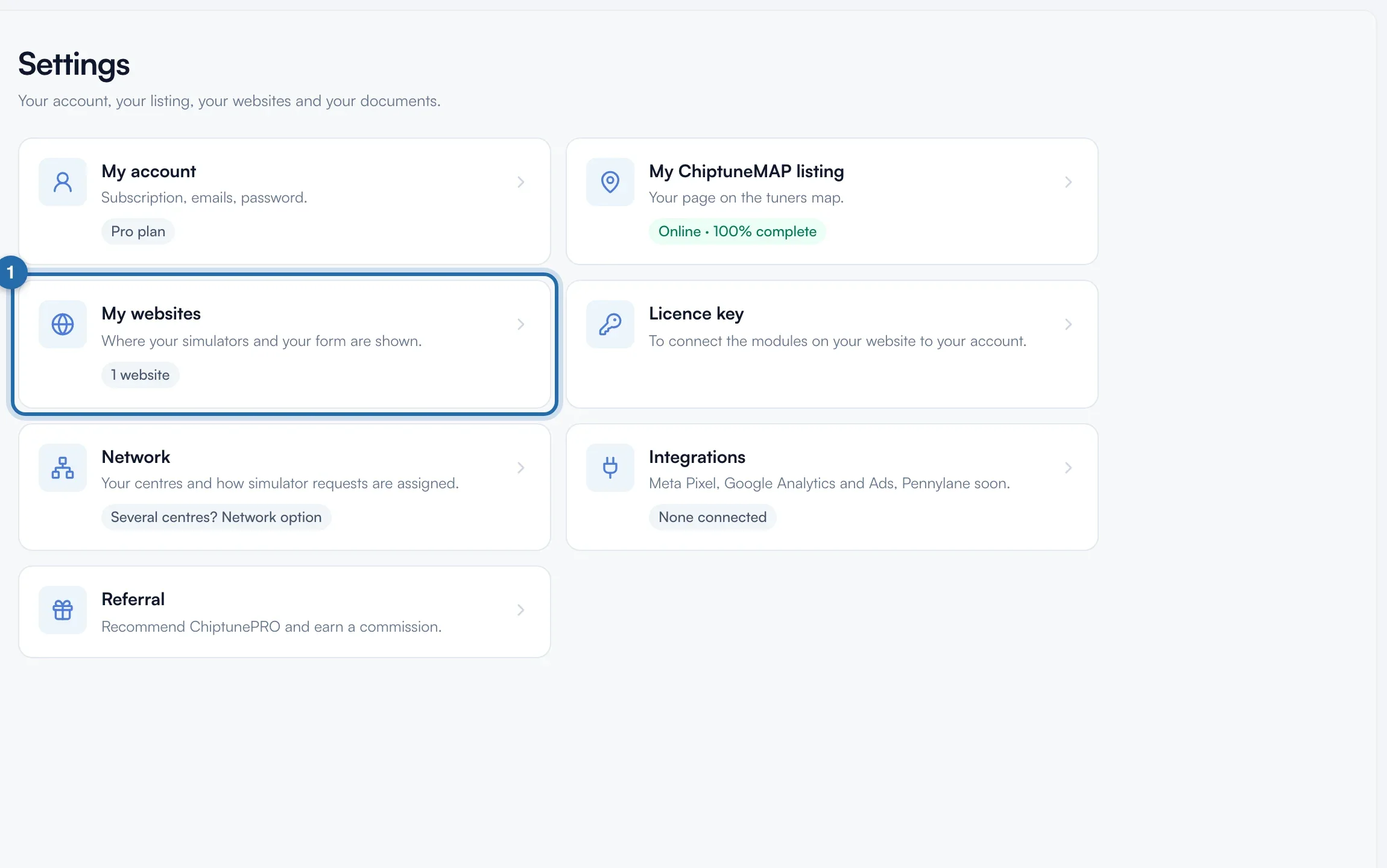
Click "Settings" at the bottom of the left menu, then the "My websites" card. The card shows "No website" or the number of websites added.
Add the main website
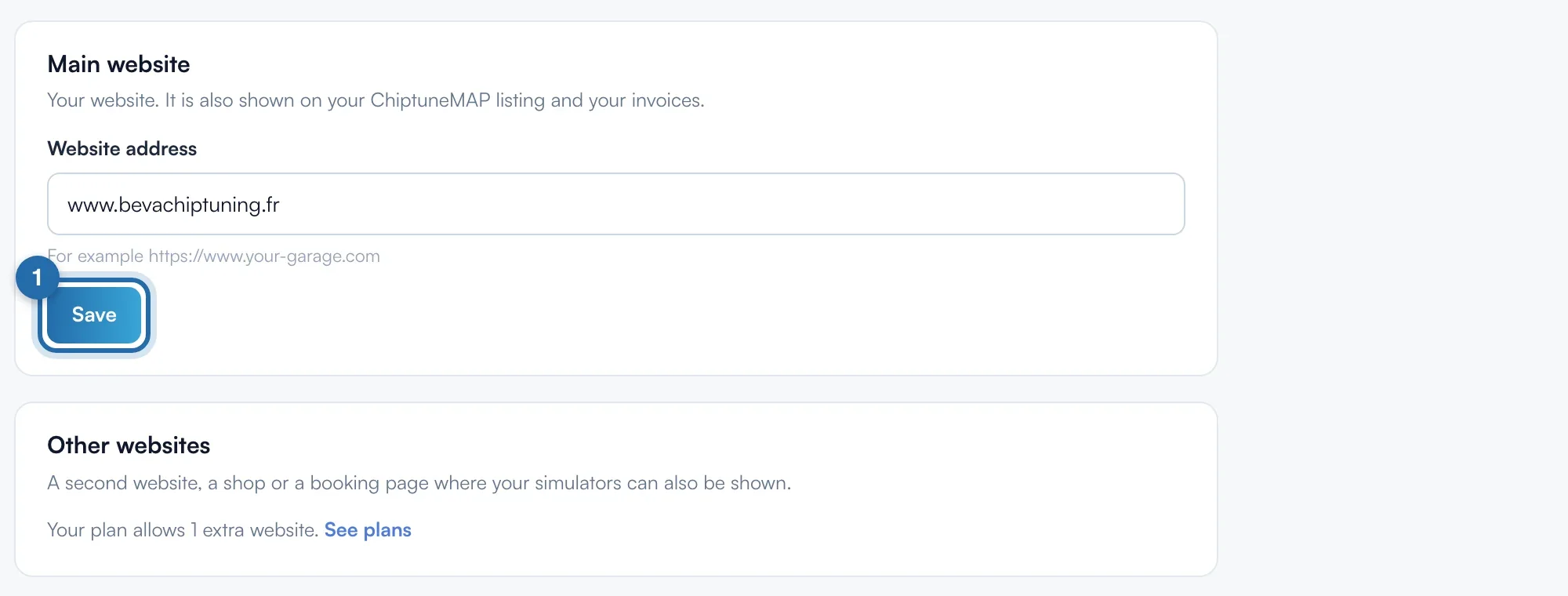
In the "Main website" card, type the address in "Website address", for example www.your-garage.com, then click "Save". The message "Website saved" shows. The button stays greyed out until the address changes.
What is saved
Only the domain is kept: https://www.your-garage.com/remapping becomes https://www.your-garage.com. The simulator works on every page and subdomain of this website. This address also shows on your ChiptuneMAP listing and your invoices.
Add another website
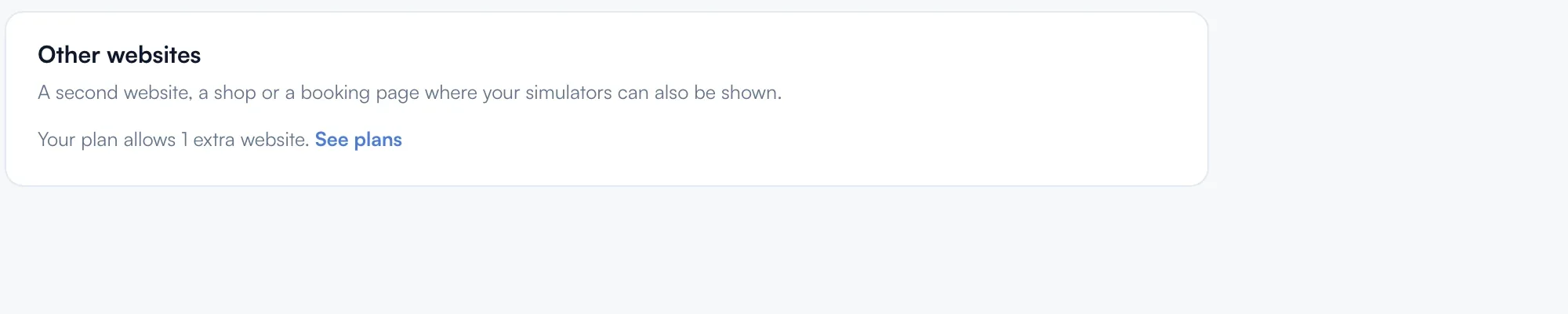
A shop or a booking page on another domain? In the "Other websites" card, type the address in "Add a website" and click "Add". The message "Website added" shows and the website joins the list. When your plan limit is reached, the field is replaced by "Your plan allows..." and a "See plans" link.
Remove a website
Click the bin to the right of the website, then "Remove" in the window. Your simulators no longer show on this website.
What your customer sees
On a website that is not added, the visitor sees "Simulator temporarily unavailable" and an invitation to contact the garage directly. In your dashboard and in Preview, the simulator always shows.
If it doesn't work
- "This address is not a valid website."
- The address must contain a dot, like your-garage.com. Remove spaces and extra characters.
- I see "Available with a subscription." in "Other websites".
- Without a subscription, you add a single website: the main website. Click "See plans" to add more.
- I don't have a website.
- In Quick start, click "I don't have a website": you then share the links to your listing, your simulator and your online booking.