
General
Simulators: "Automatic height" option for your website
The "Integration" tab of the power and E85 simulators now offers an "Automatic height" option. Once it is on, the copied code includes a <script> line under the iframe. The iframe then takes the simulator's height at every step, with no scrollbar inside, on desktop and on smartphone.
How it works
Where: "Simulators" › "Power simulator" or "E85 simulator" › "Integration" tab. Turn on "Automatic height", click "Copy the code" and paste it in place of the old code.
The option is off by default. The code then stays a fixed-height iframe (650 px), with scrolling inside, as before.
At each step change, your page scrolls back to the top of the simulator if the visitor had scrolled down.
If your website has a fixed header, add data-offset="80" to the <script> line (80 is the header height in pixels). The top of the simulator no longer goes under the header.
On Wix, you only paste an address in "Embed a Site", so the script is not possible. The height is set in the Wix editor.
Step-by-step guide
Every step with the app screen, in the help center.
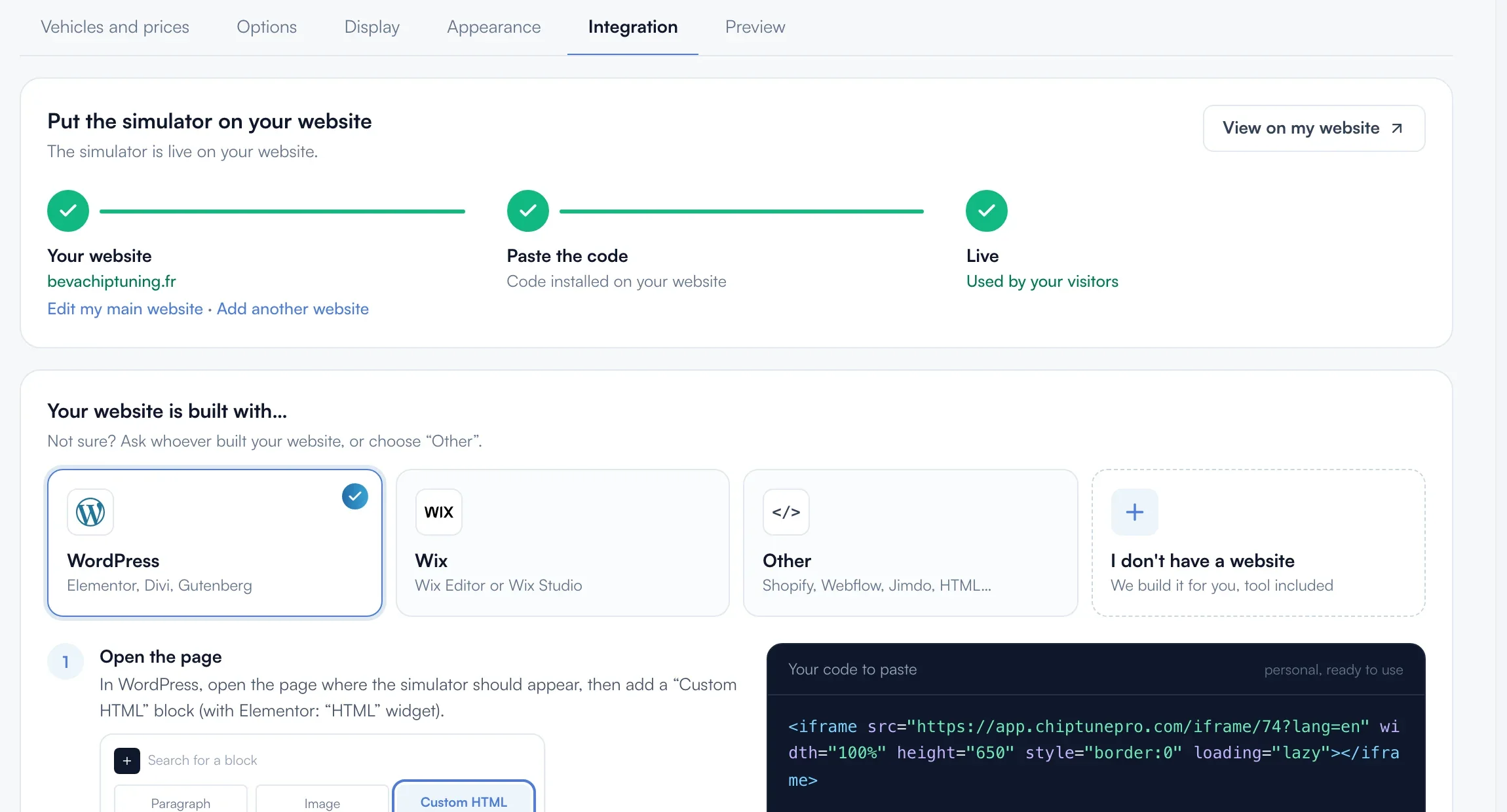 Add the simulator to my websiteYour visitors calculate their gains on your website and send you their quote request.Step-by-step guide
 Put the simulator on a WordPress websiteOn WordPress, the simulator is pasted into a "Custom HTML" block, with no plugin to install. The same code works with the block editor and with Elementor, and your other tools are installed the same way.Step-by-step guide
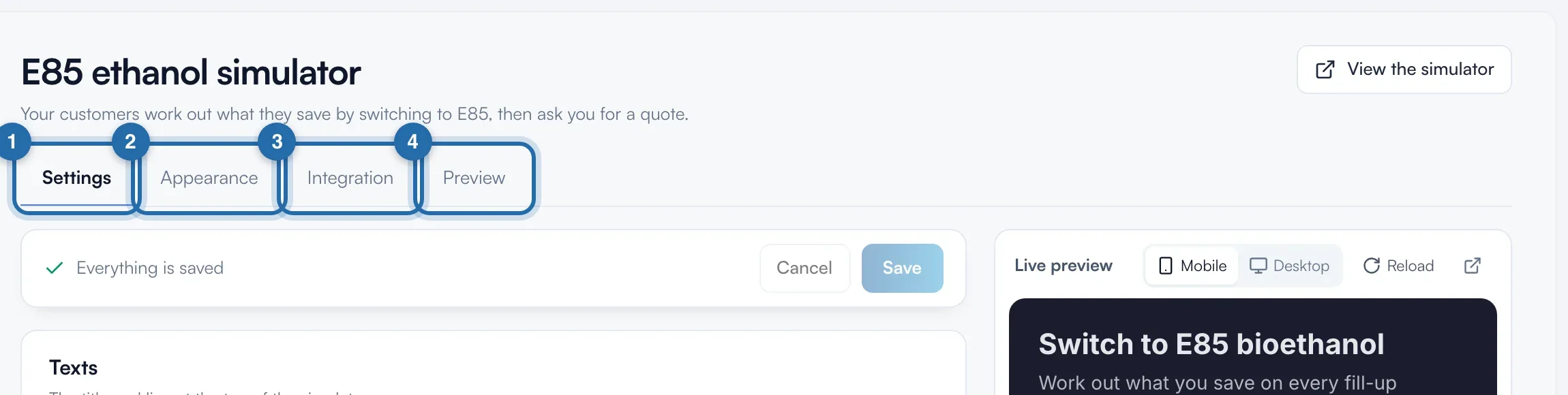 Put the E85 simulator on my websiteYou copy a code in the "Integration" tab and paste it into a page of your website.Step-by-step guide