
E85 ethanol simulator
Setting up the E85 simulator
You choose the prices, mileage and consumption offered to the customer, what the calculation shows and the buttons under the result.
Before you start
- A Visibility or Pro subscription. Without a subscription, the menu opens a "Discover" page instead of the settings.
Open the E85 simulator
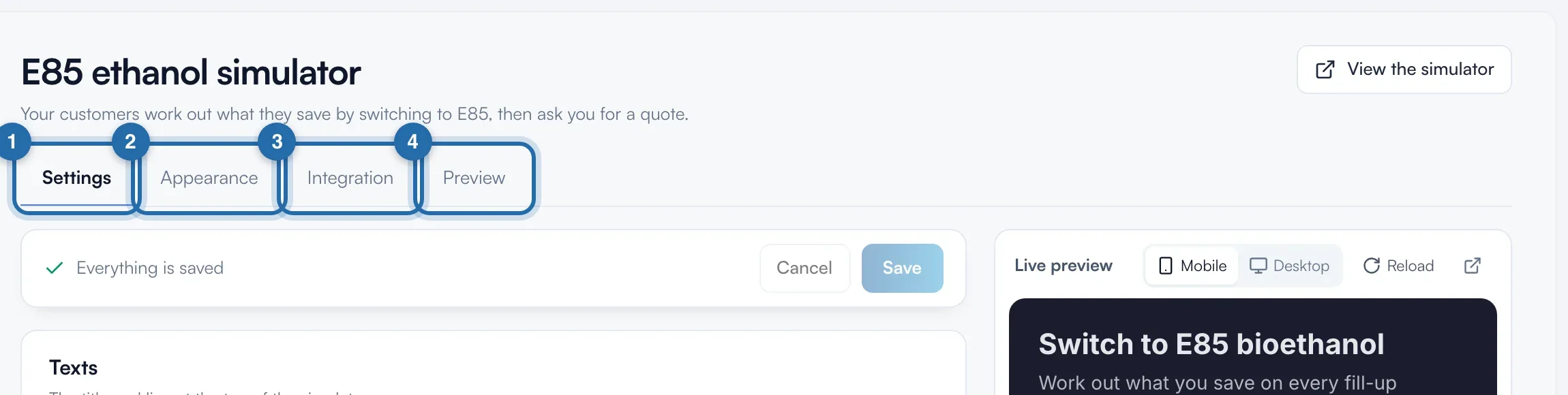
In the menu, click "Simulators", then "E85 simulator". The page has 4 tabs: "Settings", "Appearance", "Integration" and "Preview". On the right, the "Live preview" shows the real simulator.
Set your default values
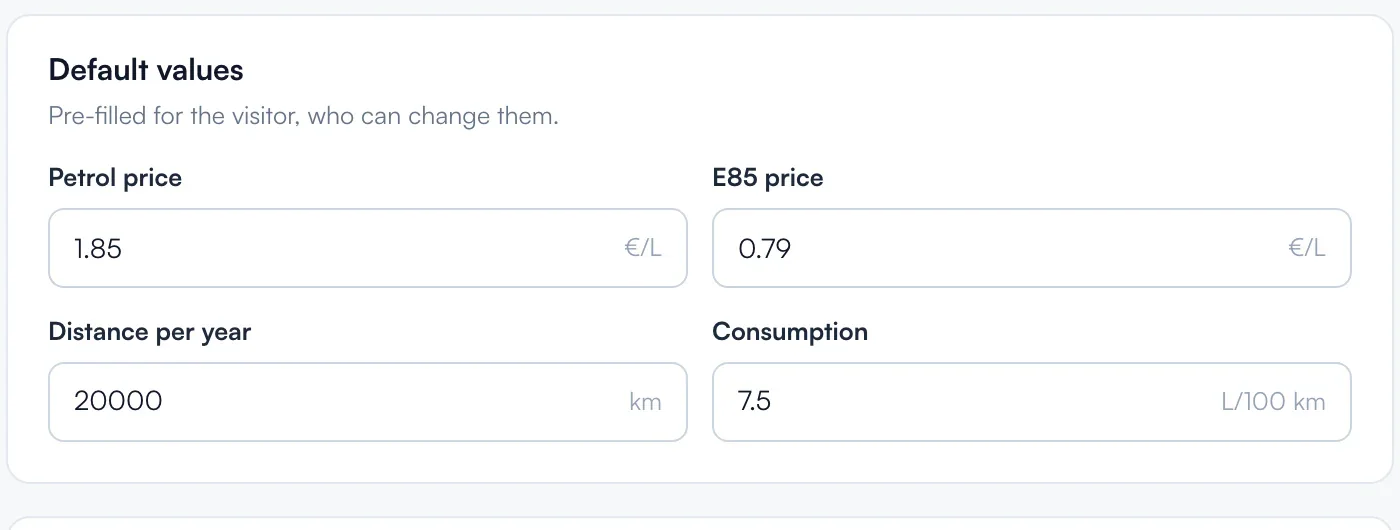
In "Default values", type the "Petrol price" and the "E85 price" in €/L, the "Distance per year" and the "Consumption". The customer can change them. Without settings: €1.80, €0.75, 15,000 km and 7 L/100 km.
Choose what the calculation shows
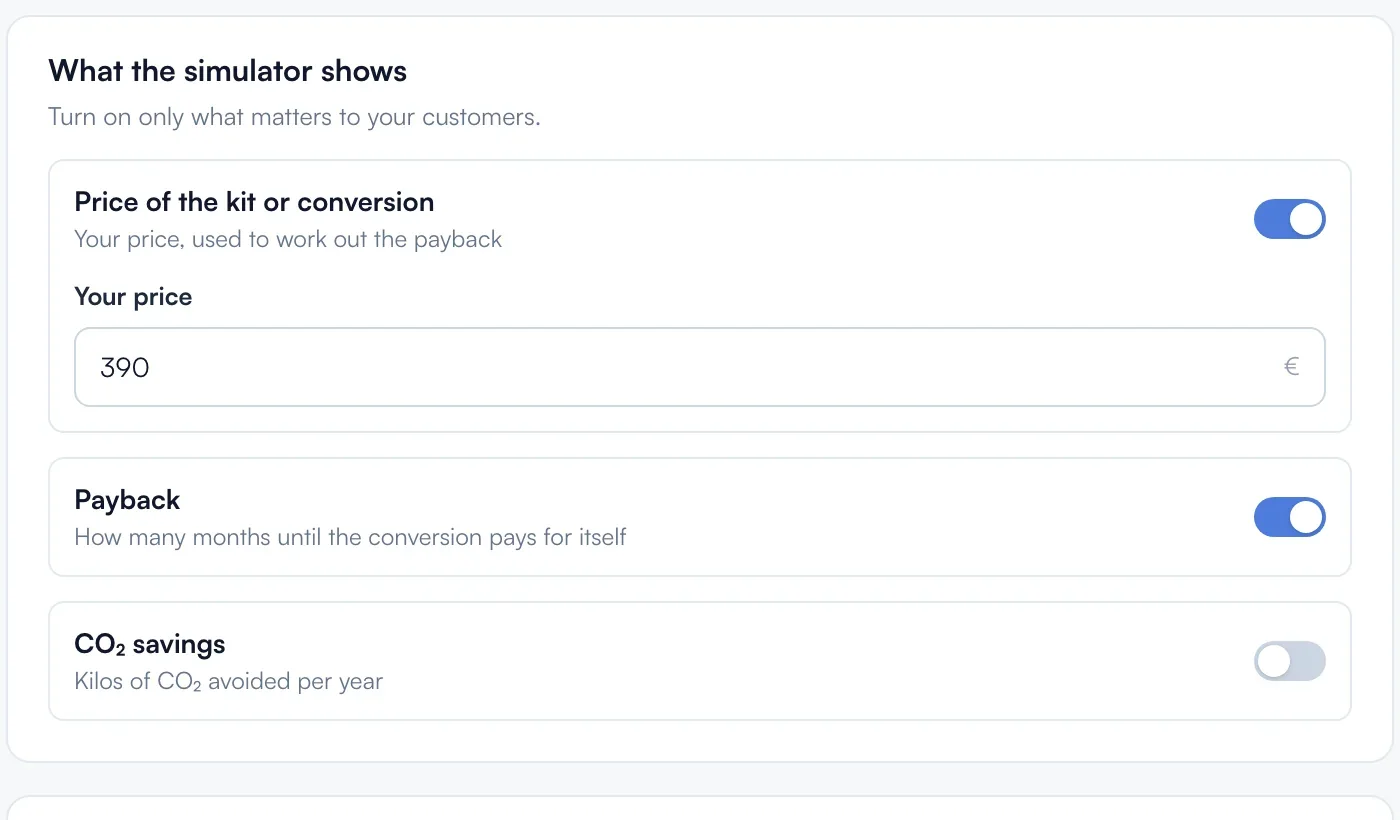
In "What the simulator shows": "Price of the kit or conversion" with "Your price" in euros (€400 without settings), used for payback; "Payback", the number of months before it pays for itself; "CO₂ savings", the tonnes avoided per year.
Set the buttons under the result
In "After a simulation", "Same buttons on the E85 simulator" reuses the power simulator's buttons. Off, you set "Quote request" and "Appointment booking": switch and "Button text" (40 characters). The first is the main button.
Ask for the registration or not
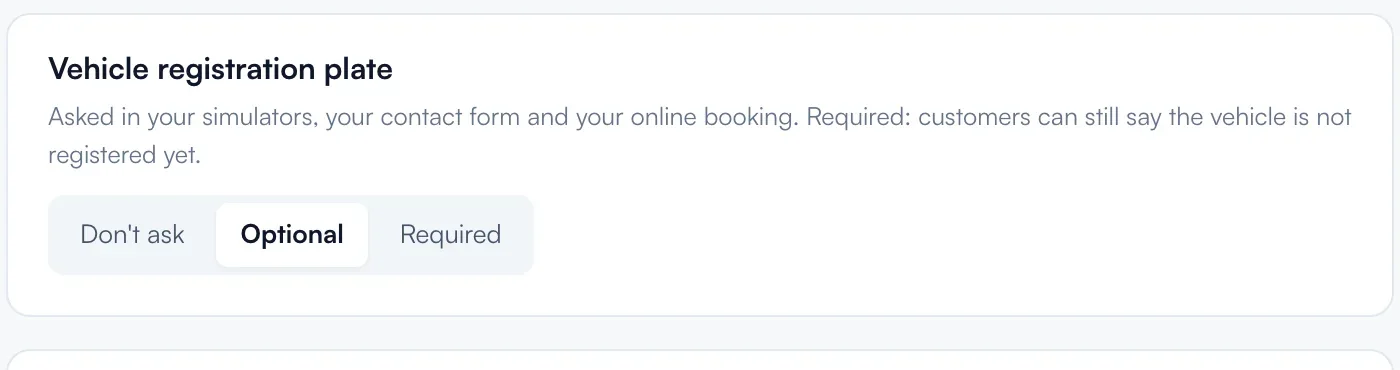
In "Vehicle registration plate": "Don't ask", "Optional" or "Required". This setting also applies to your other tools.
Save
As soon as something changes, the bar shows "Unsaved changes" and the preview shows the result. Click "Save", or "Cancel". The message "Settings saved successfully" confirms it.

Choose the colours
"Appearance" tab: "Same as the tuning simulator" follows its colours. "Custom" opens the themes, 6 colours and 2 rounding settings specific to E85. Then "Save".
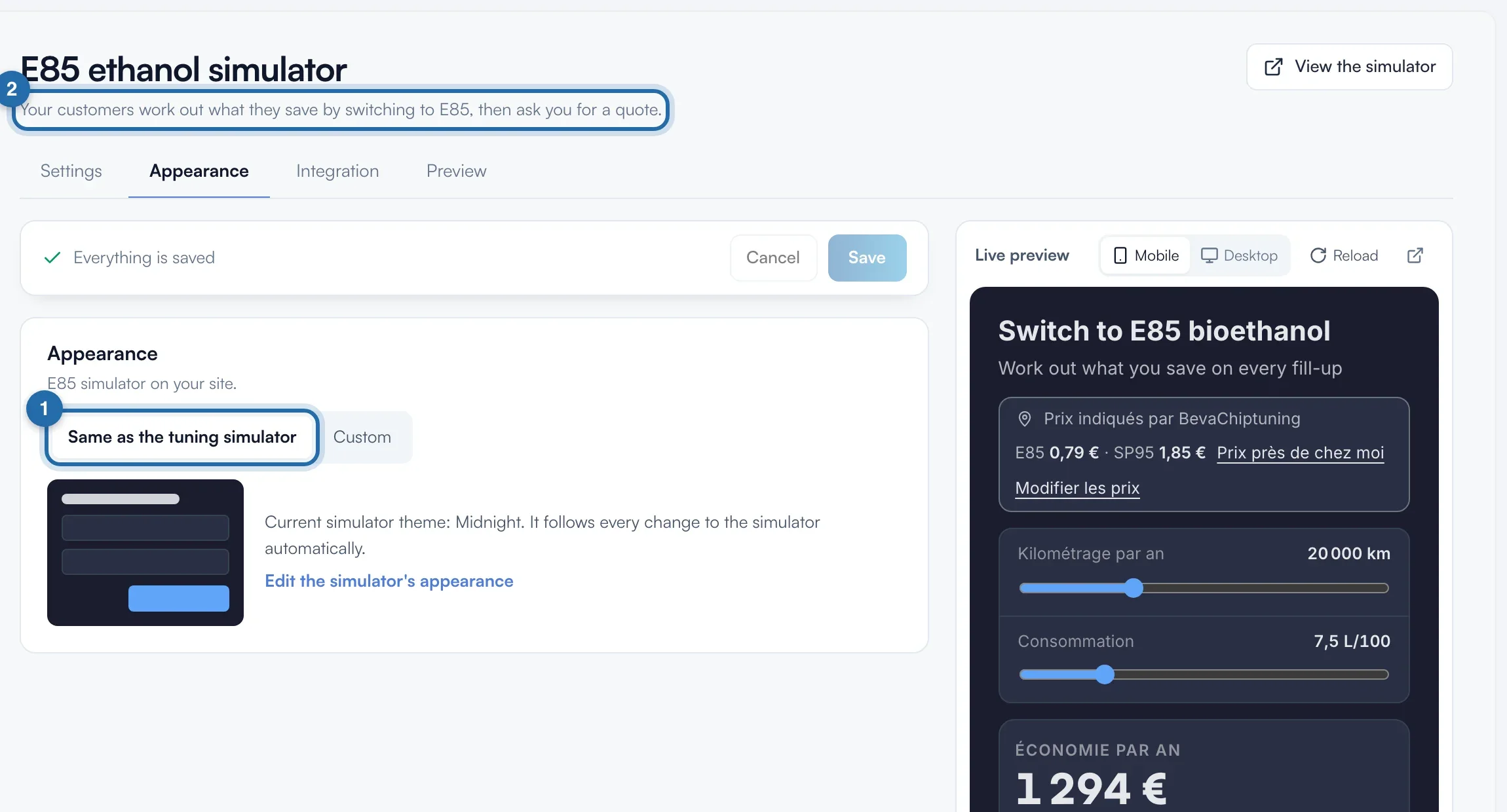
What your customer sees
The customer sees the calculation straight away with your prices, changes their mileage and consumption, then clicks one of your buttons to request a quote or book.
If it doesn't work
- The "Book an appointment" button does not appear.
- You need online booking turned on and an E85 service. The "E85 conversion" service (1 day) is added automatically in "Online booking": check that it is not hidden.
- The customer sees "On quote" instead of a price.
- Turn on "Price of the kit or conversion" and type "Your price". If you have E85 services in online booking, their price is the one shown: give them a price.