
Requests and appointments
Online booking: three new ways to present your services
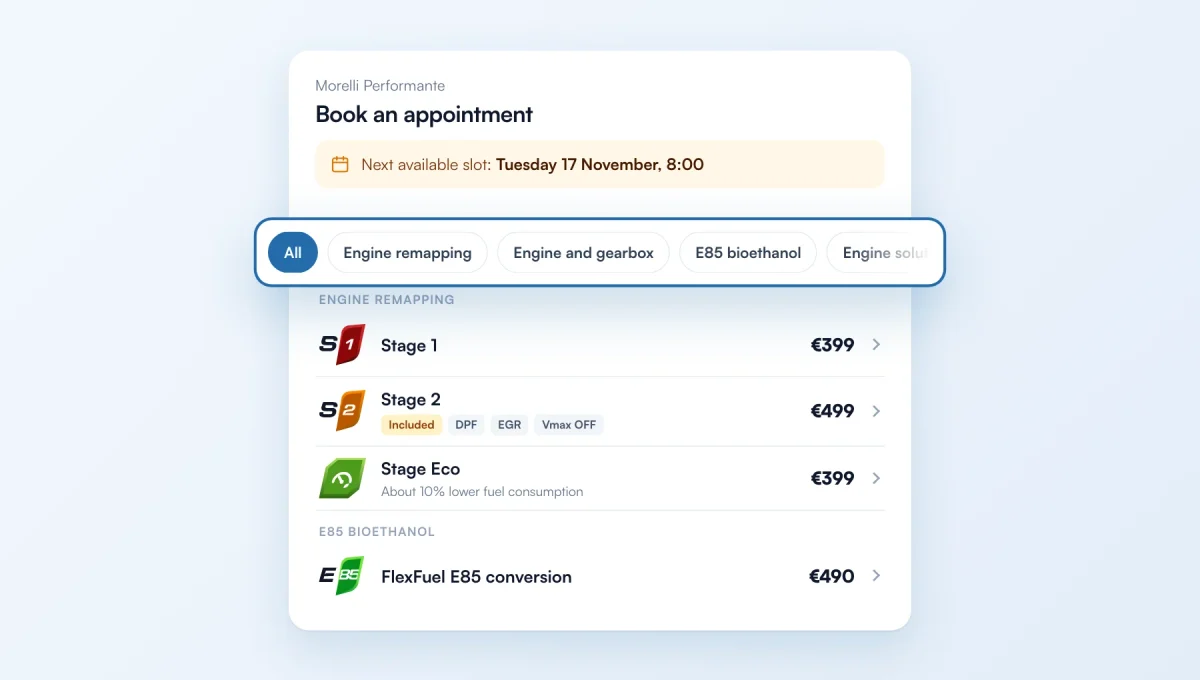
Your booking form gets a new look: each service shows its level badge (S1, S2, S3, E85) or its category icon, and the next available slot is shown once, at the top. If you offer many services, you can also organise them: by category with filters, with your key services shown large, or in two steps (category, then service).
How it works
Where: Online booking › Rules › "Service layout". "Simple list" keeps all your services one after another, with the new look.
Categories: Engine remapping, Engine and gearbox, E85 bioethanol, Engine solutions, Diagnostics and electronics, Equipment and comfort, Mapping and parts, Other. Each service is filed from its name; to change it, open the service and pick its "Category in the form" (the icon your customers see is shown next to it).
For "Featured + categories": tick "Featured" on up to 3 services. They appear as large cards at the top of the form.
Search is still there: it shows every matching service, without categories.
The feature behind it
What it does, in detail, with screens from the app.