
Simulators
"From" price or fixed price in the simulator
A toggle in the "Appearance" tab adds or removes "From" before your prices.
Before you start
- Prices entered in "Vehicles and prices": without prices, the simulator shows no amount.
Open the simulator home settings
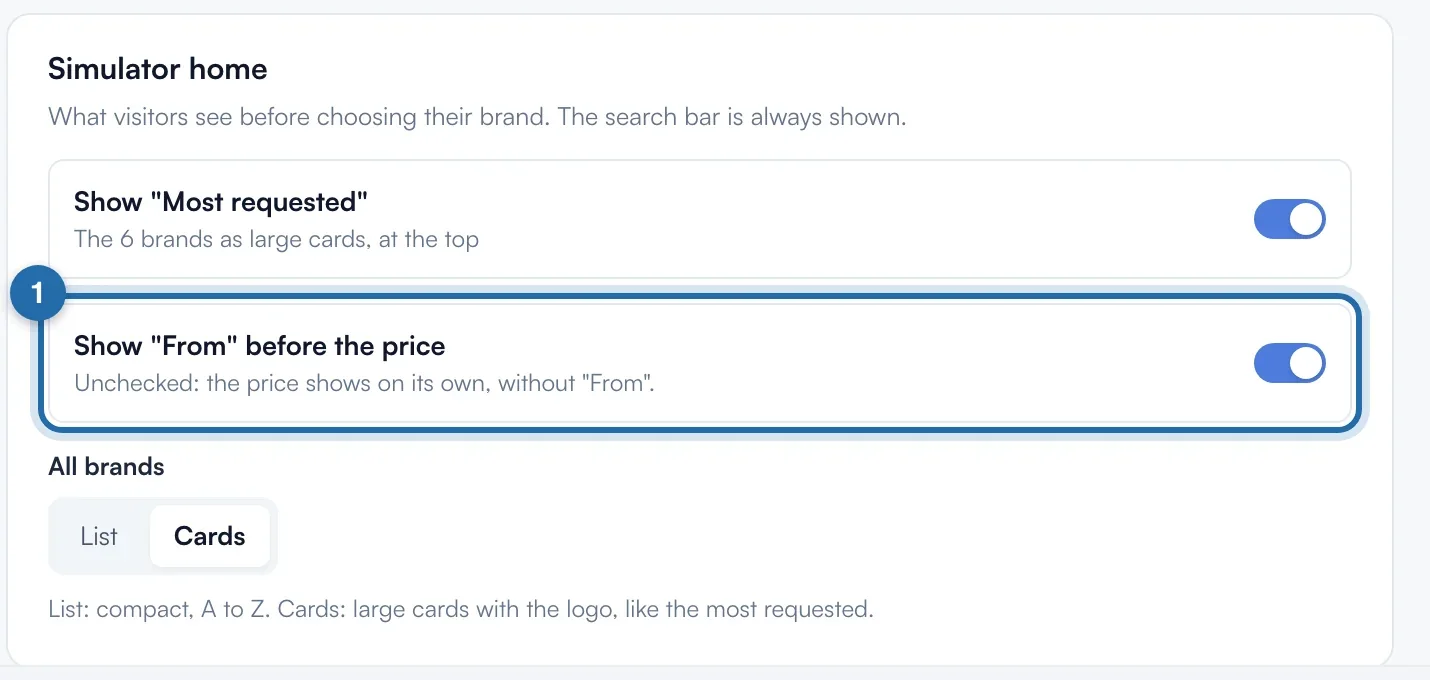
In "Simulators", "Power simulator", "Appearance" tab, scroll down to the "Simulator home" block. Find "Show "From" before the price".
Choose the display
On (the default), the customer reads "From" then the price, for example "From €450". Unticked, the price shows alone: "€450". The amount does not change, only the wording.
Save
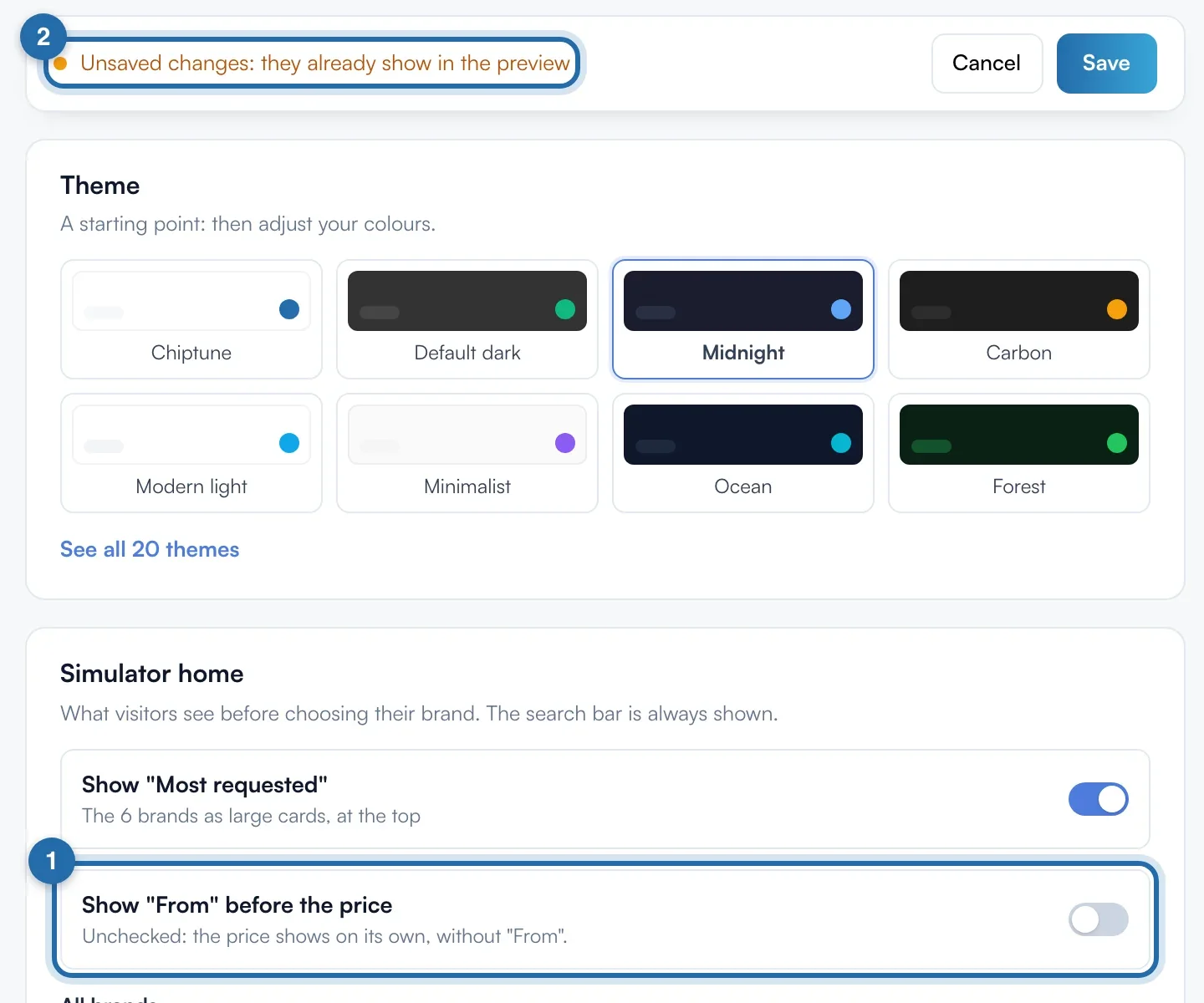
The top bar changes to "Unsaved changes". Click "Save". The message "Settings saved successfully" confirms it.
What your customer sees
The wording goes before the price of the chosen level, below the result and in the request summary. As soon as the customer ticks options, they see "Estimated total", without "From". A level without a price shows "Get an offer tailored to your vehicle."
If it doesn't work
- When should I keep "From"?
- When the final price depends on the vehicle or its condition: the customer knows it is a minimum. Untick it if your prices are fixed.
- I unticked it but my website still shows "From".
- Check that you clicked "Save", then reload your website's page.
- I want a free option.
- Set its price to €0: the simulator shows "Free".