
Customers, vehicles and files
My files and the ChiptuneFILE partner price
Find the remap files of all your vehicles, fill in ECU, HW and SW, and order a file on ChiptuneFILE at the partner price.
Before you start
- An active subscription: "Files" is in the left menu, under "My activity".
Upload a file
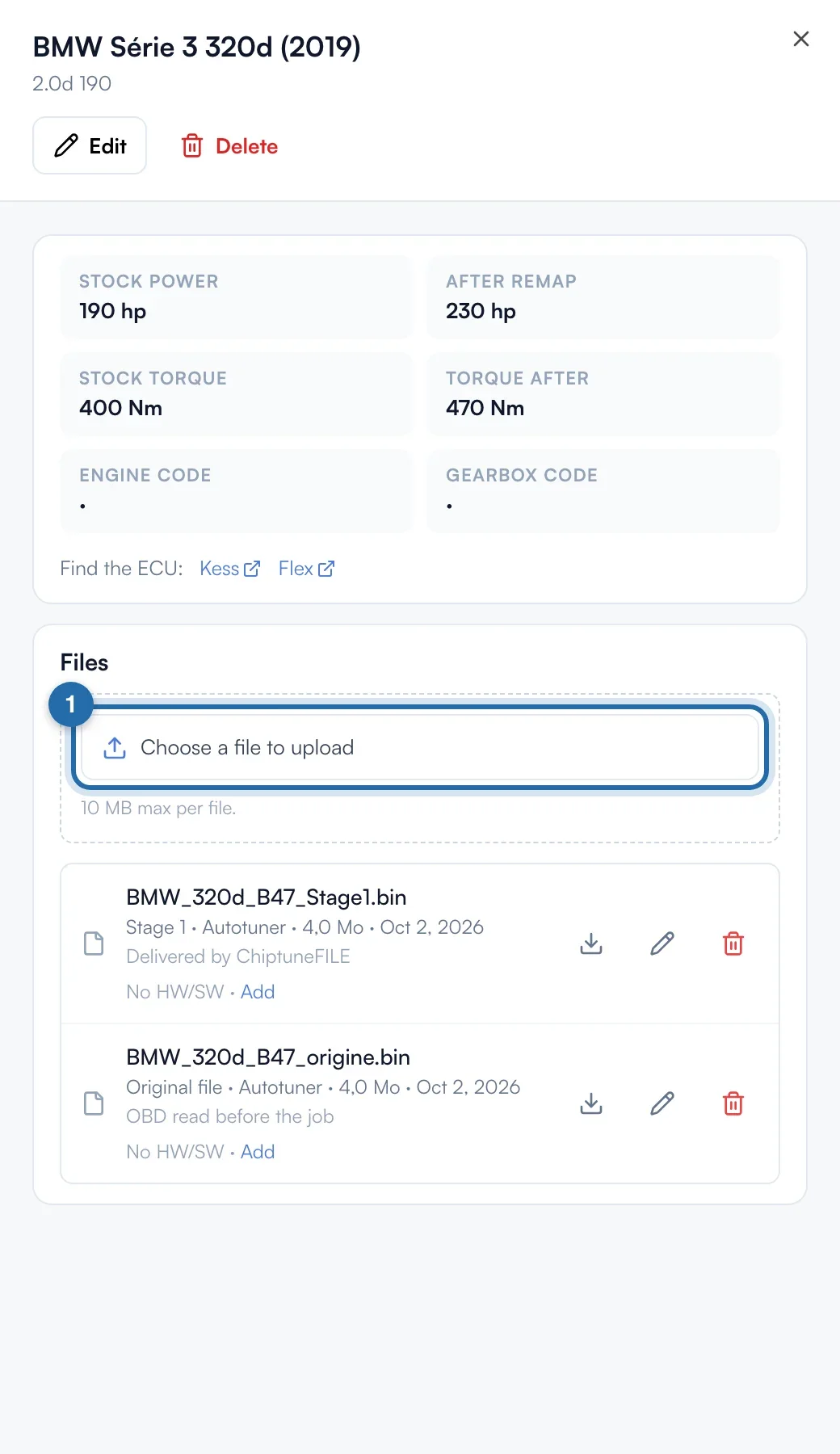
Files are added from a vehicle's record ("My customers" or "All vehicles"). In the "Files" block, click "Choose a file to upload", give the type (Original file, Stage 1 to 3, E85 conversion, Log…) and the tool used. 10 MB max per file.
Search and filter
In "My files", the search finds a file by its name, the vehicle, the customer, the HW or the SW, with or without spaces and dashes. The menus filter by type and tool, and sort by date, name, size or tool.
Fill in ECU, HW and SW
Under a file, "No HW/SW · Add" opens "Edit details". Fill in the ECU (e.g. Bosch EDC17C64), the "HW number" and the "SW number", read on the label or in the reading tool. They are optional. Click "Save".
Find similar files
When other files have the same HW, a "1 other file with this HW" link appears under the file. The "Similar files" window lists those with the same SW first, then the others. Only your own files are listed.
Activate the partner price
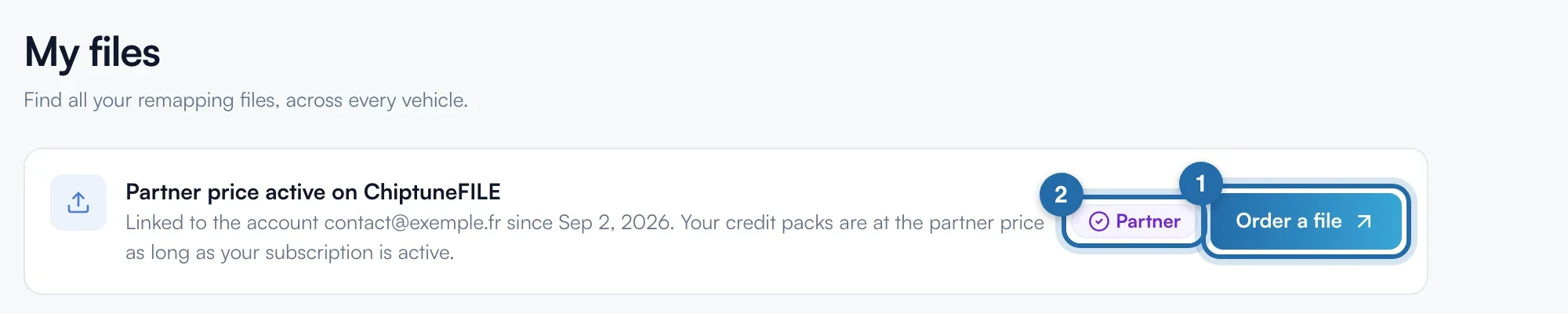
At the top of the page, click "Activate my partner price": ChiptuneFILE opens in a new tab and links your account, or helps you create it. The box becomes "Partner price active on ChiptuneFILE", with the linked account, the date and the "Partner" badge.
Get a file tuned
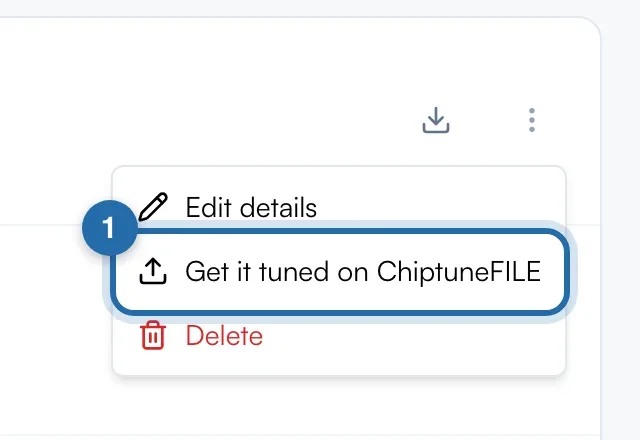
"Order a file" opens ChiptuneFILE to upload a read. From a file, the ⋮ menu also offers "Get it tuned on ChiptuneFILE". Your credit packs there are at the partner price as long as your subscription is active.
What your customer sees
The customer does not see your files.
If it doesn't work
- "The ChiptuneFILE partner price is for subscribers".
- You need an active ChiptunePRO subscription. The price stops with the subscription.
- "File too large: 10 MB max."
- A file is over 10 MB. Upload the read alone, without an archive.
- I can't find where to add a file in My files.
- That is on purpose: open the vehicle in "My customers" or "Vehicles".