
Customers and files
Sort, select and handle your lists in bulk
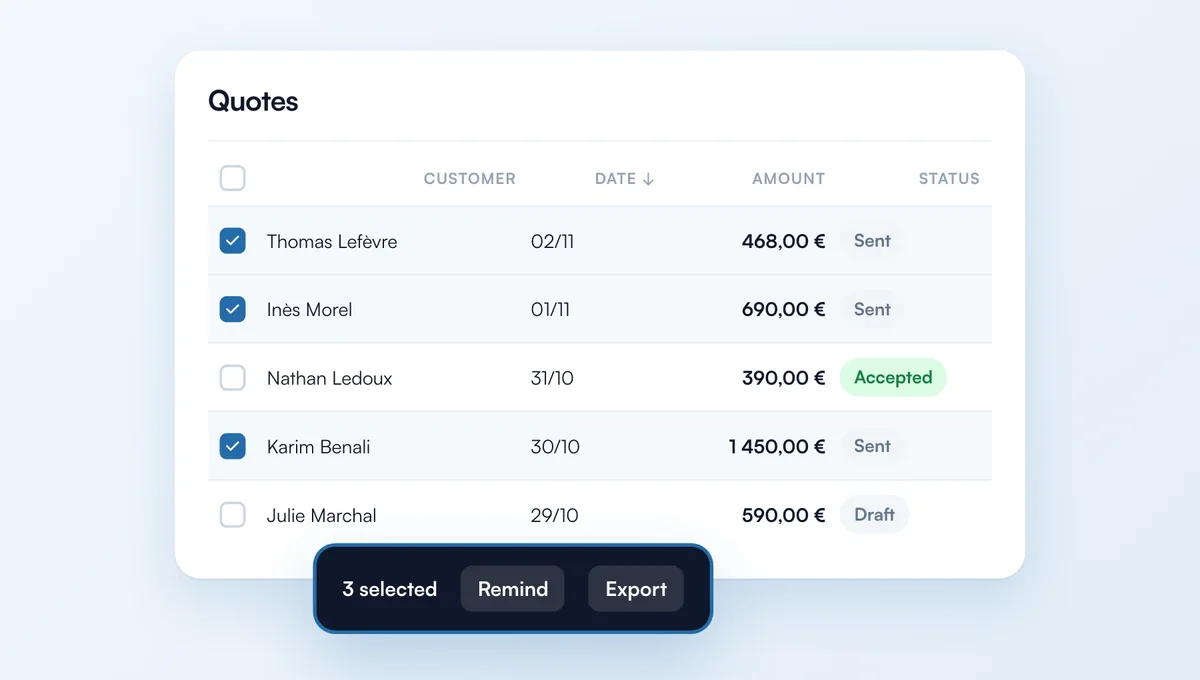
The My clients, Quotes and Invoices lists can now be sorted, browsed page by page, and let you act on several rows at once.
How it works
"Sort by" menu: name from A to Z, newest, amount, client, due date… Your choice, search, filters and page stay in the address: the back button brings you to the same place.
Tick rows (on hover, or with a tap on mobile; Shift+click for a range, Esc to clear): a bar appears to export the selection as CSV or delete it.
Invoices: "Mark as paid" in one go for sent or overdue invoices. Only drafts can be deleted; an issued invoice is always cancelled with a credit note.
Quotes and invoices: new period filter (this month, last month, quarter, year or custom dates).
The feature behind it
What it does, in detail, with screens from the app.