
All updates
General
Project visual: made for your phone
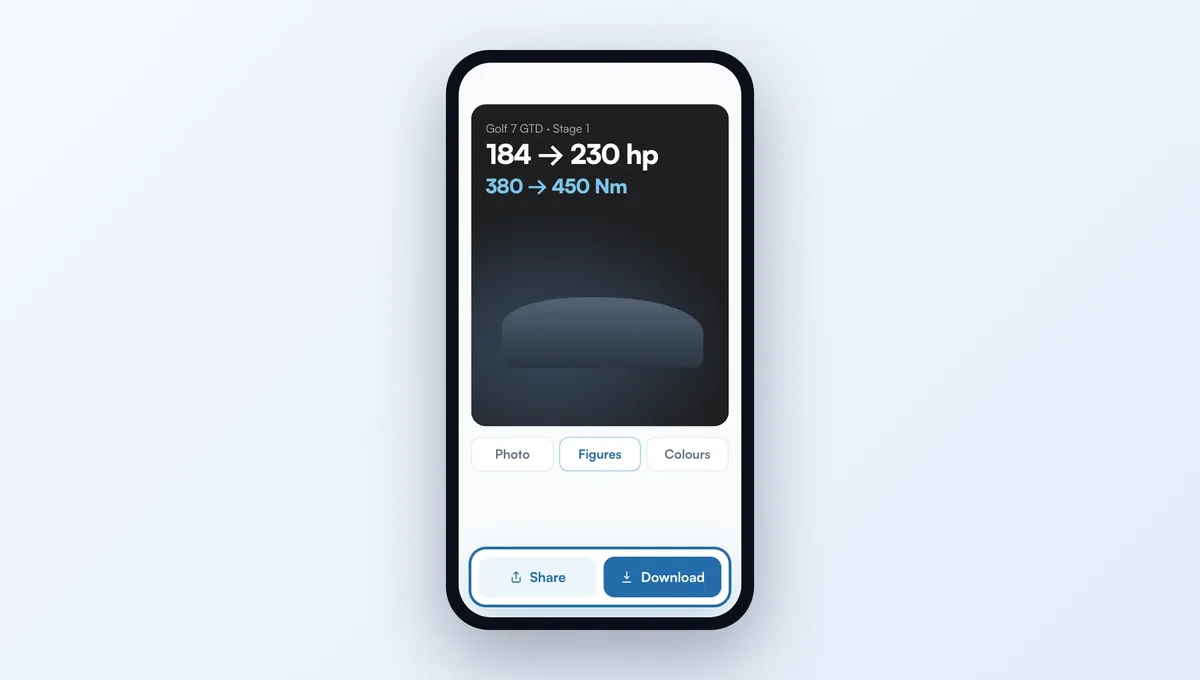
The Project visual tool now works as well on a phone as on a computer, with the photos you take on your phone.
How it works
Photo from the gallery or the camera, even large or taken with the phone turned: it shows the right way up. A clear message if the file can't be read.
The preview stays at the top of the screen while you adjust the settings, grouped in tabs: Photo, Template, Figures, Colours, Logo. Templates scroll as thumbnails with your photo.
At the bottom, "Share" sends the image straight to Instagram or saves it to your photos, next to "Download" and "Save".
The feature behind it
What it does, in detail, with screens from the app.