
All updates
Requests and appointments
Online booking: reorder your services by dragging them
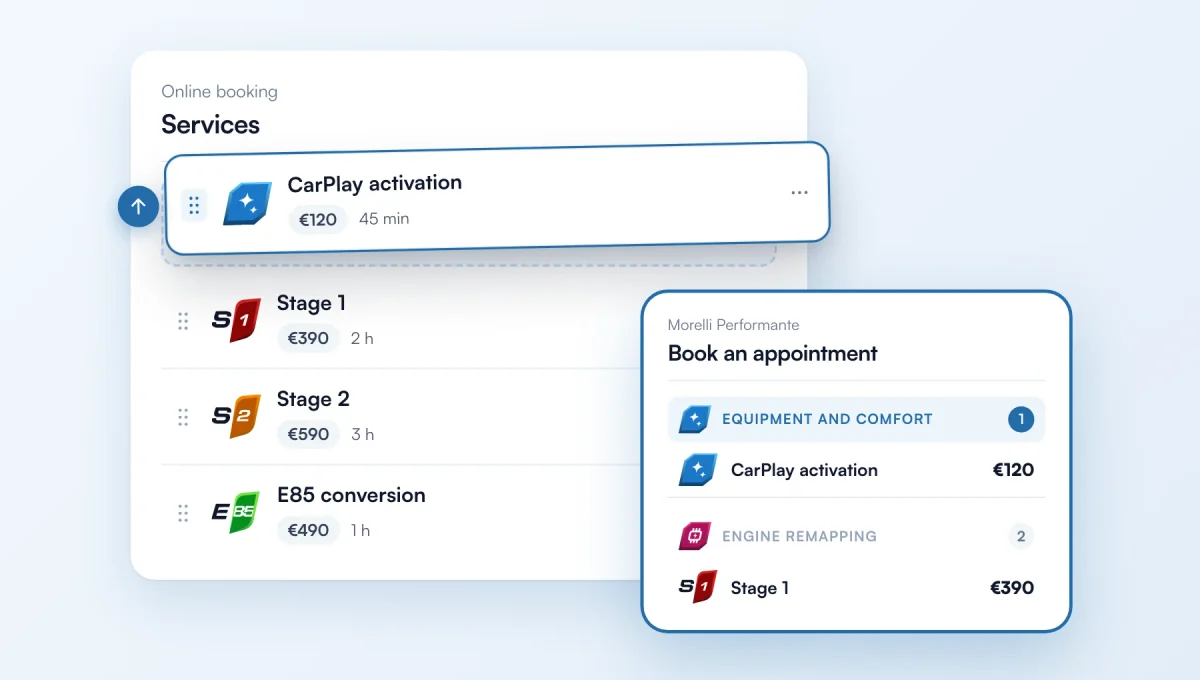
In Online booking, grab a service by its handle and drag it where you want: your booking form follows this order. So do the categories: the one of your first service is shown first.
How it works
Where: Online booking › Services, the handle on the left of each row. With the keyboard: Space to pick it up, then the arrow keys.
The "…" menu of a service also offers "Move to top", "Move up" and "Move down".
Example: mostly CarPlay and coding work? Put those services first, and the Equipment and Diagnostics categories come before remapping.
The feature behind it
What it does, in detail, with screens from the app.