
All updates
General
Chiptune BIN: the map editor included in your subscription
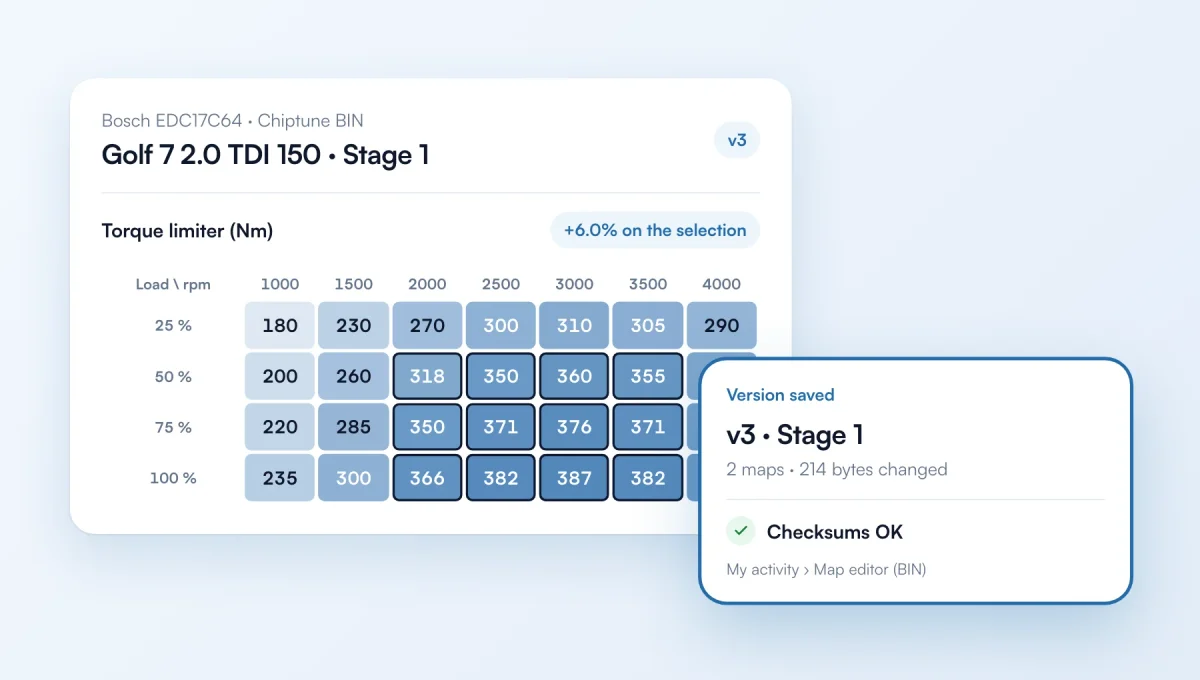
Chiptune BIN, the online engine map editor, is included in your ChiptunePRO subscription. It now opens from the app menu, and you sign in with your ChiptunePRO account: no new account to create.
How it works
Where: “My activity” menu › “Map editor (BIN)”. Chiptune BIN opens in a new tab.
Sign-in: click “Continue with ChiptunePRO” on chiptunebin.com, with the same login as the app.
On first sign-in, you allow Chiptune BIN to read your customers, their vehicles and your vehicle database (read-only). You can remove this access at any time in “Settings” › “Integrations”, under “Connected apps”.
The feature behind it
What it does, in detail, with screens from the app.