
All updates
Simulators
A note for your customers on each service
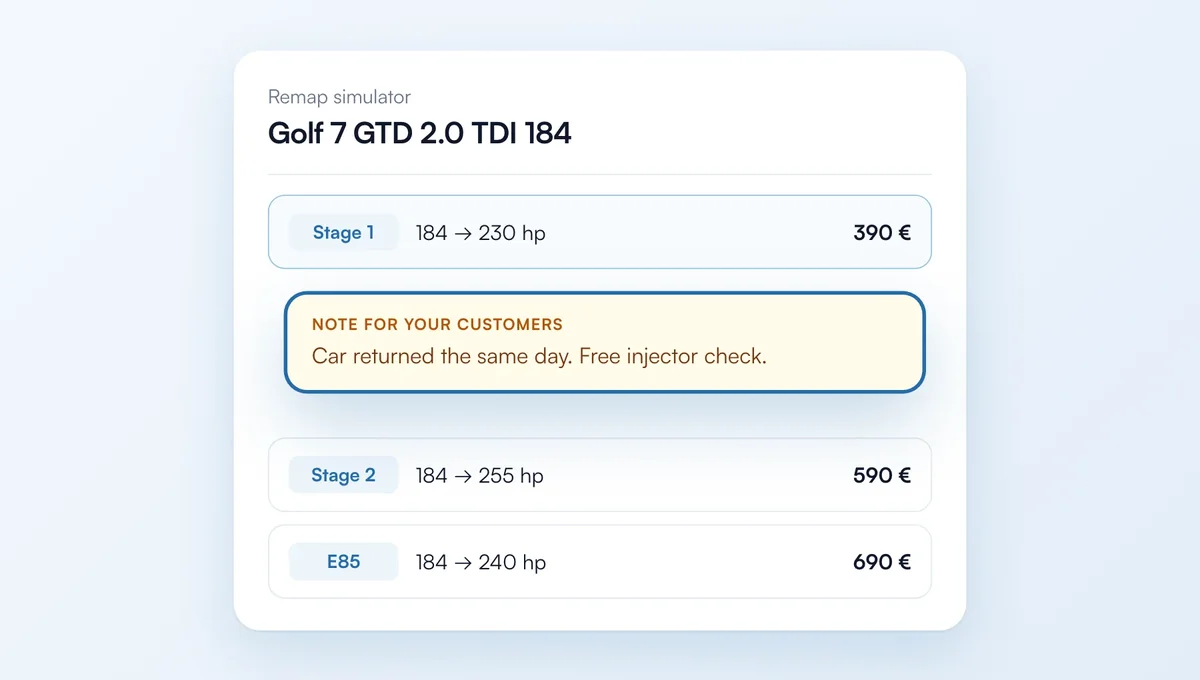
In Vehicles and prices, each level of an engine (Stage 1, Stage 2, E85…) can now carry a short note for your customers.
How it works
The "Add a note for your customers" link sits below power, torque and price. Up to 200 characters, with one-click suggestions (diagnostic included, by appointment…).
The note applies to this engine or to all your vehicles at the same level: write it once for all your Stage 1, then replace it on a given engine if needed.
In your simulator, it shows below the figures, in an "A word from the garage" box with your name.
The feature behind it
What it does, in detail, with screens from the app.