
All updates
Quotes and invoices
Quotes: a new send screen with an email preview
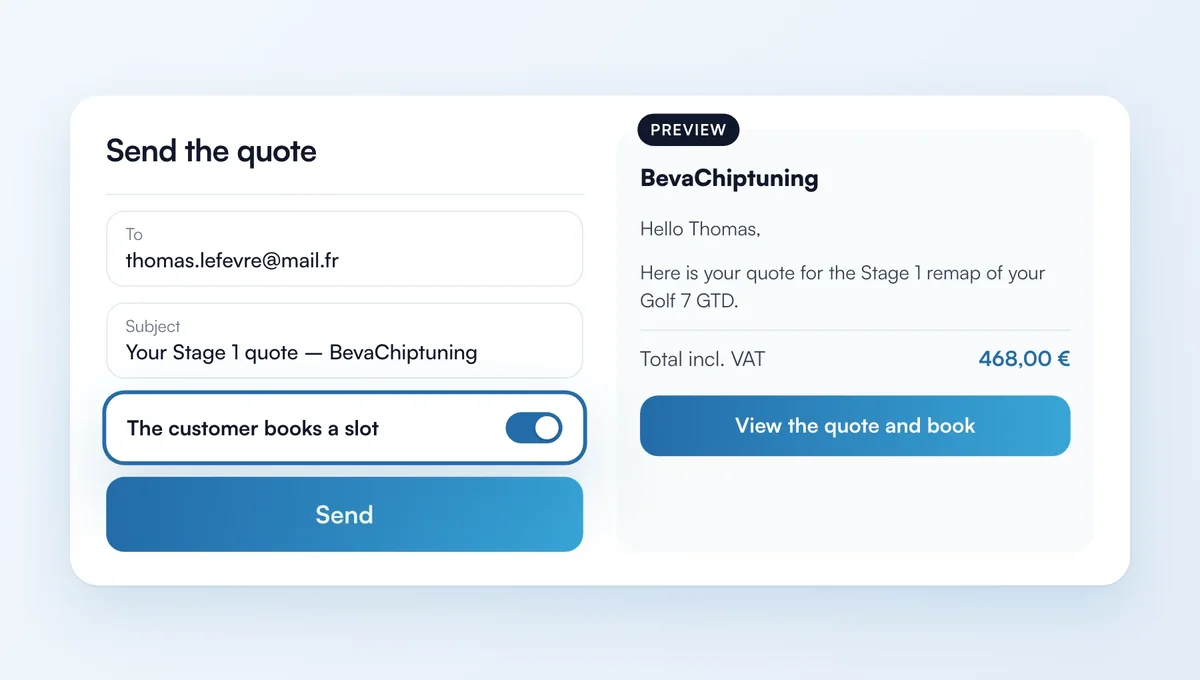
"Send the quote" opens a full screen: set up the email on the left and see on the right what your customer will receive.
How it works
Recipients, a copy for you, subject and message you can edit.
"The customer books a slot": the quote goes out with a booking button and turns accepted when the customer books.
Creating a quote: the preview updates as you add lines.
"Quotes and invoices" now opens your quotes.
The feature behind it
What it does, in detail, with screens from the app.