
All updates
Requests and appointments
Appointments: the service and the customer's phone number in your calendar
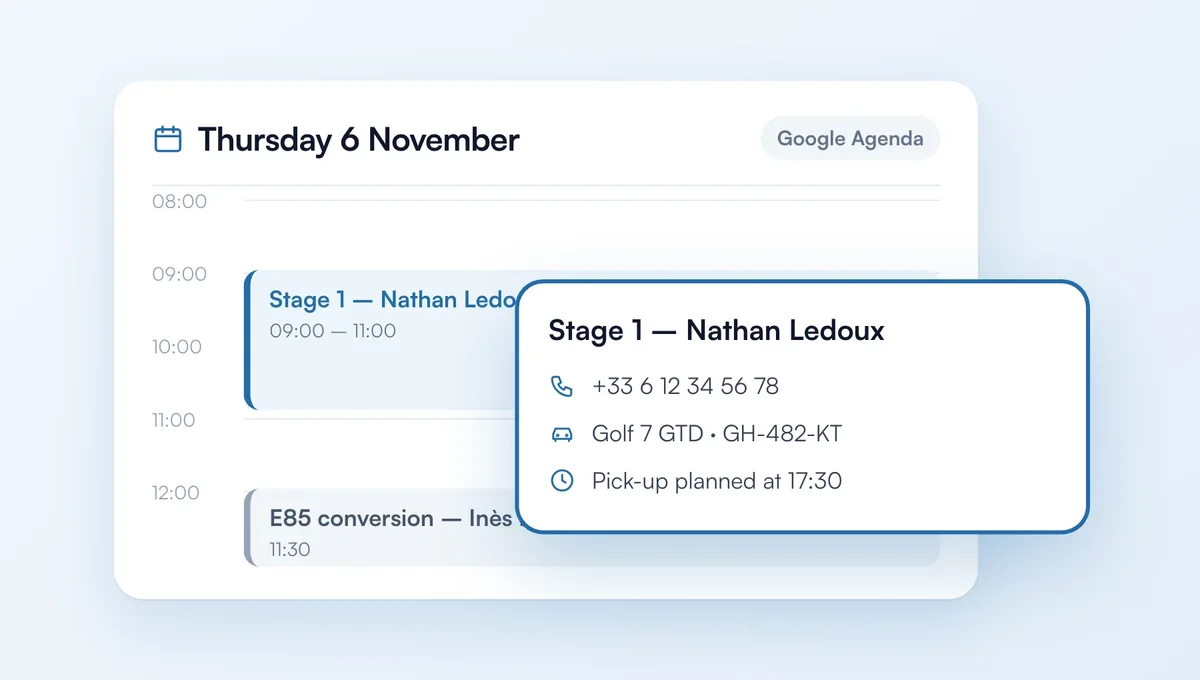
Every appointment booked on your website reaches your calendar, and Google Calendar if connected, with the service in the title: you see at a glance what needs doing.
How it works
The title now reads “Service – Customer name”, for example “Stage 1 – Nathan Ledoux”, instead of “Appt: Nathan Ledoux”.
The description gives the customer's phone and email, their vehicle, registration, pick-up time if the vehicle stays at the workshop, their answers to your questions and their message.
Applies to appointments confirmed automatically, accepted from Requests or paid with a deposit.
The feature behind it
What it does, in detail, with screens from the app.