
All updates
Simulators
Shareable promo code, and the promo code field always in the simulator
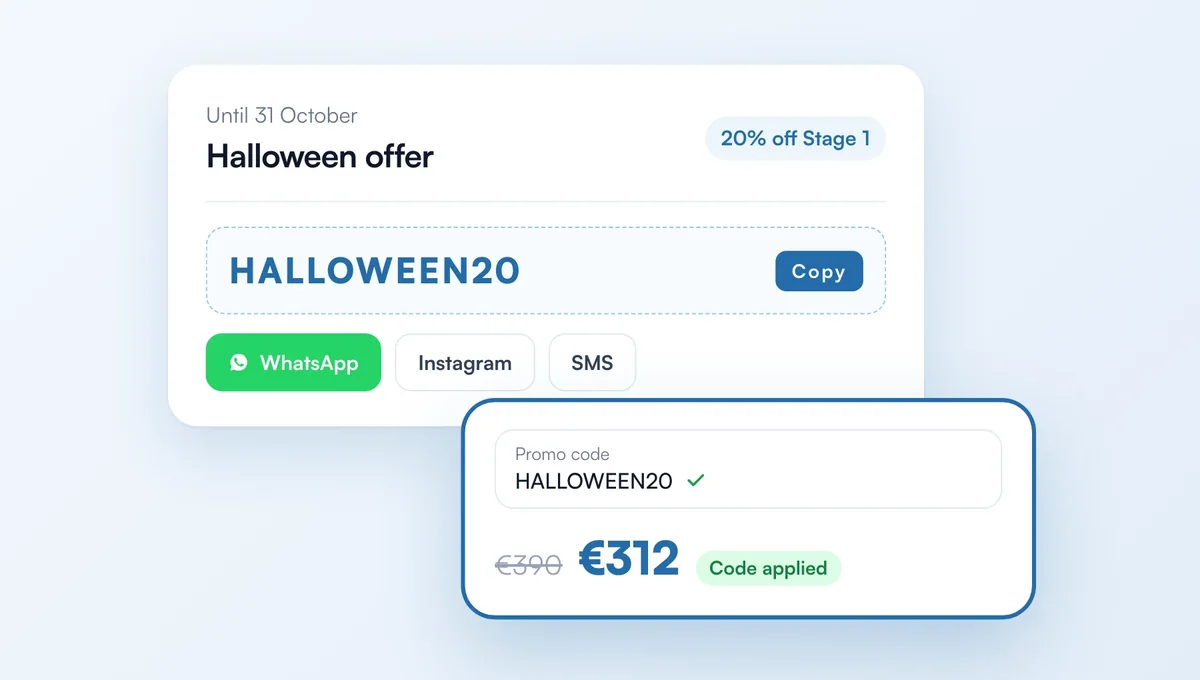
In Offers, you can pick your own code (e.g. HALLOWEEN20) and share it anywhere: social media, your shop window, text messages.
How it works
New "Code to share" field in a promo code offer: every customer can enter it while the offer runs. Personal codes sent by email still work.
In the simulator, the "Do you have a promo code?" link is now always under the price; the customer opens it, types the code and sees the discount applied.
The field fits every width, from phone to desktop (it used to overflow the price column).
The feature behind it
What it does, in detail, with screens from the app.